



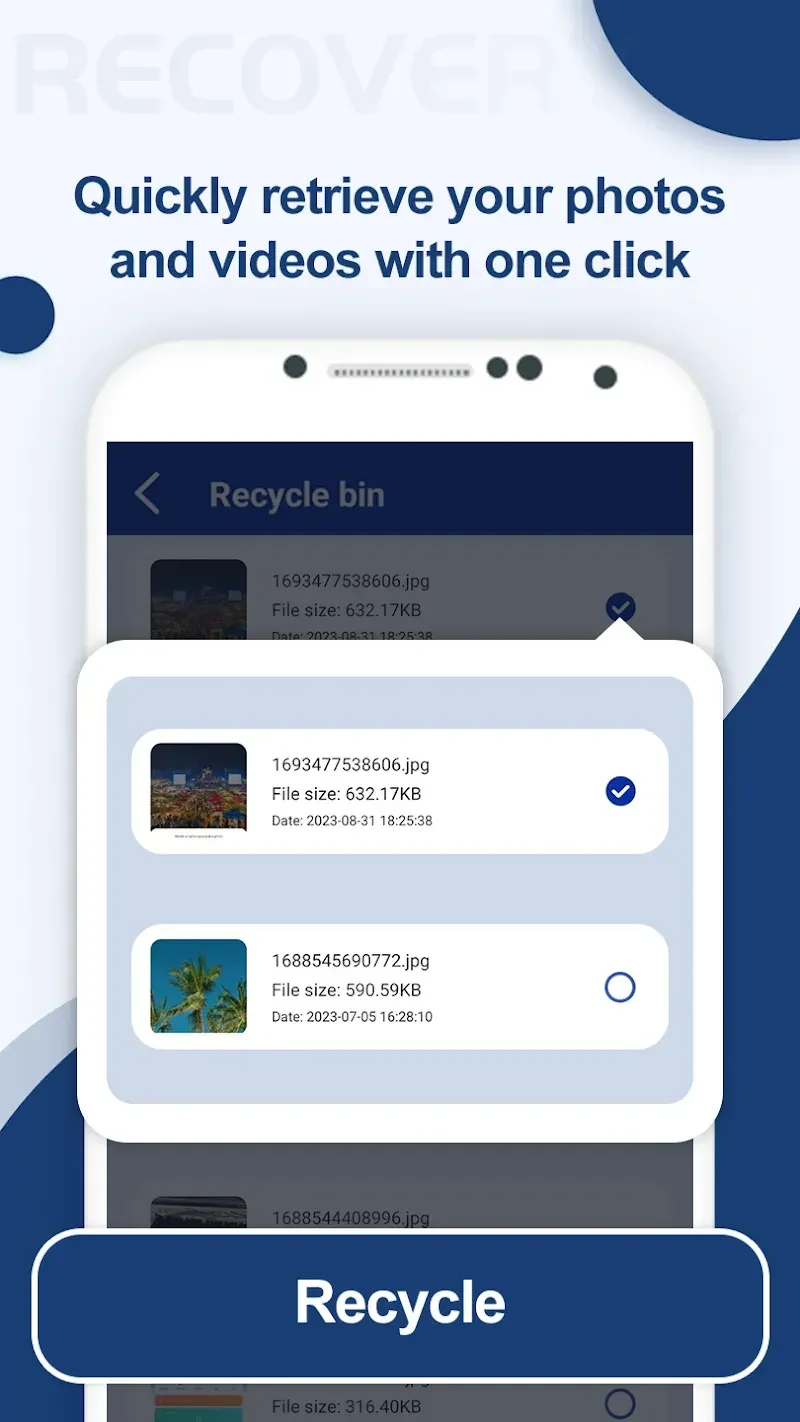
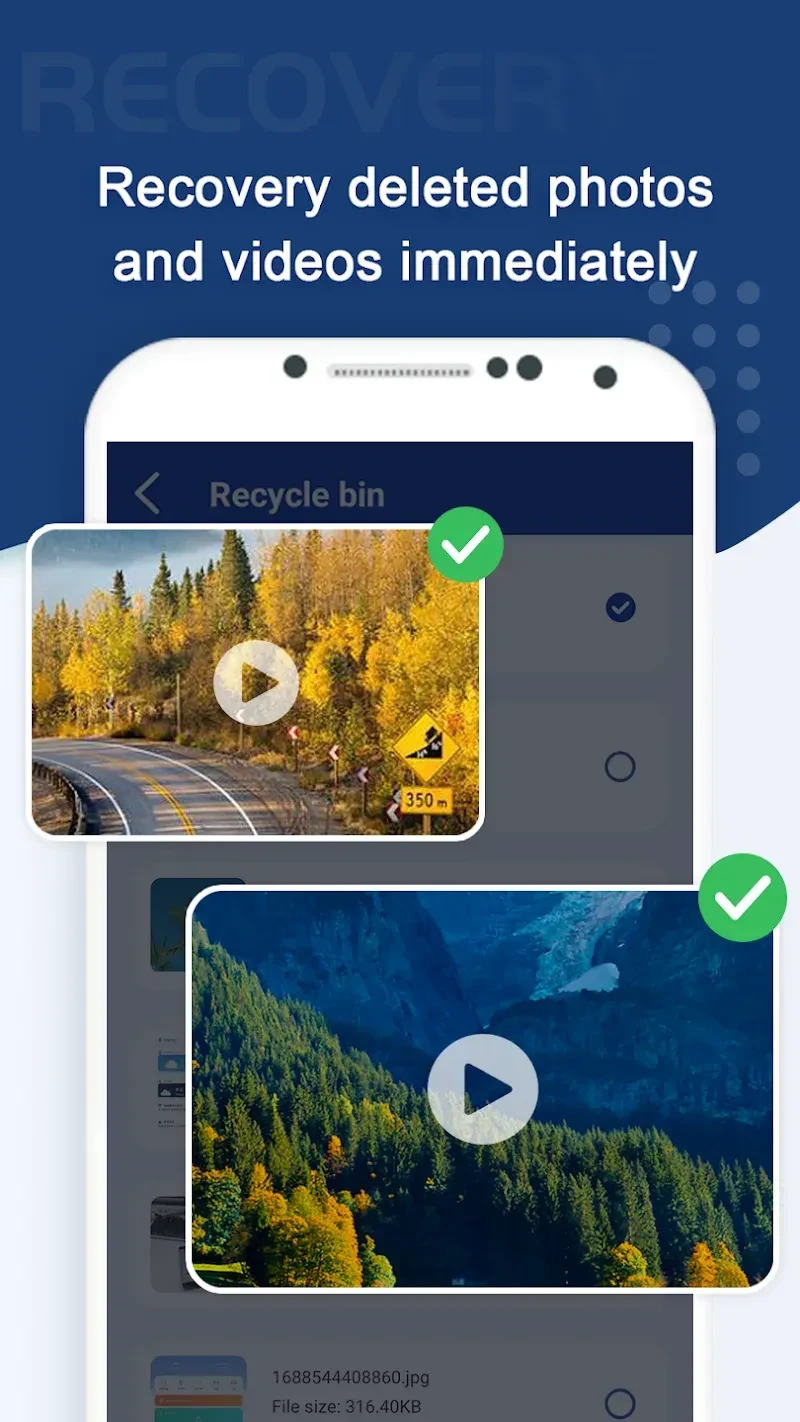
Photos Recovery is an Android tool for finding deleted or hidden images and saving selected photos back to the device. Its documented workflow centers on scanning, reviewing images in folders, and choosing which files to recover.
Choose a scan method and review the results
The app offers two scan methods for locating images. If one method does not find a particular file, users can try the other and compare the results. The recovery tools do not require root access.
On first launch, the app presents a tutorial. Before scanning, users must grant permissions for photos, files, and other requested access. Selecting Start Scan begins the search for deleted photos. When the scan finishes, users choose a folder and browse its images to identify files they want to save.
Save and organize recovered photos
A download icon saves a selected image. Recovered images are placed in internal storage, and the File Manager option on the home screen provides access to their folder. The app also includes a file explorer, categorized results, and filtered file searching to support browsing. Its listed recovery features include preserving original file quality.
After recovery, files can be uploaded or transferred to another location. The source does not specify transfer destinations or services.
Recovery limits and related tools
The stated limitation is that permanently deleted files cannot be recovered, so scanning should not be treated as a guarantee that every missing image will return. Alongside its photo-focused workflow, the app provides in-app recommendations for supported tools to recover videos, audio, and documents; these recommendations are distinct from the image recovery process described here.