

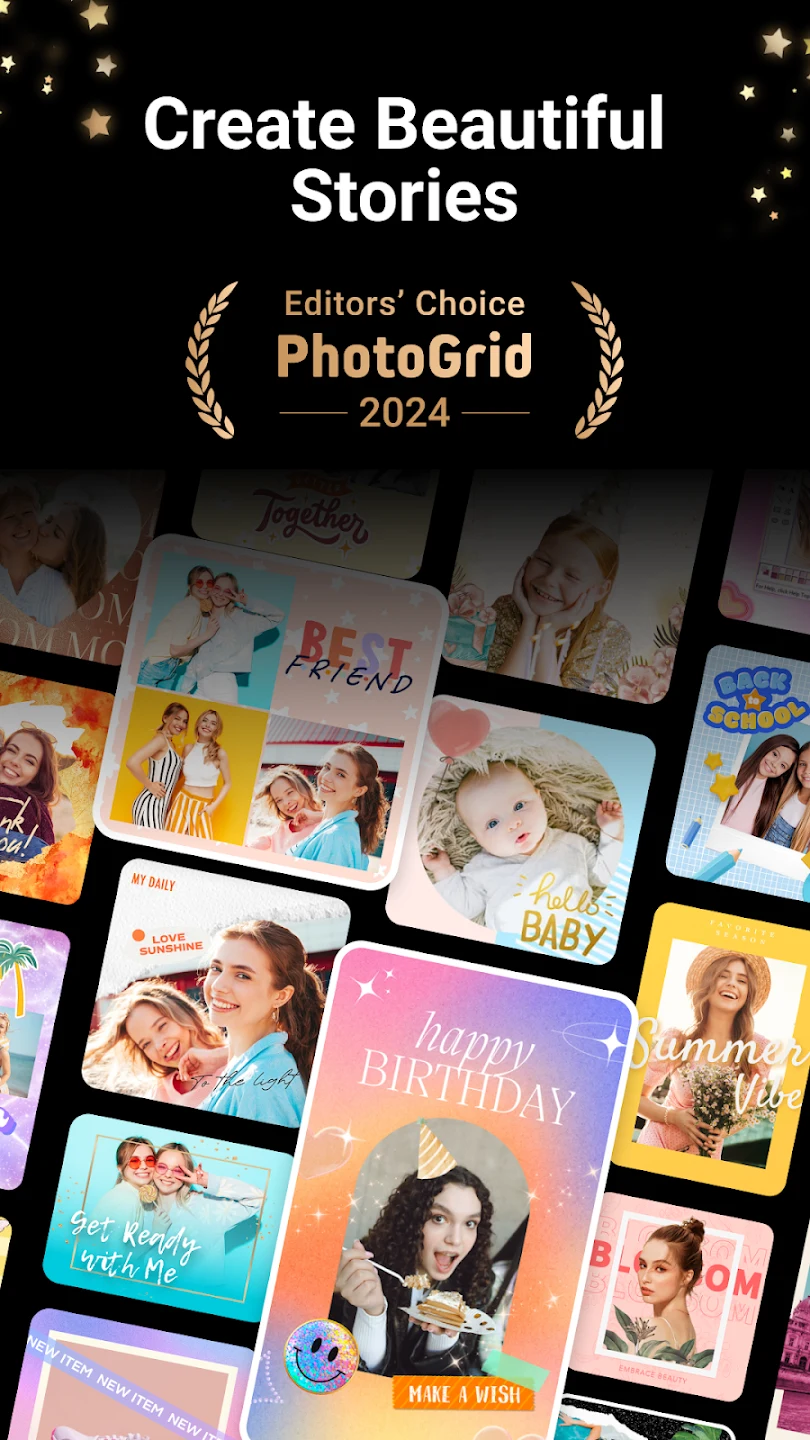
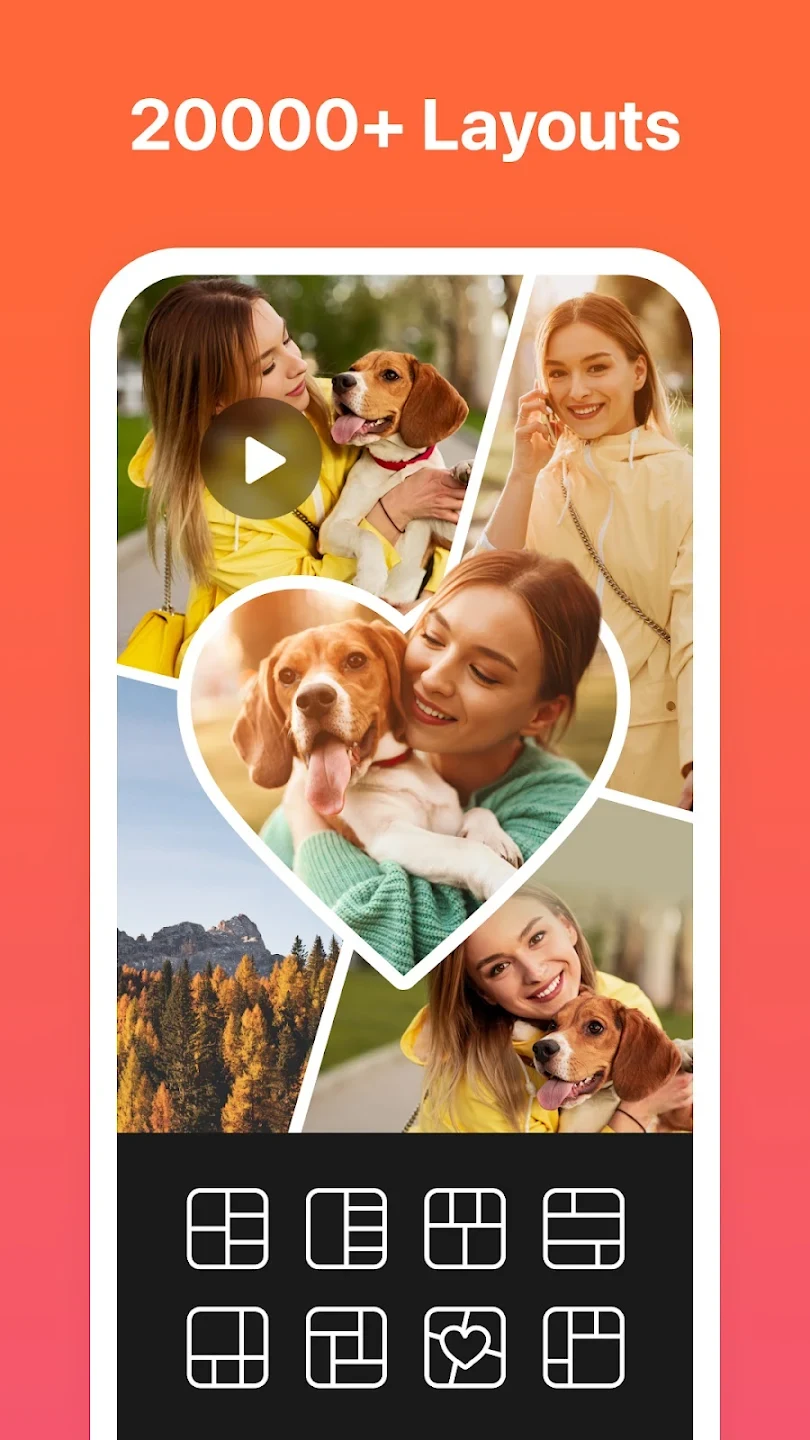
PhotoGrid is an Android photography app for creating photo collages, editing individual images, and combining photos or videos into shareable visual content. Users can upload images, arrange them in different layouts, crop or resize them, and apply editing materials such as filters, stickers, text, and watermarks. The app also supports video grids, face effects, music, and several settings for controlling saved files.
Collages and combined media
The app provides more than 500 collage templates for arranging images in predefined layouts. A collage can be adjusted by changing its size, shape, and color, then personalized with text or stickers. These controls are intended for projects ranging from simple multi-photo arrangements to more designed social media images. Users can also combine multiple photos and videos in grids, select different layouts, crop clips, and add blurred backgrounds.
PhotoGrid includes controls for showing an entire image or changing the visible area through manual zooming. Its editing tools can be used to crop and rotate pictures before they are placed into a collage or edited as standalone images. Resizing is also supported, allowing the dimensions of an image to be changed as part of the editing process.
Photo and visual editing
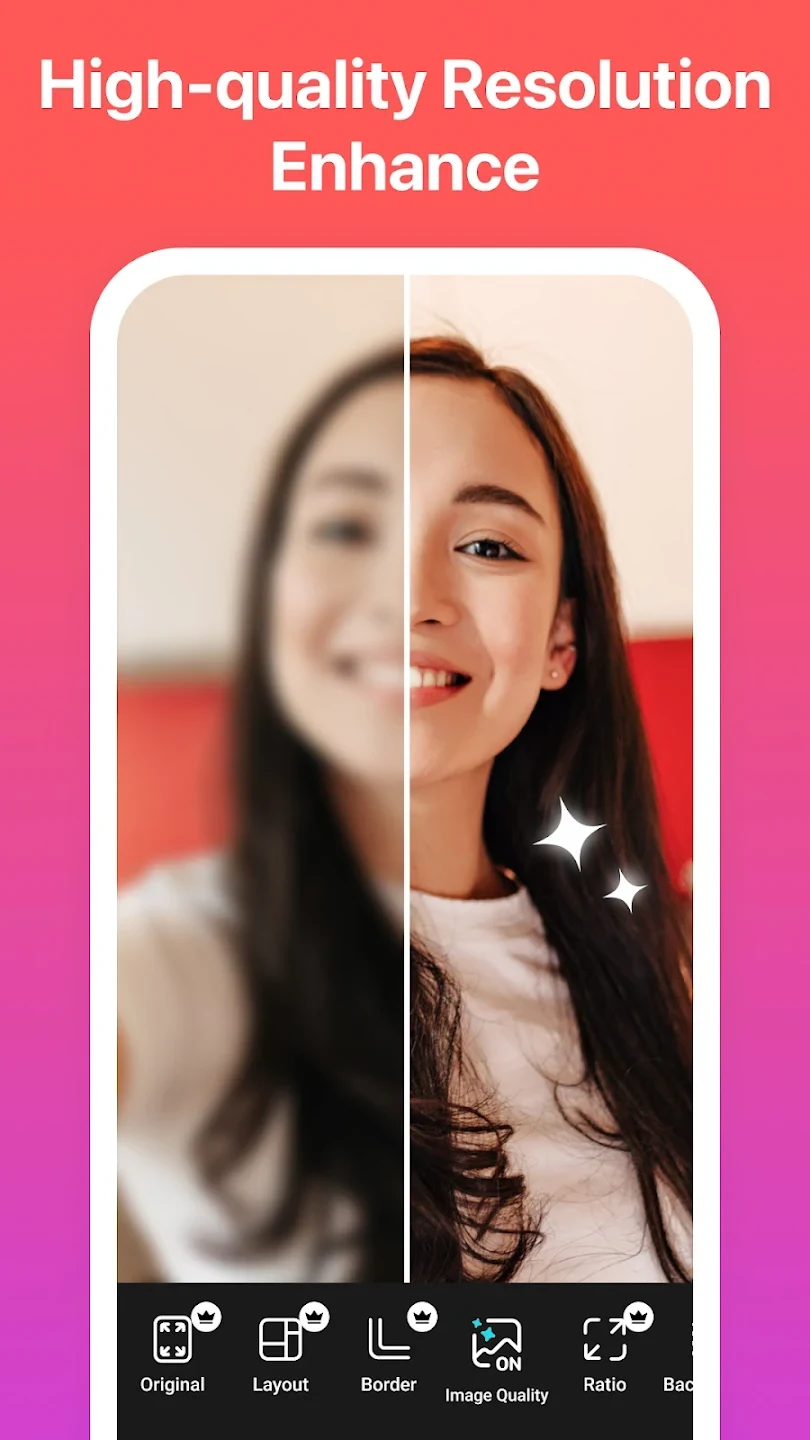
For individual photos, PhotoGrid offers adjustments for brightness, contrast, and saturation, along with filters and other effects. The source also describes saturated filter effects and tools intended to improve the appearance of ordinary images. These adjustments can be combined with cropping, rotation, stickers, and text rather than requiring a separate application for each task.
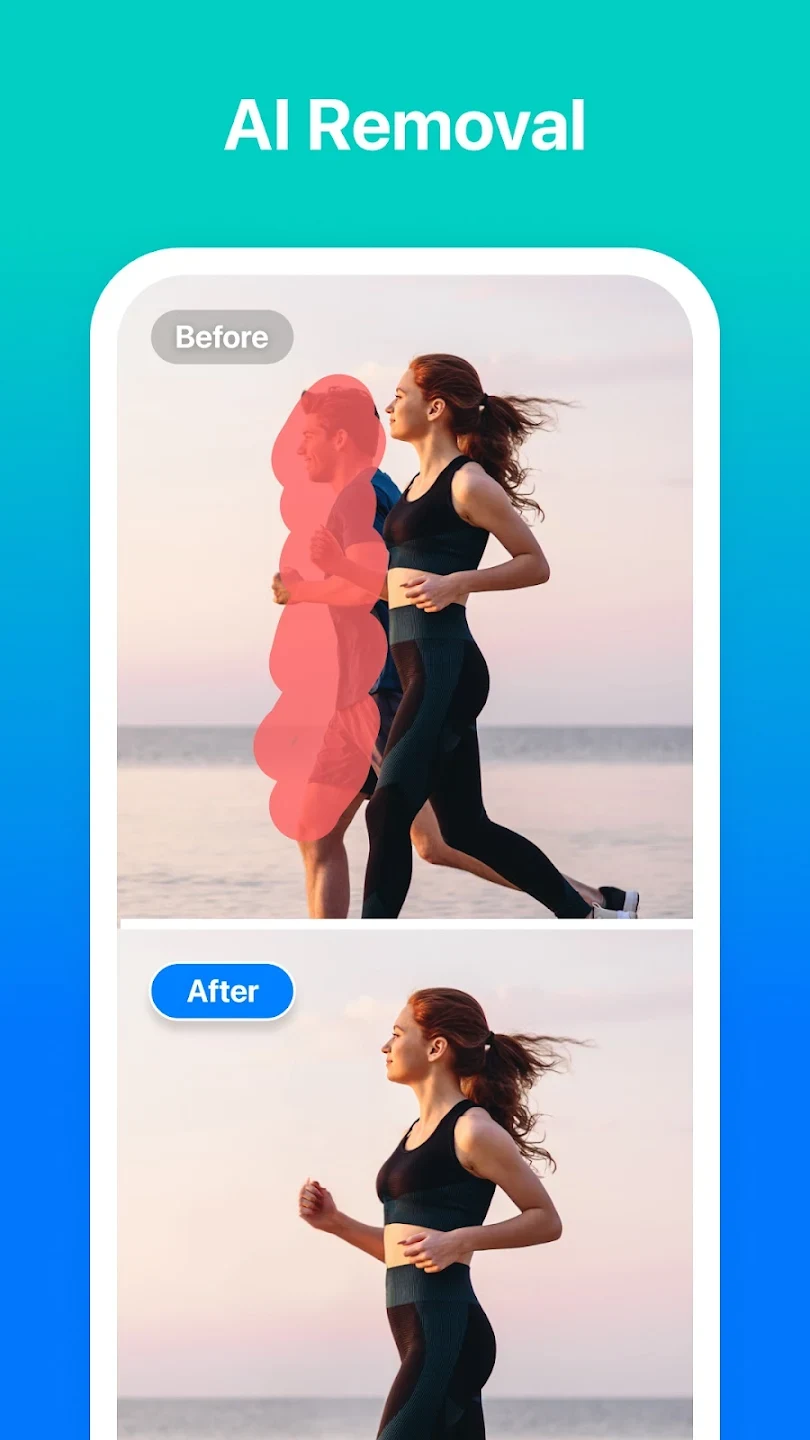
The app includes an AI object-removal tool for removing unwanted objects or people from a photo with a single tap. The available material describes this as an AI-based editing function, but does not specify which objects it can remove successfully or how results vary between images. PhotoGrid also provides more than 20 AI-related or trending tools, although the source does not identify every tool individually.
Text, branding, and social content
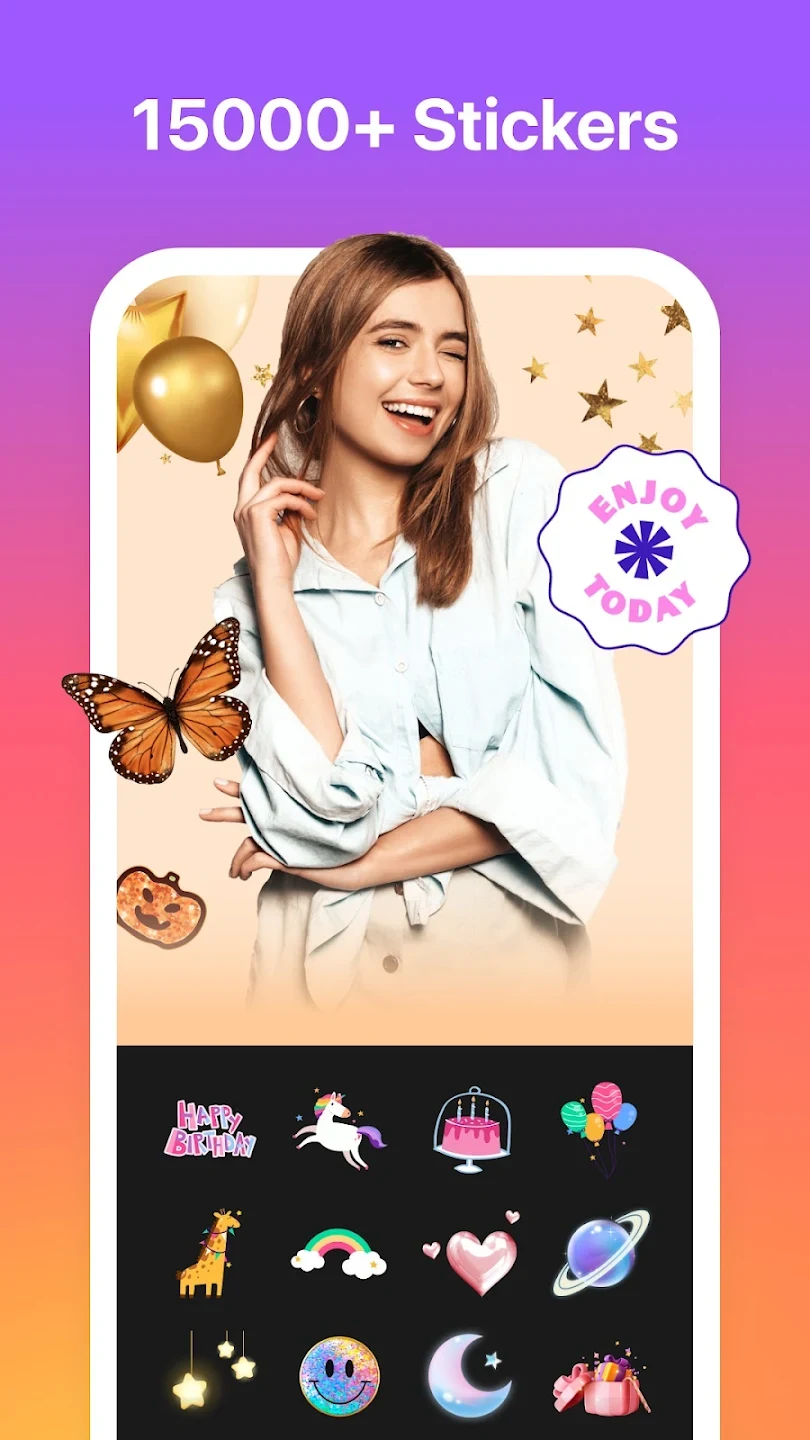
Users can add text, stickers, illustrations, and other images to their creations. Text and graphic elements can be used to personalize a collage or prepare an image for social platforms. PhotoGrid also supports custom logos and watermarks, including the option to add a name to social network branding. This makes the watermark tools suitable for marking content with a personal or visual identity when that is needed.
The app is presented as a tool for preparing images and videos for platforms such as Instagram, TikTok, Facebook, and YouTube. Its documented social-content functions include collage layouts, filters, effects, text, stickers, resizing, and combined photo-and-video grids. The source describes sharing finished work through social media or email, but it does not specify additional publishing controls for each platform.
Selfie camera and video tools
PhotoGrid provides a real-time selfie camera with face filters and a video recorder. The face filter can detect faces in the camera viewfinder and apply effects such as skin smoothing, teeth whitening, and eye brightening. These effects are described for live selfie use, including images containing more than one person. The app can also use video clips in grids, where users can combine them with photos and arrange the result using available layouts.
Music and file settings
Video editing includes an option to add personal music from the phone. The documented workflow requires an MP3 file stored in a phone folder other than the download folder. From the editing page, users can open Music, choose My Music, and select the stored file. The source does not state which other audio formats are supported.
PhotoGrid includes a save-path setting that shows where edited photos are stored. The picture format can also be changed to PNG through the app settings. These options are useful when a user needs to locate saved work or select PNG rather than the default picture format, although the source does not identify every available format.
Access and account notes
The supplied information refers to Premium access and additional choices such as templates, fonts, and other materials, but it does not provide reliable current pricing or a complete description of membership limits. It also states that users who have purchased Premium should update the app, sign in again, and use the same Google account on their devices. This account guidance applies to restoring access after an upgrade, rather than describing the general editing workflow.