

Overview
Photo Booth is a fun and dynamic photo editing application designed to help users capture, stylize, and share unforgettable moments on their Android devices. By combining innovative editing tools, real-time camera effects, and automated face recognition, the app makes it easy to turn ordinary snapshots into eye-catching keepsakes and personalized creations. Whether you are documenting celebrations, cherishing precious memories, or preparing custom photo gifts for loved ones, Photo Booth offers a versatile and user-friendly platform that caters to both casual users and event organizers alike.
What You Can Do
⭐ Capture and stylize photos using either your front-facing or rear-facing camera, applying real-time filters like Twirl, Light Tunnel, X-Ray, Squeeze, and Kaleidoscope.
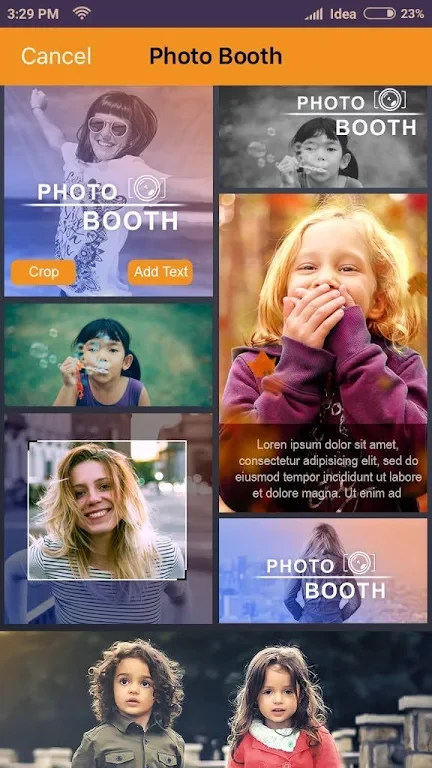
⭐ Enhance your images with a wide array of filters and effects ranging from vintage vibes and vibrant colors to black-and-white elegance and playful overlays.
⭐ Spice up your snapshots with an extensive collection of fun props and themed frames, including hats, glasses, and mustaches that add a touch of whimsy.
⭐ Bring your pictures to life by turning a series of photos or recorded videos into captivating animated GIFs that can be easily shared across social media or messaging platforms.
⭐ Utilize advanced face recognition technology to automatically detect faces and apply custom filters, transforming friends into hilarious characters or adorning them with whimsical accessories.
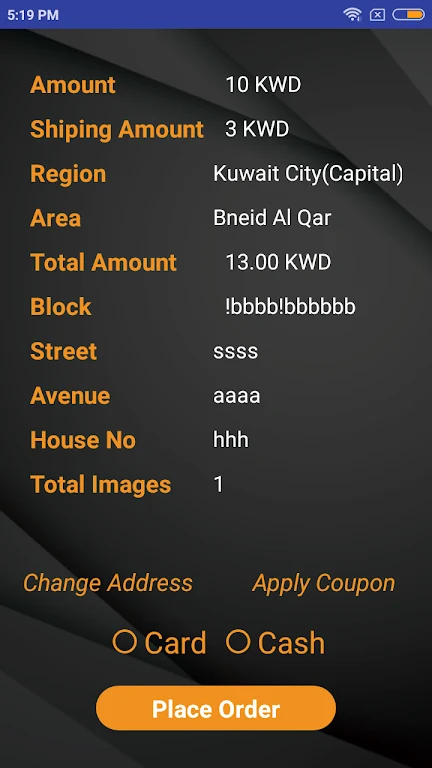
⭐ Order high-quality physical prints, personalized photo albums, calendars, mugs, and other custom gifts directly from your digital memories.
Using the App
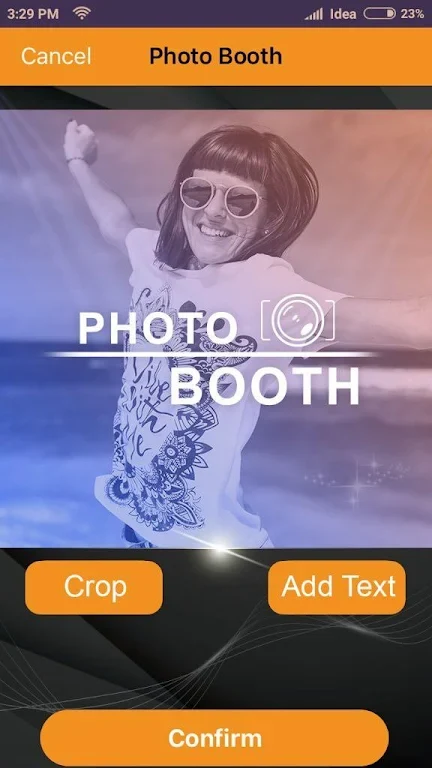
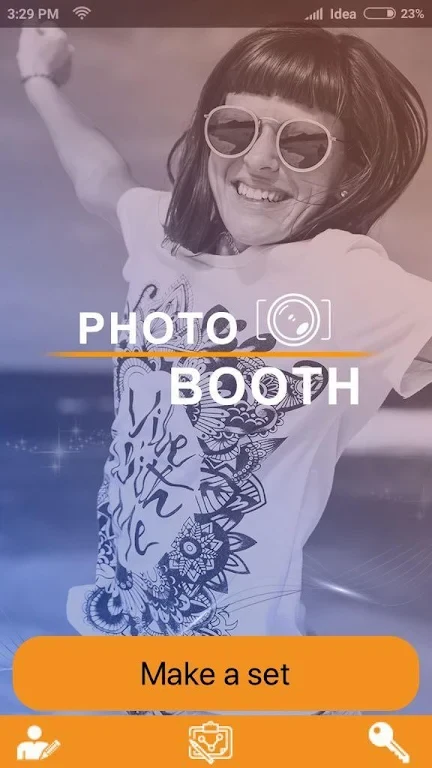
The application is built around a straightforward, user-friendly interface designed to make the editing and capture process completely hassle-free. Users can easily navigate through various features, adjust settings with a simple tap, and manage custom branding or overlay options via an online control panel tailored for specific events. Getting started is remarkably simple: just enter your event name and begin capturing photos, videos, and GIFs immediately. Existing gallery photos can also be imported and transformed into booth-style shots, ensuring total flexibility for both quick edits and structured event coverage.
Why It May Appeal
✅ Offers multiple flexible sharing options including social networks, messaging apps, WhatsApp, SMS, email, QR codes, and AirDrop or iCloud integration.
✅ Combines digital editing creativity with practical physical output options, enabling users to transition seamlessly from online sharing to ordering tangible photo books and gifts.
✅ Features an intuitive setup process and friendly navigation that works effortlessly for both beginners and professional event setups.