

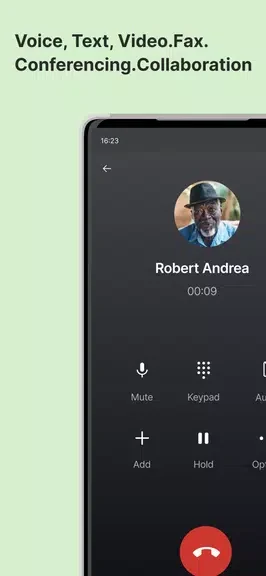


Phone.com - Mobile Office turns an Android device into a business communication tool for managing calls, voicemails, conferences, messages, and faxes in one place. Its main task is to bring work communications onto the same device while helping separate business calls from personal ones through a second business phone number. The app supports push notifications for incoming calls even when it is not active, so users can stay aware of business calls while working away from a desk. It also provides visual voicemail with transcription and tools for handling several common office communication tasks.
Can it separate business and personal calls?
Phone.com - Mobile Office provides a second business phone number on an Android device. This gives users a way to keep work calls distinct from personal calls while routing both through one device.
How does the app handle voicemail?
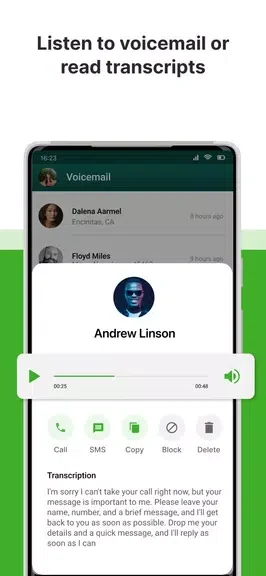
The visual voicemail feature lets users access voicemails with transcription and manage them through the app. Users can also record customized voicemail greetings for professional communication with clients and customers.
What communication tools are included?
The app supports conference calling, SMS, and faxing. Users can organize conference calls, schedule them in advance, send and receive SMS messages, and send or receive faxes from an Android device.
Can users organize faxes and quick messages?
SMS can be used for quick updates and communication with clients. Important faxes can be archived within the app for easier access later, helping keep fax-related information together with other business communications.
Who may find this mobile office useful?
The app may suit people who need business calling and messaging tools while away from a desk, especially those who want a separate business number alongside personal calls. It brings call management, voicemail, conference calling, SMS, and fax functions together in one Android app.