


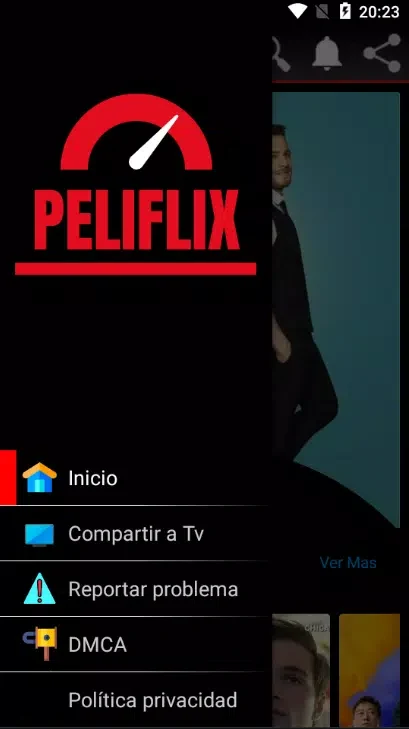


Peliflix helps users find and stream movies and TV shows from a broad catalog organized around different types of entertainment. Its selection includes recent releases, older films, cult series, documentaries, and genres such as action, drama, comedy, and horror. This gives viewers several ways to look for something suitable, whether they already have a title in mind or want to browse by category.
Finding films and series
The app is designed around straightforward catalog navigation. Organized categories help separate the available content, while the search function is intended to make it easier to locate a particular movie or series. The catalog is described as receiving regular additions, including new releases, established classics, and older seasons of series, so the available selection can cover both current and previously released content.
If a desired title cannot be found, Peliflix provides a request option. Users can submit a suggestion for a missing movie or other content, after which the developers are described as finding and uploading the requested source. This feature connects title discovery with a way to communicate gaps in the catalog rather than limiting users to the items already listed.
Playback and viewing controls
Peliflix supports video quality choices reaching up to 4K, allowing playback quality to be selected in line with the available viewing setup and connection. The app also provides multiple dubbing and subtitle options, which can help viewers choose among available language presentations while watching a title.
These playback controls bring together picture quality and language preferences in the same viewing experience. Rather than providing only one fixed stream presentation, the app describes options for adjusting quality and choosing from available dubbing or subtitle tracks. The exact choices can vary by title, but the supported controls are intended to give viewers more flexibility during playback.
Casting to a larger screen
Content can be cast to a smart display connected through Chromecast. The supplied usage path is to open the page for a movie or episode, select the cast icon, and then choose the desired device from the displayed list. This lets the app's streaming content be viewed on a compatible larger screen instead of only on the Android device.
Access model and catalog maintenance
Peliflix is described as offering access without subscriptions or pay-per-view charges. Advertising is used as the app's stated source of revenue, with ads appearing in the interface or before video playback. The catalog is also described as being updated regularly, supporting a changing selection that includes both newly added material and established titles.