
Overview
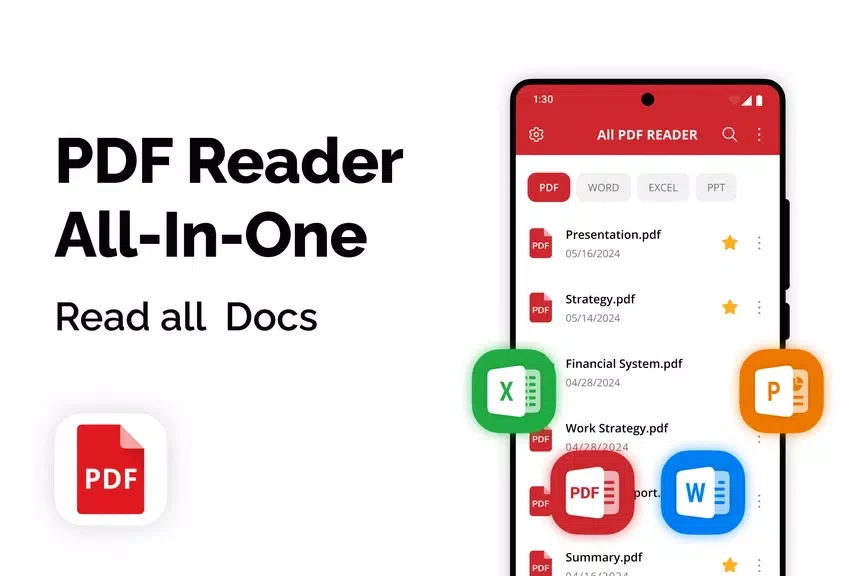
PDF Reader Pro - Read All PDF brings PDF files and Microsoft Office documents together in one place on an Android device. It is designed for people who want to read documents and handle basic file tasks without switching between separate viewing and management tools. For reading, the app offers page-by-page or continuous scrolling, horizontal or vertical viewing, zoom, and night mode. It also lets users rename or delete files, add favorites, and set passwords for documents. Sharing and printing options extend its use beyond reading, while the source states that it works offline.
What You Can Do
⭐ Open PDFs and Microsoft Office files in one app. Supported Office formats include Word, Excel, and PPT documents.
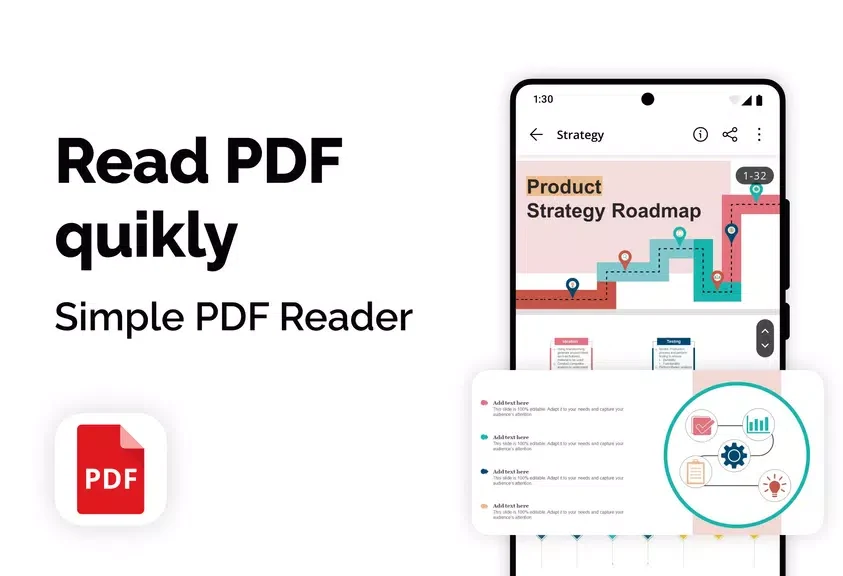
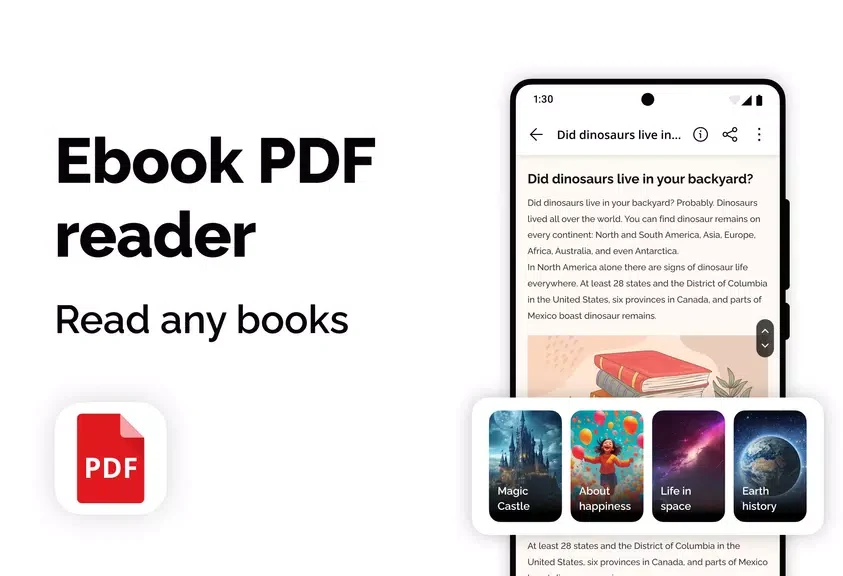
⭐ Choose page-by-page or continuous scrolling, and switch between horizontal and vertical viewing to suit how you prefer to read.
⭐ Adjust document magnification with zoom and use night mode for a different reading display.
⭐ Manage files by renaming or deleting them, adding documents to favorites, and setting passwords.
⭐ Share PDF files through social networks, email, or messaging apps, or print documents directly from the Android device.
Using the App
Start by opening a PDF or supported Office document from the app’s centralized collection. While reading, change the scroll and viewing modes, zoom in or out, or enable night mode. For file organization, use the available rename, delete, and favorites options; when needed, set a password. The app can also be used offline, and its sharing and printing tools provide ways to pass documents on or produce a printed copy.
Why It May Appeal
✅ Combining PDF and common Office document viewing with file organization can make it easier to keep everyday documents accessible in one place.
✅ Offline use is useful when an internet connection is unavailable, and the app also offers direct sharing and printing options.
Developer
The listed developer is SkyDev Apps.