
PDF Maker is an Android document utility for turning photos, images, text, and other documents into PDF files. It can use pictures selected from the device gallery or captured with the camera, then provides tools for adjusting the resulting document before sharing or storing it.
Convert photos and documents
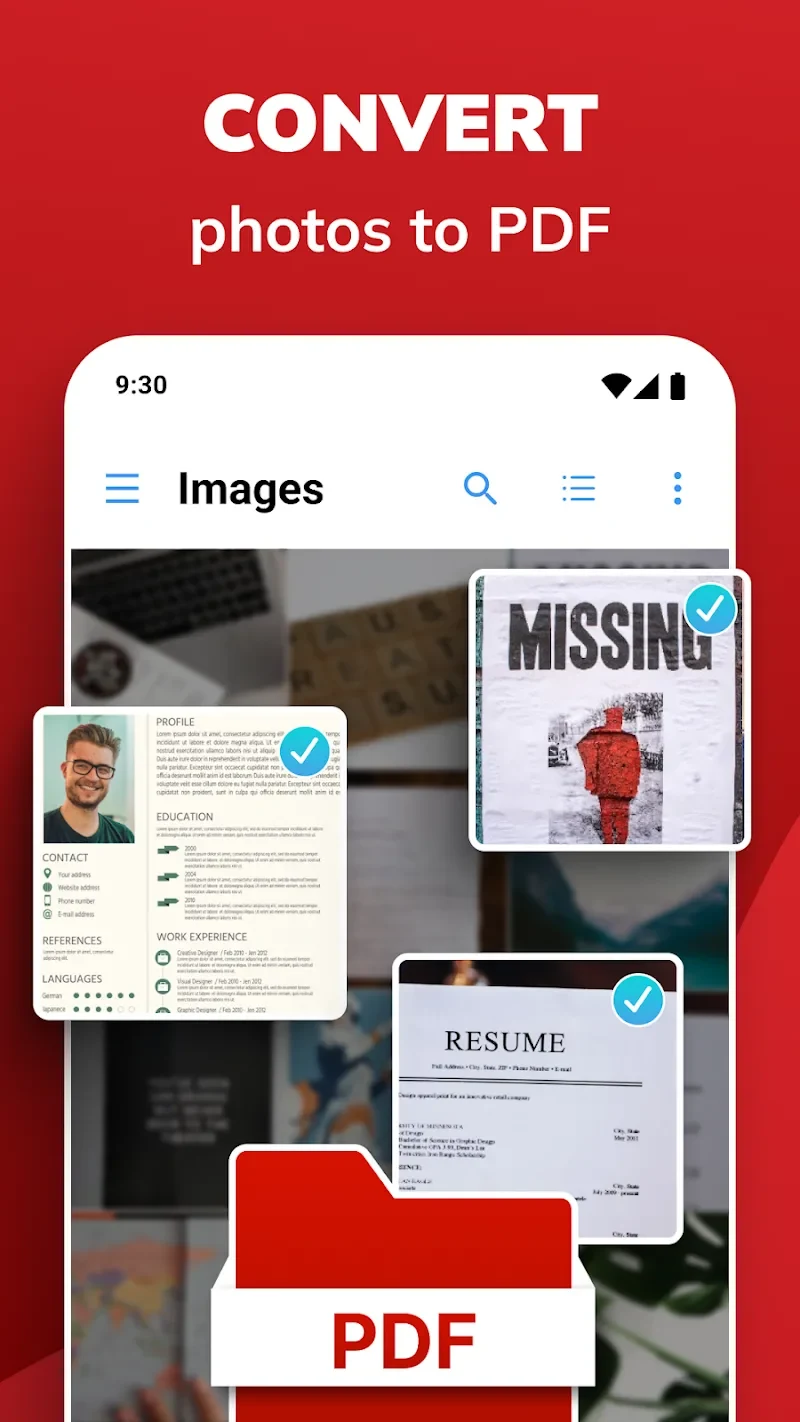
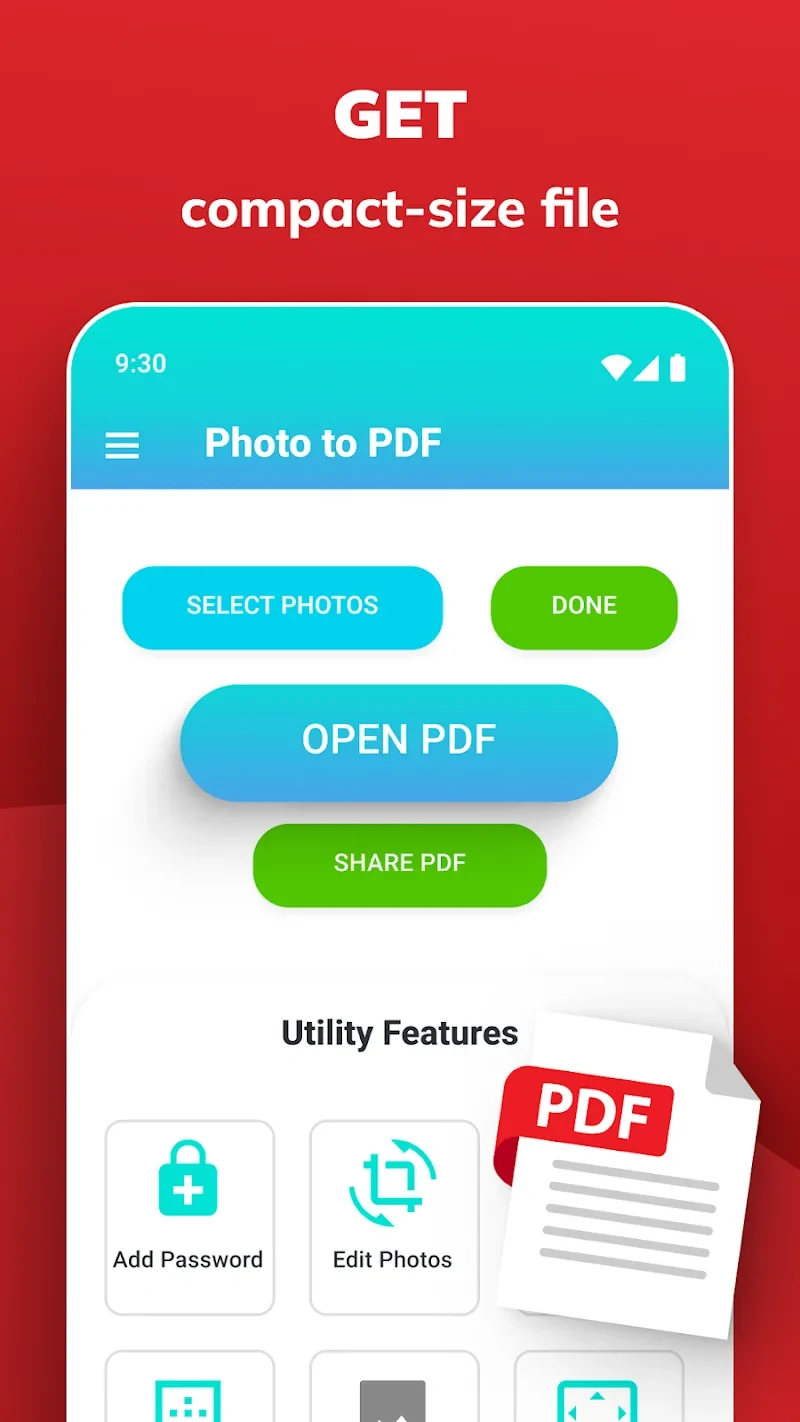
The app is designed for photo-to-PDF conversion. Users can select images from the gallery or take new pictures with the device camera, then combine them into a PDF document. The source describes possible uses including notes, receipts, invoices, forms, business cards, certificates, and whiteboards.
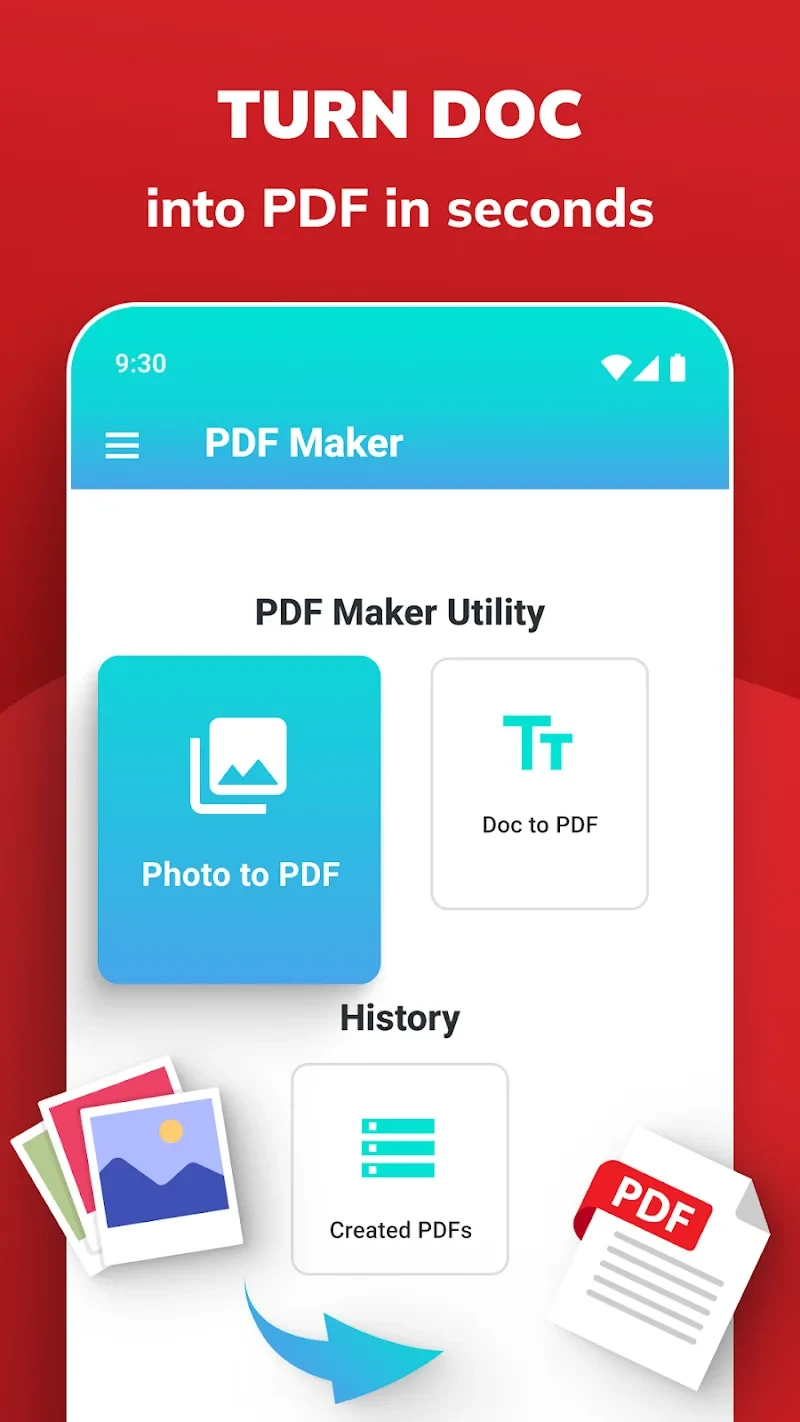
PDF Maker also converts photos, images, and text into PDF format. Its conversion workflow is presented as a short sequence of selections and taps, making it suitable for preparing document files from material already stored on the device.
Adjust and organize PDF content
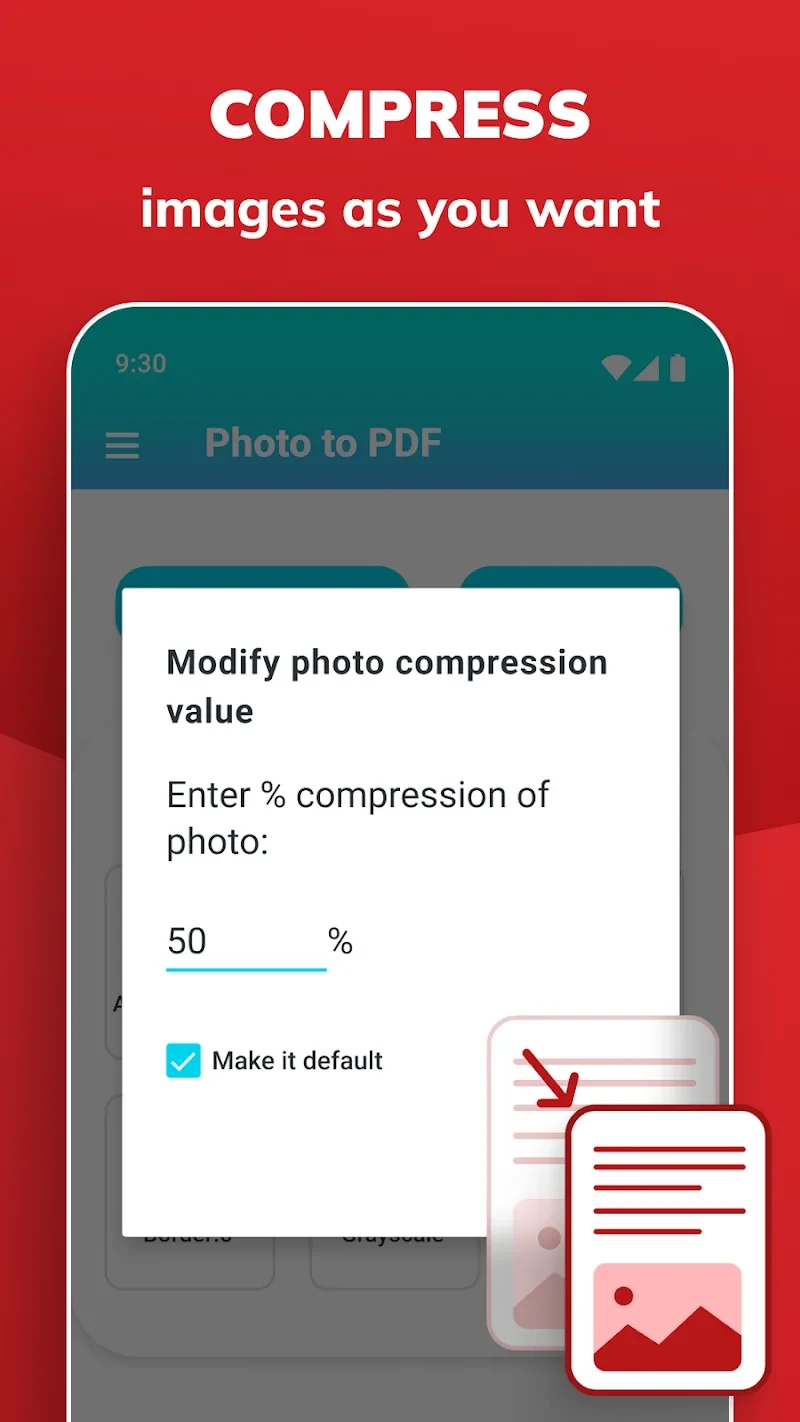
Before exporting, the app provides document customization and editing tools. These include margin adjustment, image compression, resizing, rotation, and layout changes. Images can be edited within the PDF workflow so that their placement and appearance better match the intended document arrangement.
The source also describes options for organizing documents and exporting them with image quality and layout preserved. It states that exported files do not contain watermarks, although the exact output can depend on the selected source images and adjustments.
Protect and sign files
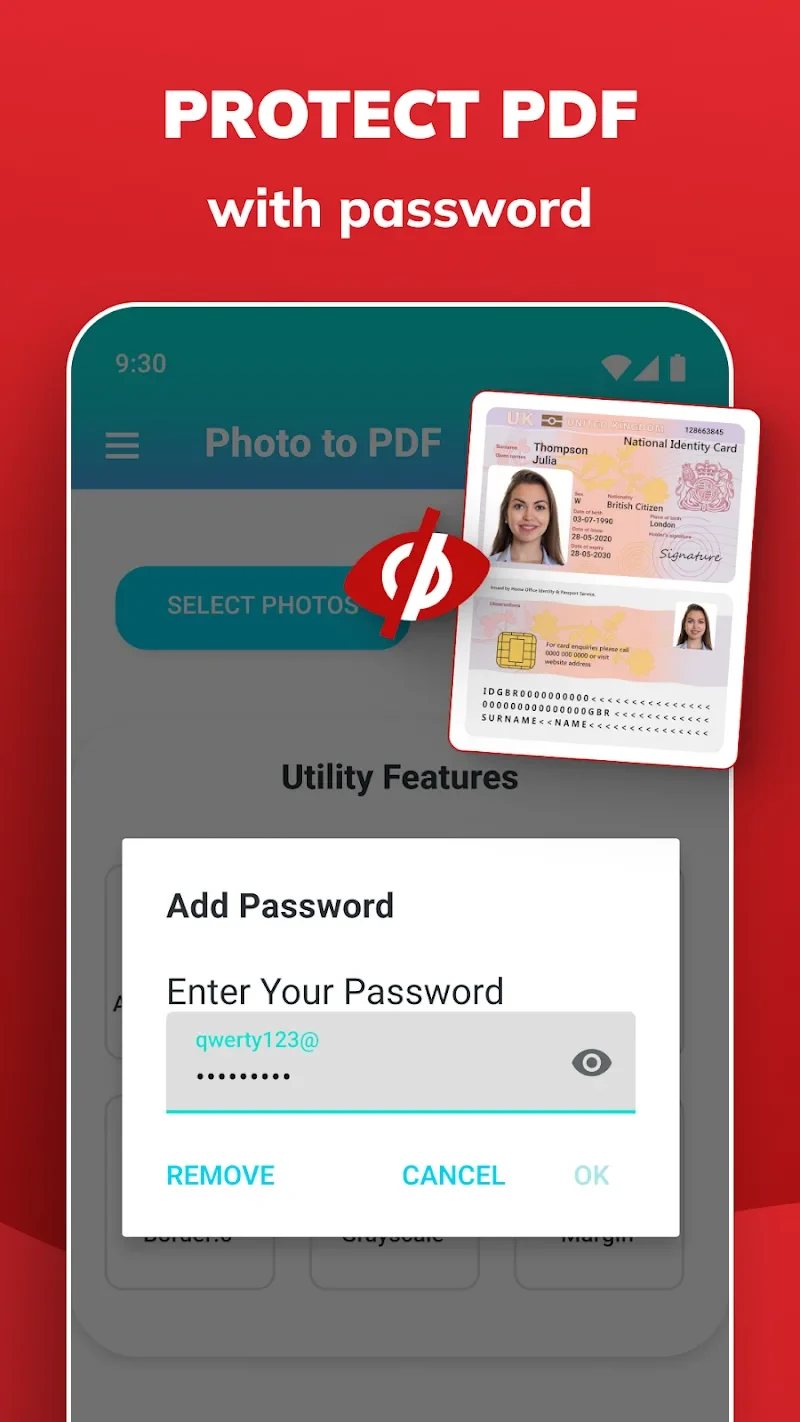
PDF Maker includes password protection for documents. A custom password can be set to restrict access to a file, which is intended for documents containing information that should not be openly viewed or edited.
An eSignature tool allows a signature to be added directly within the app. The signature is drawn using the device touchscreen, so the described workflow does not require printing, scanning, or faxing the document before signing it.
Share and work offline
Converted PDF files can be distributed through email, messaging applications, or cloud storage. This gives users several ways to send a completed document to another person or place it in an online storage service.
The source states that conversion can be performed without an internet connection. It also describes support for exporting images and text to PDF files, allowing the core conversion process to be used when network access is unavailable.
Practical workflow
A typical workflow is to choose or capture images, arrange and adjust them, optionally apply a password or add a touchscreen signature, and then export or share the PDF. The app is described as supporting document preparation directly on an Android device rather than requiring a separate desktop program for these steps.