

PdaNet+ Mod APK 5.32 is an Android app for sharing a phone's mobile internet connection with computers, laptops, and tablets. The source attributes the app to June Fabrics Technology Inc., also referred to as JFTech LLC, and lists it under the Social category with version 5.32. Its main task is tethering, meaning the phone acts as the internet source for other devices, which can be useful when a traditional broadband connection is unavailable or inconvenient.
What does the app actually do?
The core function is turning a phone into a connection point for other devices. The source describes it as a way to extend mobile internet access without buying extra hardware or a separate service plan, although the user's own mobile data plan still determines what is available. The description also states that the app is available on Google Play. Because the title refers to a Mod APK build, readers should not assume the source's description applies to every version or distribution method. The listing does not clearly resolve that difference, so the build and its origin should be checked before installation.
Which hotspot modes are available?
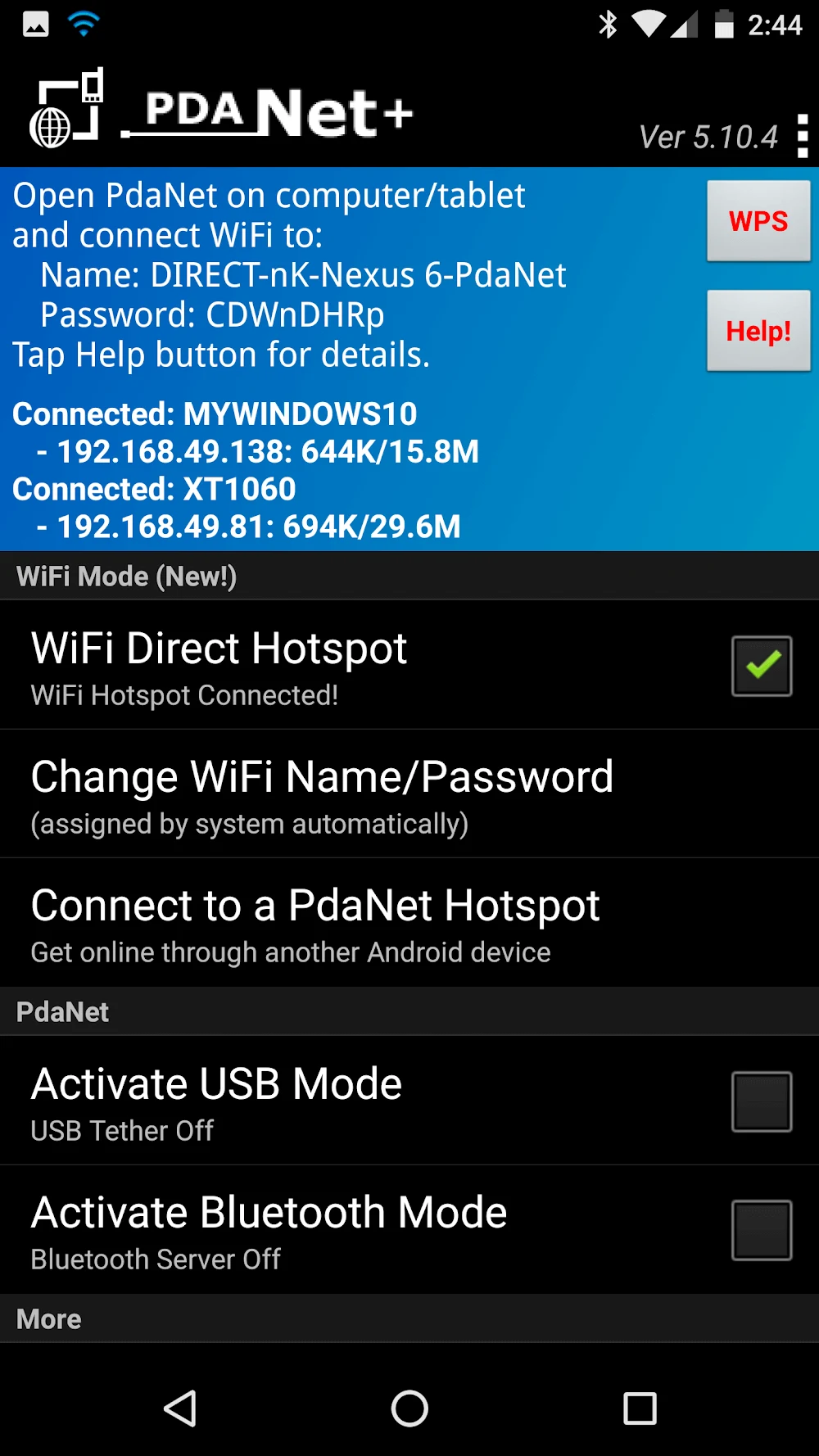
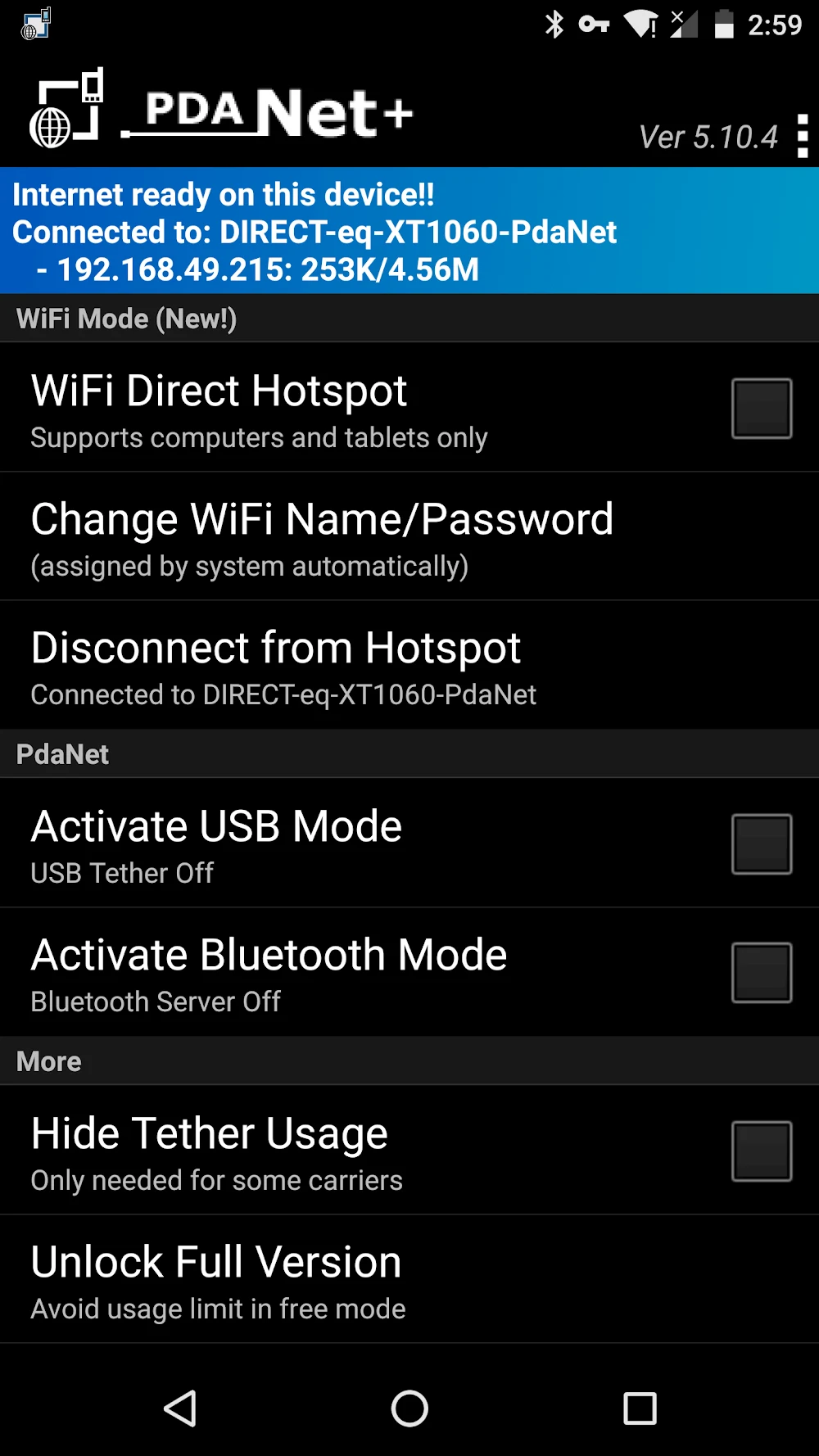
The source separates the hotspot functions into two modes. The WiFi Direct hotspot mode is described as compatible with Android phones running version 4.1 or later. It lets computers and tablets connect to the phone over Wi-Fi, and the app's Help button is mentioned as a source of detailed instructions. The second option, the FoxFi/WiFi hotspot mode, is described as available through the separate FoxFi app and aimed at users with older phone models. The source notes that carrier updates may affect this mode on newer devices and that hotspot usage can still be subject to metering. It presents the WiFi Direct mode as the more robust option for those limitations.
How do the USB and Bluetooth modes differ?
USB tethering is presented as the connection method with the broadest phone support. The source says it works with almost all Android phones and with Windows, Mac, and Linux computers, allowing the phone to function as a modem over a simple USB connection. The source also notes that USB may be more reliable when Wi-Fi is unstable, and that it can charge the phone at the same time. Bluetooth tethering is described as an option for connecting Android phones to Windows PCs. It is positioned as an alternative when Wi-Fi speeds are not sufficient, and the source states that Bluetooth uses less battery than hotspots or USB, which may matter when charging is limited.
What controls does the app provide over shared connections?
The description refers to several settings for managing a shared connection. It mentions password protection for Wi-Fi sharing and encryption for USB and Bluetooth connections, which the source presents as protecting shared internet activity. It also says users can manage which devices connect and limit the data each connection can use. These controls are described as a way to make a mobile data plan last longer and keep the shared network usable for all connected devices. The source further advises users to understand their data plan before sharing, including whether sharing is allowed, whether a cap applies, and what happens after the cap is reached.
Which devices and setups are mentioned?
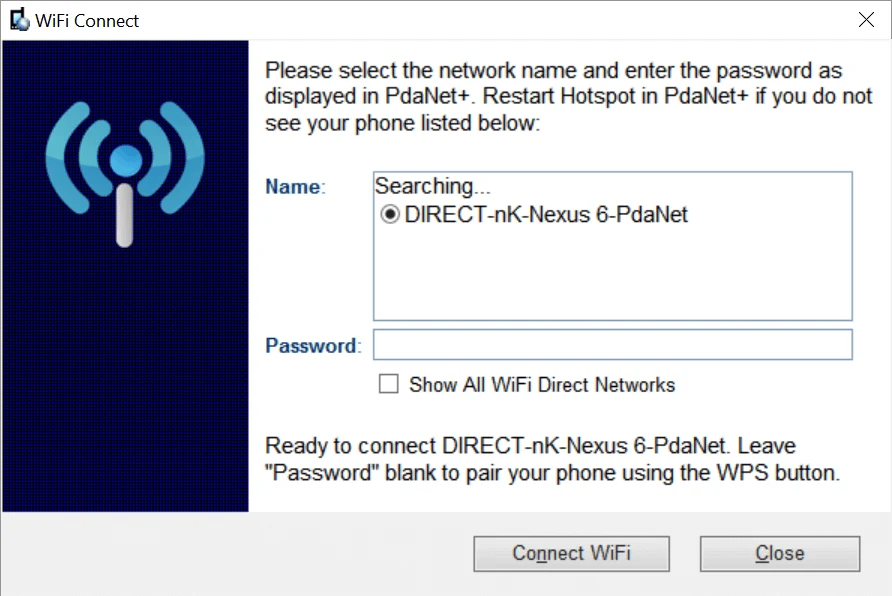
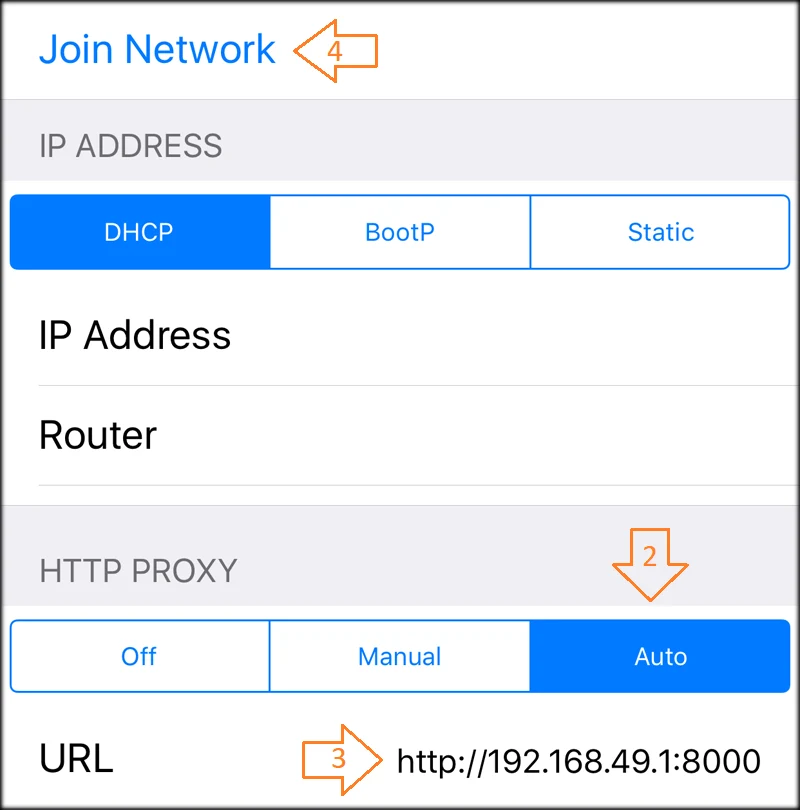
The source emphasizes broad device support, covering desktops, laptops, tablets, and other smartphones. Compatibility is described differently by connection method. WiFi Direct is tied to Android 4.1 or later, while USB is described as supporting almost all Android phones. The source also states that some ZTE or Alcatel models may not work with USB tethering, so compatibility should not be assumed for every phone. Some setups may need an additional client app or a proxy, according to the source. It also advises that when the app is updated on the phone, the computer side should be updated as well, because both sides need the latest version to work together.
What limitations does the description mention?
The description includes several limitations. It says the app operates through a VPN connection, so a stable network is important for uninterrupted use. Carrier updates may affect the original hotspot function on newer phones, and hotspot use can still be metered. The humorous sections also mention limitations with some gaming devices without giving detailed technical information. The source suggests restarting the hotspot, checking the PdaNet website for help, or switching connection methods if connection problems occur. Because much of the text is promotional and informal, readers should treat broad statements about reliability, convenience, and performance as claims from the source rather than independently verified results.
How does the source describe the Mod and VPN features?
The source says the Mod APK version provides premium features at no cost, including an ad-free experience and access to advanced settings. It also describes the app as functioning as a VPN service that can help with geo-restricted websites and applications on several platforms, including Android, iOS, macOS, and Windows. These statements are part of the source description and have not been verified here. They also overlap with the app's VPN-based operation and the practical limits described above, so they should be considered together with the mobile data plan, carrier rules, and the separate role of each connection mode.