

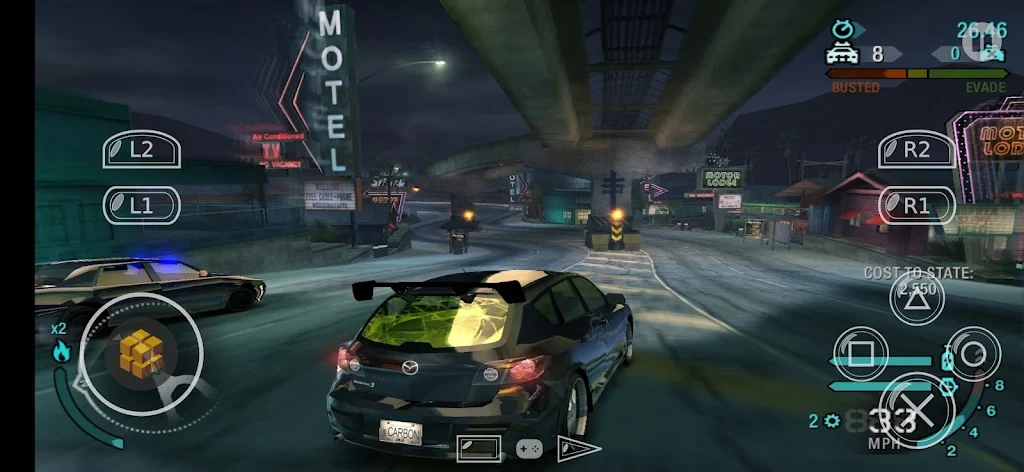

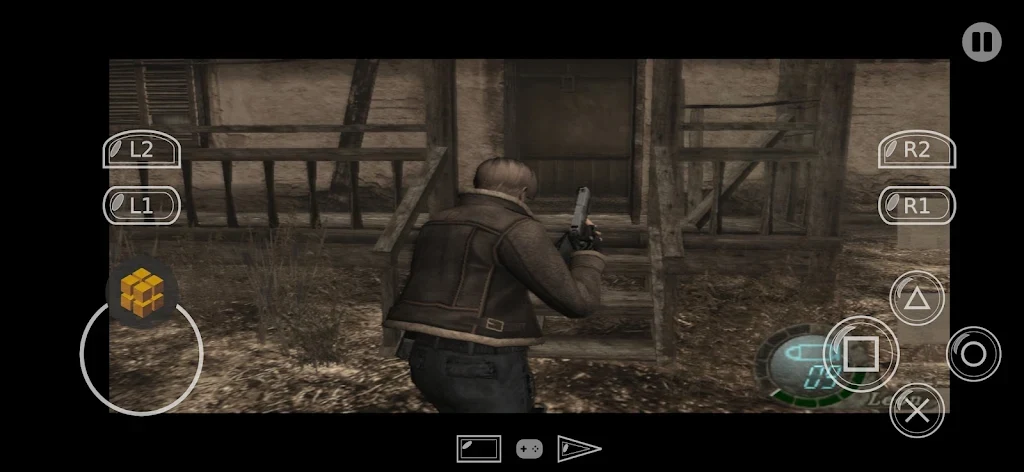
Application Overview and Compatibility
PCSX2 is designed to bring PlayStation 2 gaming to supported devices, featuring extensive compatibility that encompasses over 2500 tested and confirmed titles alongside older demo discs. The software accommodates various common game formats, including ISO, CHD, CSO, and ZSO files, ensuring flexibility in how users store and access their game libraries.
Graphics and Performance Controls
The application incorporates modern visual enhancements to improve the classic gaming experience. Users can adjust display parameters through resolution upscaling and texture filtering options. Additionally, the software allows for optimized settings tailored to individual games, along with the convenience of quick save and load functions to manage progress during sessions.
Control Options and Interface Setup
To accommodate different playstyles, PCSX2 provides intuitive touch controls with customizable layouts that let players adjust control modes directly on the screen. For those preferring physical inputs, the emulator offers full support for external Bluetooth and USB game controllers, allowing button assignment through the input settings menu.
Initial Setup and Configuration Workflow
Getting started involves launching the application after installation and following the initial wizard to designate a storage folder and locate the required PS2 BIOS file. Users then place their game files in the selected directory and refresh the game list. Game covers can download automatically, and graphics parameters such as resolution or renderers can be fine-tuned once a title is launched.