

Remote computer controls
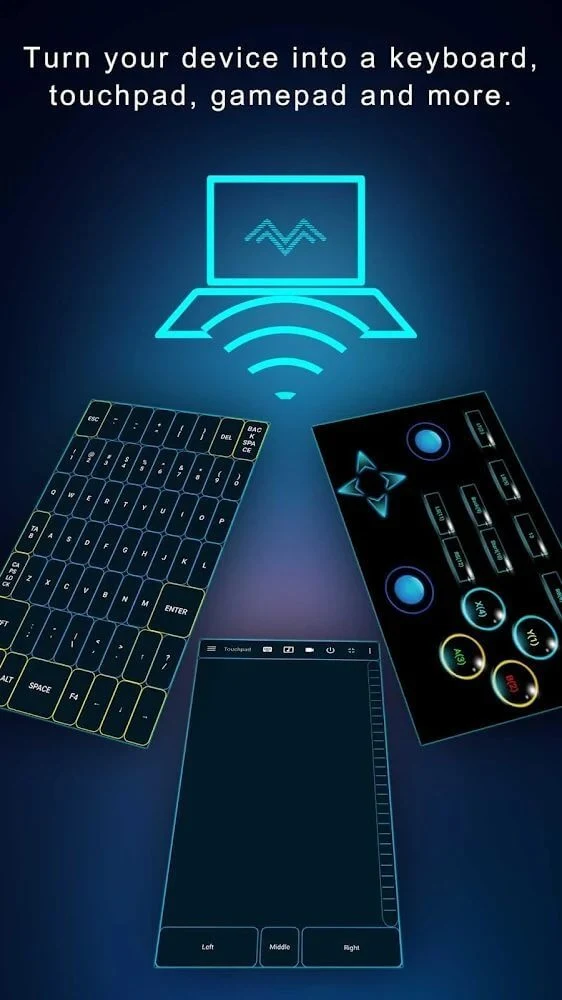
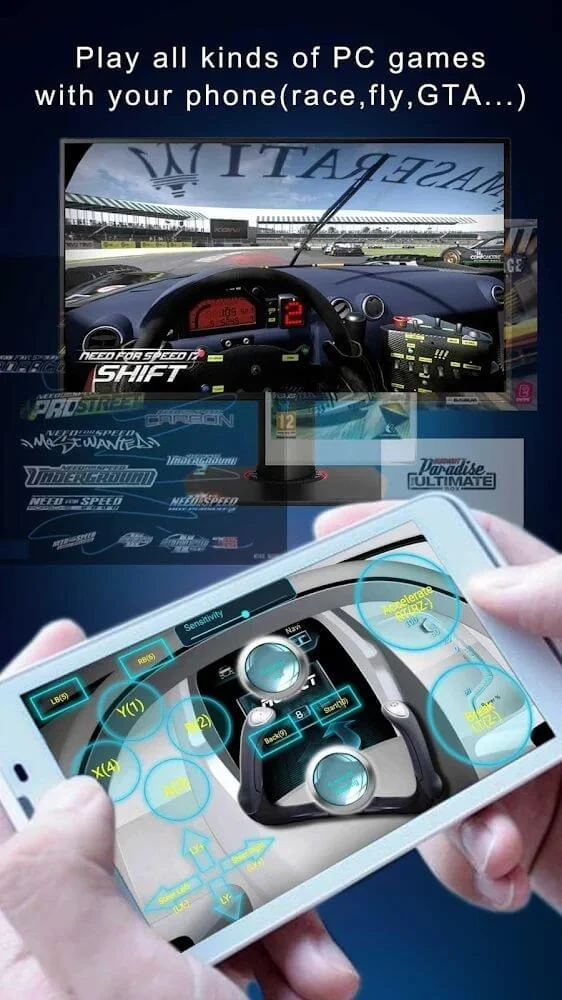
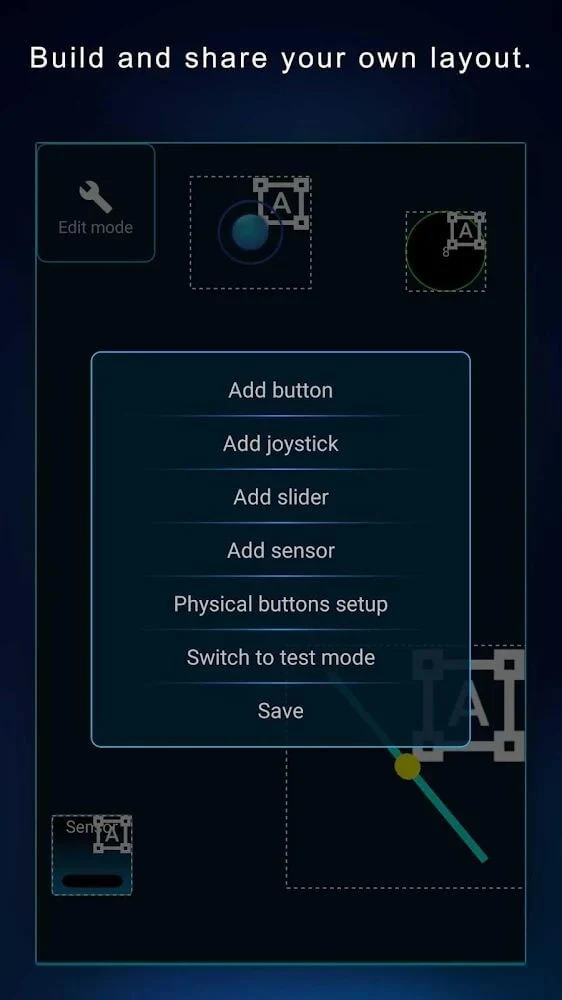
PC Remote Mod is an Android app for remotely controlling a computer and connecting computer functions with a mobile device. Its described controls include using a phone as a wireless mouse and keyboard, as well as customizing key bindings and button layouts. Onboard sensor integration is also listed as part of its gaming controls, allowing layouts to be tailored to user preferences.
The description presents these input options for both everyday computer control and gaming. It also says the app can adjust game frame rates according to the computer model, though it does not explain how that adjustment works or specify supported hardware. The different control options make the app relevant to people who want to interact with a PC through a phone rather than relying only on the computer's usual input devices.
Screen sharing and virtual displays
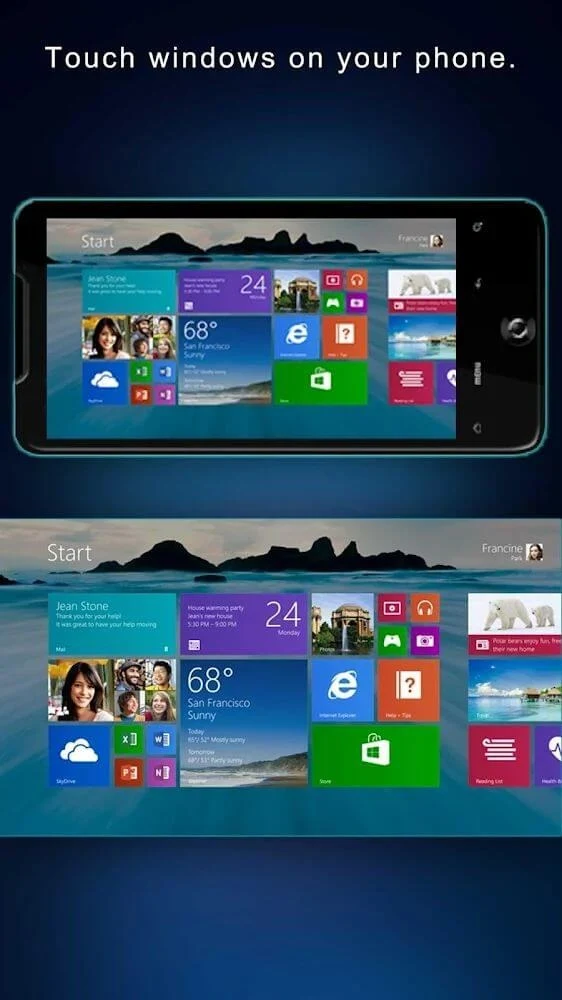
The app describes screen casting in both directions: an Android screen can be shown on a PC display, and a PC display can be streamed to a smartphone. The first option is presented as a way to show mobile content on a larger screen; the reverse lets a user view the computer's display through the phone interface. The description also mentions sharing a PC camera feed to a smartphone, for remote viewing or presentations.
For workspace use, PC Remote Mod lists support for up to four virtual displays. This is presented as a way to expand a computer workspace for multitasking. The source does not detail the setup process or identify which computer configurations support this feature.
Files and connected devices
File tools let users browse files on an Android device from a PC, or view PC files through the remote Android interface. The description says files and folders can be selected and managed using built-in options, and that transfers can use wired or wireless connections. This brings file browsing and transfer into the same app as the remote controls, although the source does not specify transfer speeds or supported file types.
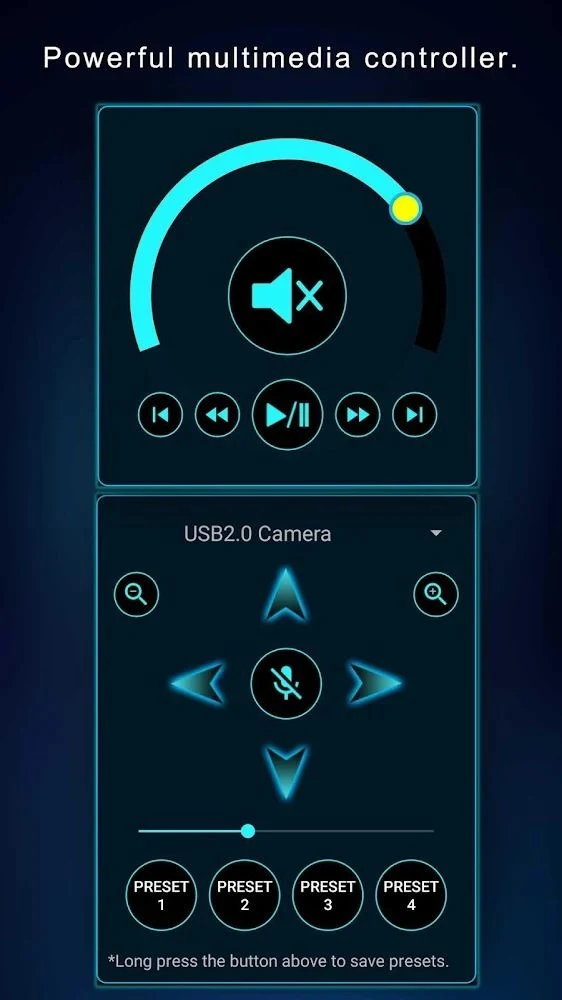
A multimedia controller menu is described for working with a microphone and camera connected to the PC. Listed uses include recording voice and broadcasting images. Separately, the app describes using a smartphone camera as a virtual webcam for video calls, streaming, and online meetings.
Creative input and connection details
PC Remote Mod also lists a graphics-tablet mode with pressure-sensitivity support for creative work in software such as Adobe Photoshop. The description does not provide further details about pressure levels or software compatibility beyond that example.
The source states that remote connections use 256-bit AES session encoding. This is a description of the connection feature, not an independent assessment of its security. Overall, the listed functions bring computer input, screen viewing, file handling, multimedia controls, and creative tools together in an Android-based remote interface.