
Partial Screen is an Android utility listed in the Tools category, version 1.18.0. Its core function is blocking touch input in selected areas of the screen. The source presents this as a way to manage displays that register unwanted touches, including screens with physical damage.
Creating touch-blocking zones
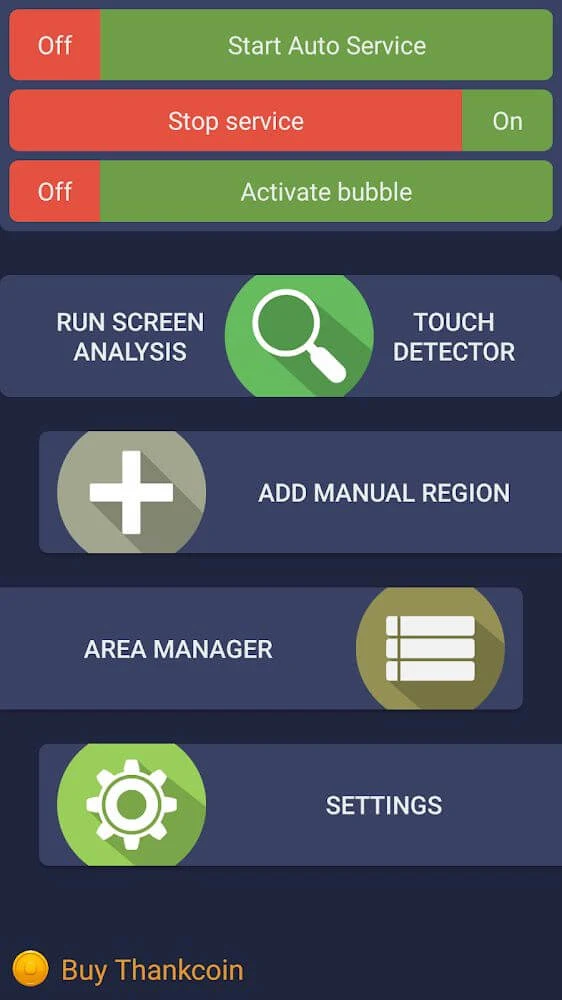
The app offers two ways to create zones where touch input is disabled. In automatic mode, it analyzes the screen to find malfunctioning areas and turns them into zones that block touch. The source notes that the user should not touch the screen while this analysis runs. In manual mode, the user selects the 'add manual region' option and sets the size and placement of each zone.
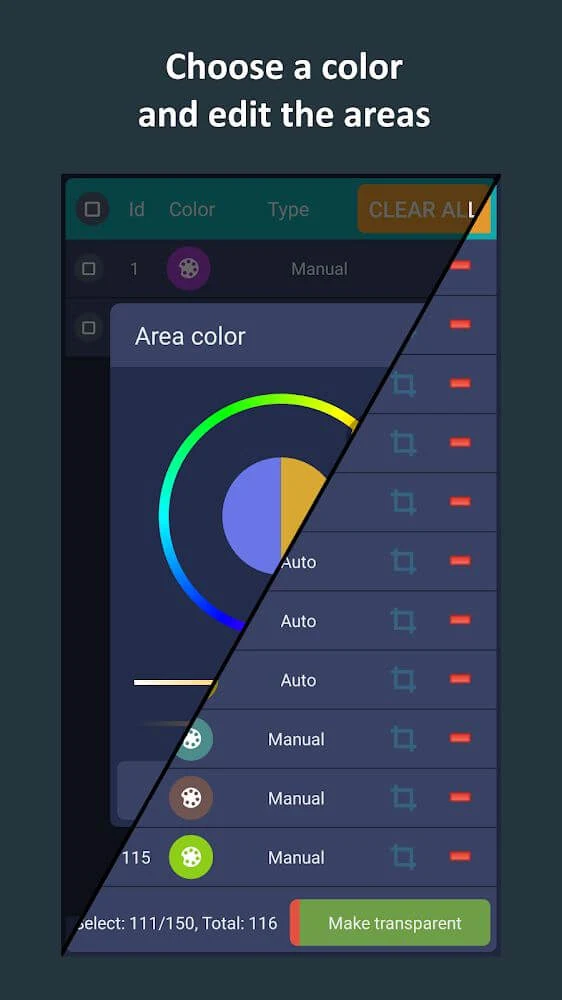
Managing and adjusting blocked areas
Once zones exist, users can activate or deactivate them, change their appearance, size, or orientation, and remove any they no longer need. The source also describes settings for choosing the time interval when the tool operates, enabling or disabling it for specific devices, and adjusting the size of the touch-blocking area and its sensitivity level.
Bubble mode and screen corners
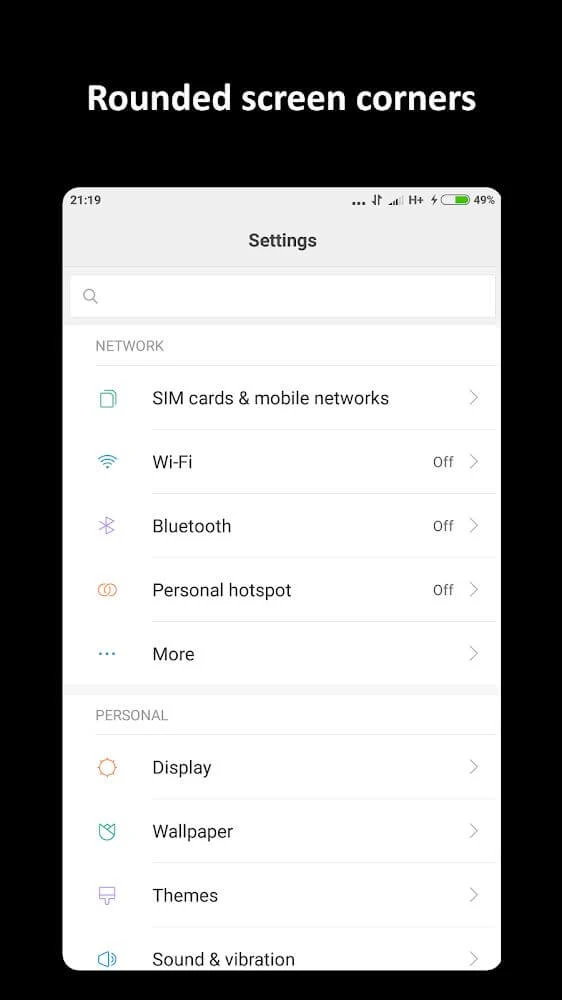
A bubble mode locks the entire screen when the user double-taps a floating indicator. The indicator stays visible above the interface and can be moved. Separate aesthetic settings round the screen corners, with an adjustable color and radius.
Touch detection and known limits
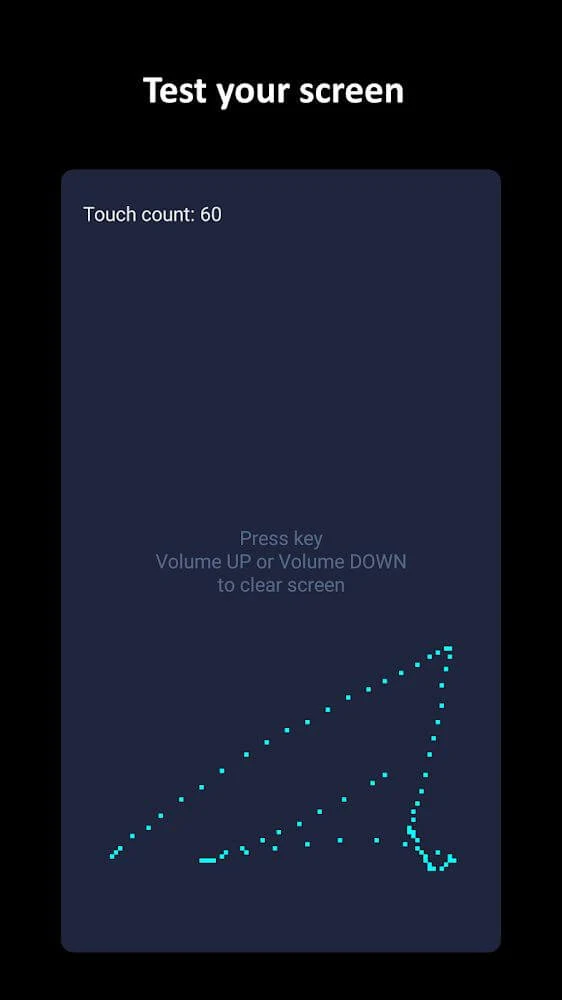
A touch detector tool is included to help identify sporadic touch issues. The description also says the scanning engine can detect and display unresponsive areas so users can make use of them. The source is clear that touch blocking is not perfect: some unintended touches may still get through, depending on how the user touches the screen. It states that the app still gives a clear improvement over having no touch blocking at all.
Advanced features and subscription details
The features section states that subscription-based users unlock advanced functions. These include editing tools in the area manager, a full-screen overlap mode for Android versions lower than 8.0, automatic start at power on, adjustable transparency for disabled zones, a larger maximum number of areas, additional touch detector features, bubble screen lock mode, the ability to preload blocked zones from a file, and rounded screen corners. The highlights list names several of these same functions without repeating the subscription requirement, so users should check the current in-app terms for access.
Setup guidance and support
A tutorial video is available to explain how the app works. The source also provides steps for certain device brands, naming Samsung, Oppo, Xiaomi, and Huawei, which require different settings adjustments so the tool keeps working in the background. The description notes that users can support the app through in-app Thankcoin purchases.