

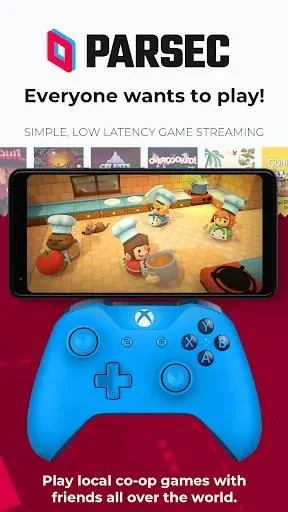
Parsec is an Android app for playing PC games on a phone or tablet by reaching a gaming computer from another location. According to the app's description, it lets people game from school, at home, or while travelling, and it presents the experience as 60 FPS HD graphics on an Android device.
Reaching a gaming PC from Android
The core function described in the source is remote access. Users can reach their gaming PC from anywhere and on any device, so a session does not have to happen at the desk where the computer sits. The description gives everyday examples, such as using a Chromebook during a lunch break to join a World of Warcraft raid, or using an Android device to play Rocket League on a friend's computer. Cloud gaming is also mentioned as a way to set up a gaming PC in the cloud so that games can be played while travelling or away from a personal computer.
Screens and graphics
The listed graphics target is 60 FPS in HD. The source states that the app works across a phone, tablet, or TV, so a user can choose the screen that suits the session. The description frames this as flexibility in device choice rather than as a separate mode for each screen.
Controls and connection quality
The source recommends a gamepad built for Android to improve control and maneuverability on a phone or tablet. It also says a stable, strong network connection helps avoid lag or latency, and it suggests a 5 GHz WiFi network for the best performance. These are recommendations in the app's description; the source does not provide specific performance figures.
Playing together over distance
The description notes that Parsec can be used for local-only co-op games with friends online, allowing people who are physically apart to play multiplayer sessions together. The source does not describe the steps for hosting or joining these sessions, so this article does not detail them.