

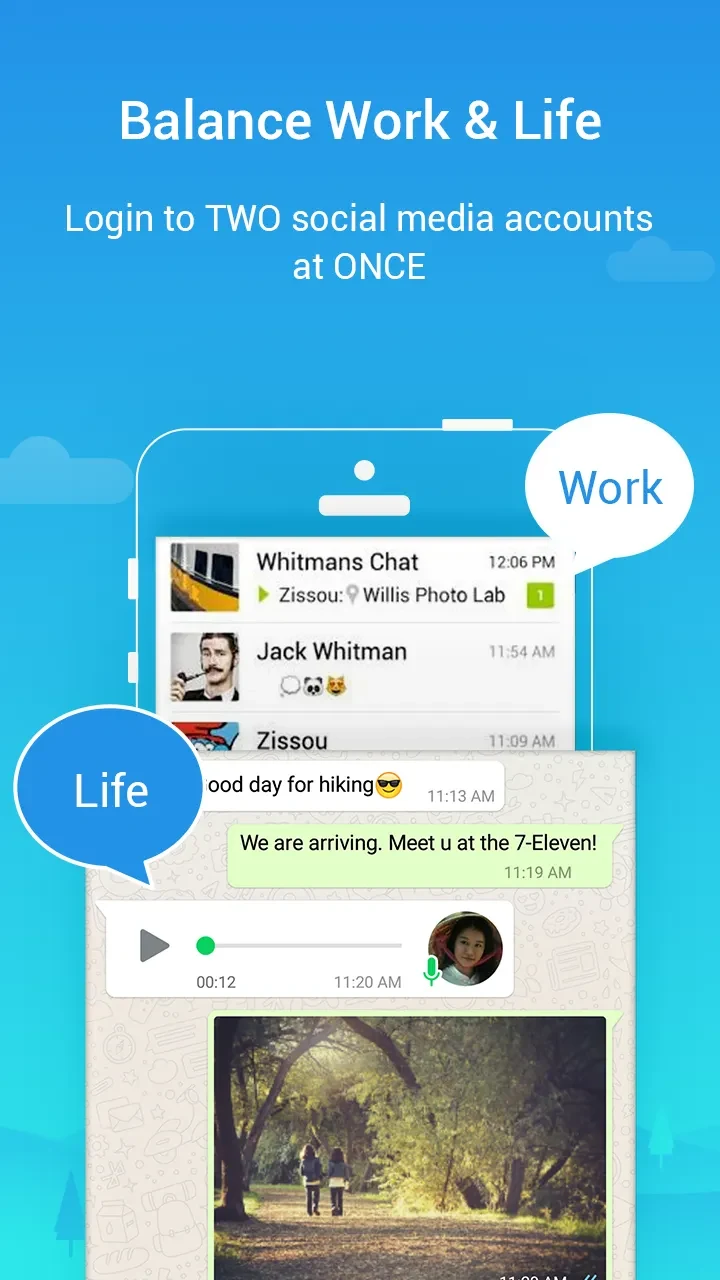
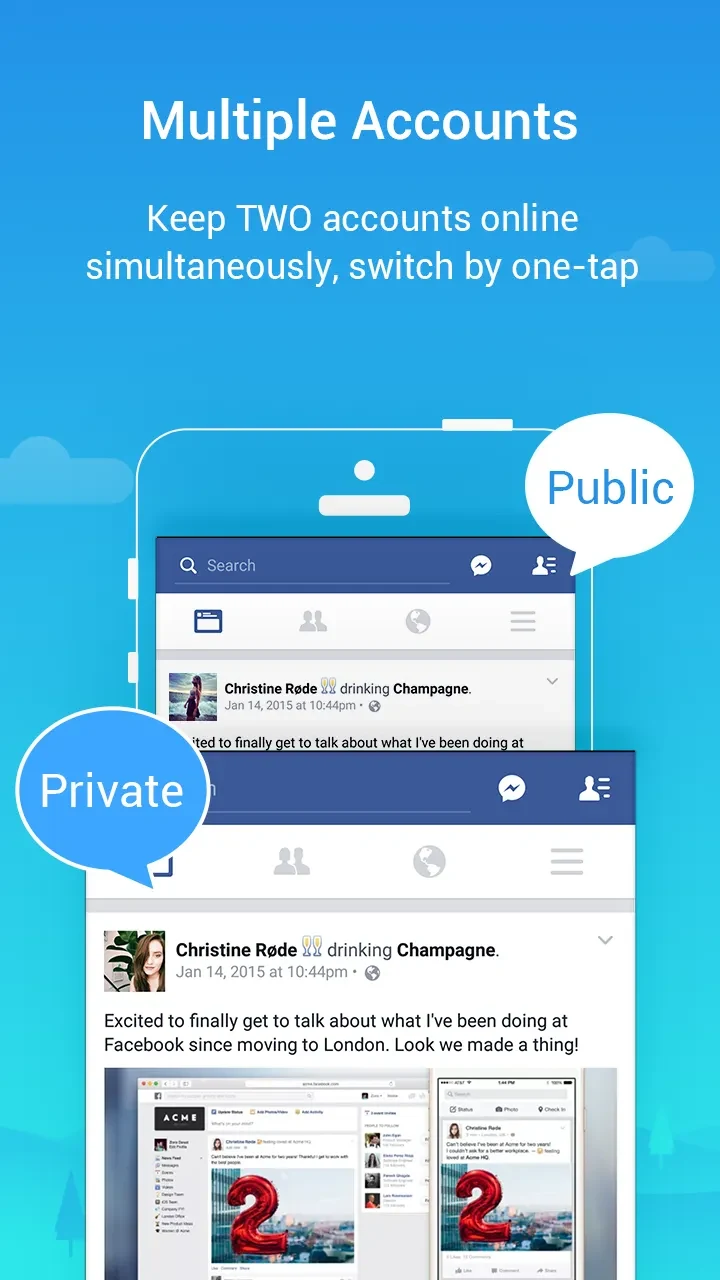
Parallel Space is an Android utility for creating a separate instance of an app on the same device. Its core documented function is app cloning: users can install the same application twice, run it inside Parallel Space, and manage different accounts without using another phone. The source describes this as useful for switching between personal and work profiles, running multiple social media accounts, and keeping app activity in an independent space.
Cloned app instances and account switching
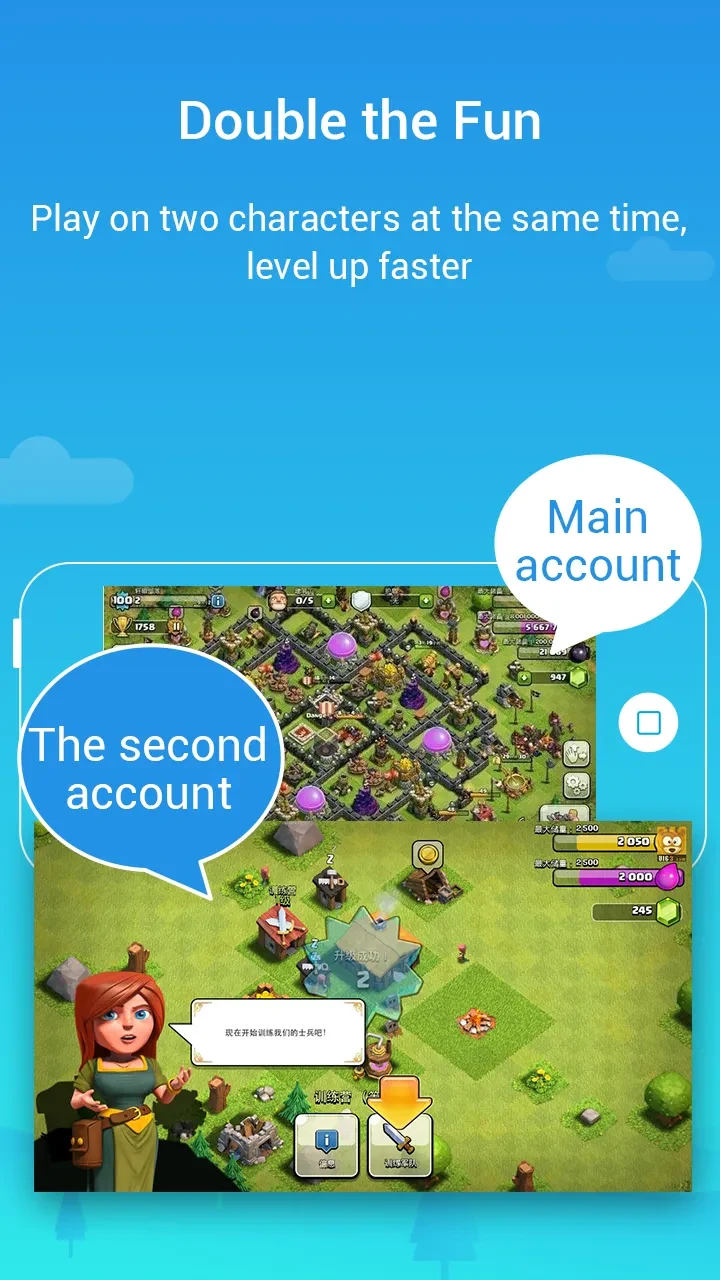
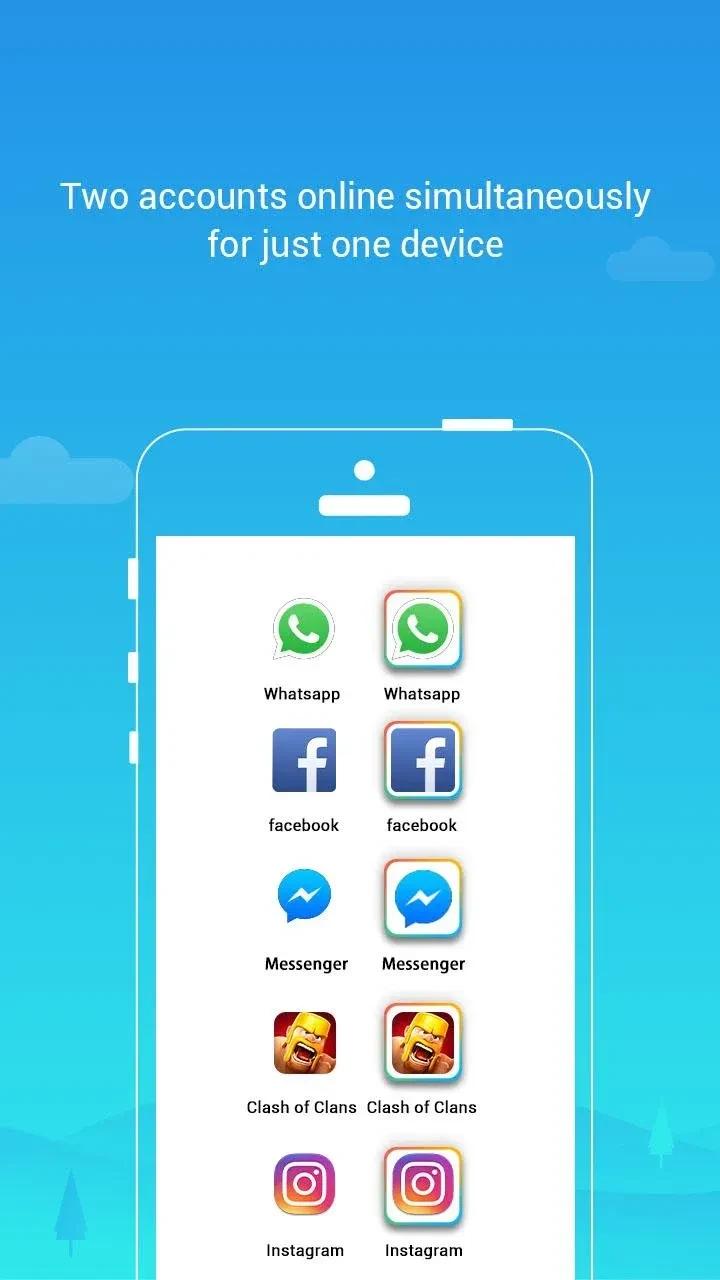
The app creates a non-interfering virtual space on the device where selected applications can run alongside their original installations. This allows users to log in to two different accounts for the same app, such as Facebook, Instagram, or games, according to the source. Account switching is presented as a central workflow, letting users move between identities without repeatedly logging out. Floating widgets are mentioned as a way to access or switch accounts more quickly without reopening Parallel Space each time.
Separation of personal and work use
Parallel Space describes a dual-space feature that can separate personal and work lives. In practice, this means users can keep a primary account outside the cloned environment and a second account inside it. The source also states that cloned app activity can be isolated from the main system operating system settings, which is framed as privacy protection. For social media use, the description says online status can be hidden and login credentials are kept within the separate space. These are described capabilities, not guarantees.
Customization and hidden apps
The utility supports customization of cloned apps, including themes or icons that make each cloned instance visually distinct from the original. This helps users identify which version is running. The source also mentions password or pattern lock protection for private apps, allowing users to hide selected apps behind a lock. The description claims that hidden apps cannot be accessed even if others know they exist on the device memory card, though this depends on the app stated lock mechanism.
Device requirements and limitations
Parallel Space does not require root privileges and is described as having a small memory footprint, just over 2MB. It also requests many permissions because it needs to pass permissions to apps running inside the cloned environment. The source notes limitations: some app features may fail if they are designed for a single instance, performance may drop if the device lacks sufficient RAM, and running multiple apps can increase battery use. A user report also notes that cloned versions may not work when an app requires location permission set to Allow all the time.
Practical role
As a tools app, Parallel Space is positioned for users who need multiple app instances on one Android device. Its supported role is not to replace the original app but to provide a separate space for another account or profile. The documented strengths are account cloning, visual separation, optional locked access, and quicker switching. The documented cautions are permission requirements, possible compatibility issues, resource use, and dependence on device RAM.