

Overview
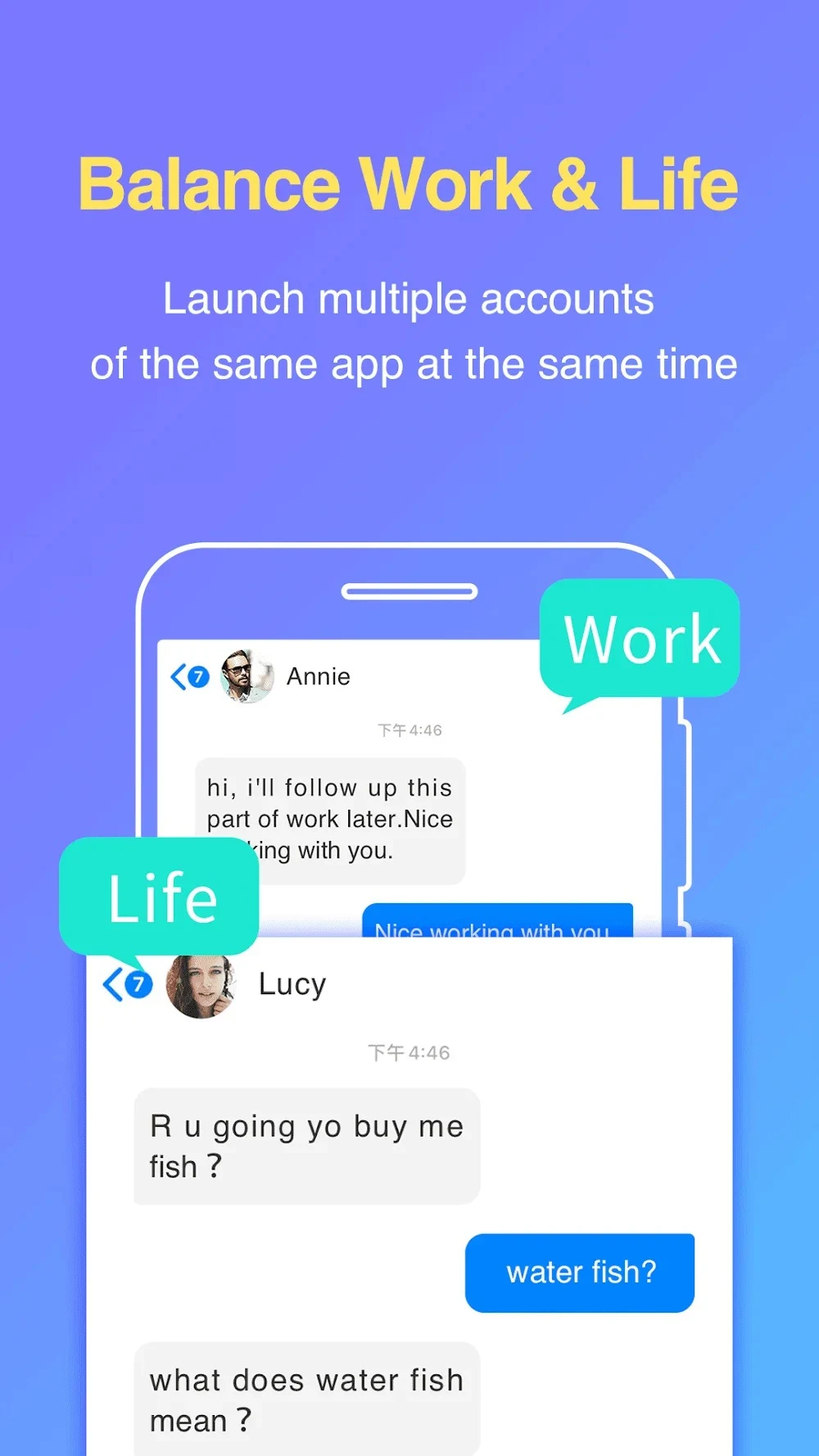
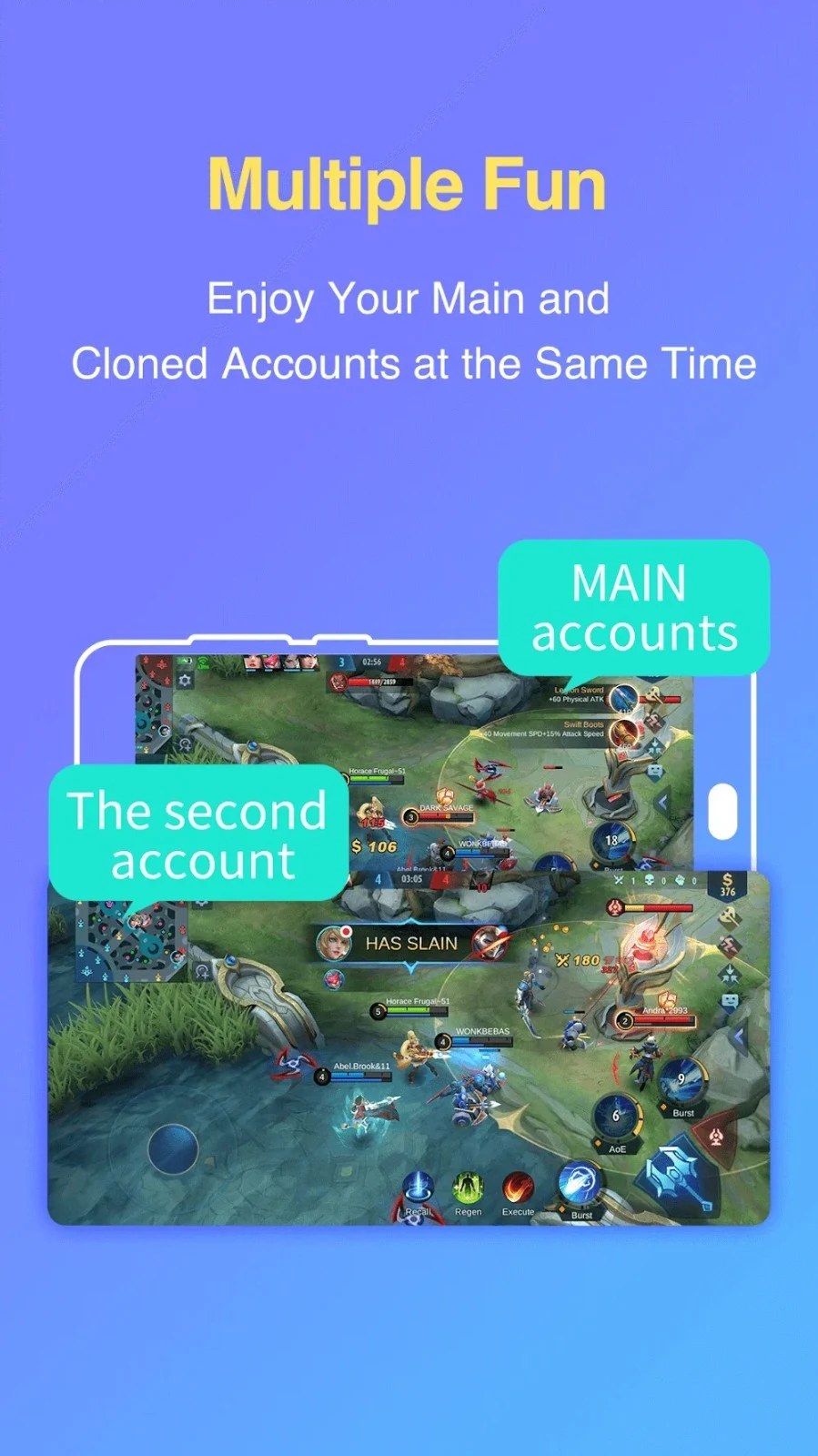
Parallel App - Dual App Cloner is a utility application designed for Android users who need to manage multiple accounts simultaneously. Whether you want to balance your work and personal life by keeping two WhatsApp or Facebook accounts active at the same time, or you wish to maximize your gameplay experience across multiple gaming profiles, this application provides a practical environment. Users simply open the app, grant the necessary permissions, and select any device app to add to the cloning interface. By keeping separate containers for each instance, the software ensures that accounts operate independently without data overlap or interference.
What You Can Do
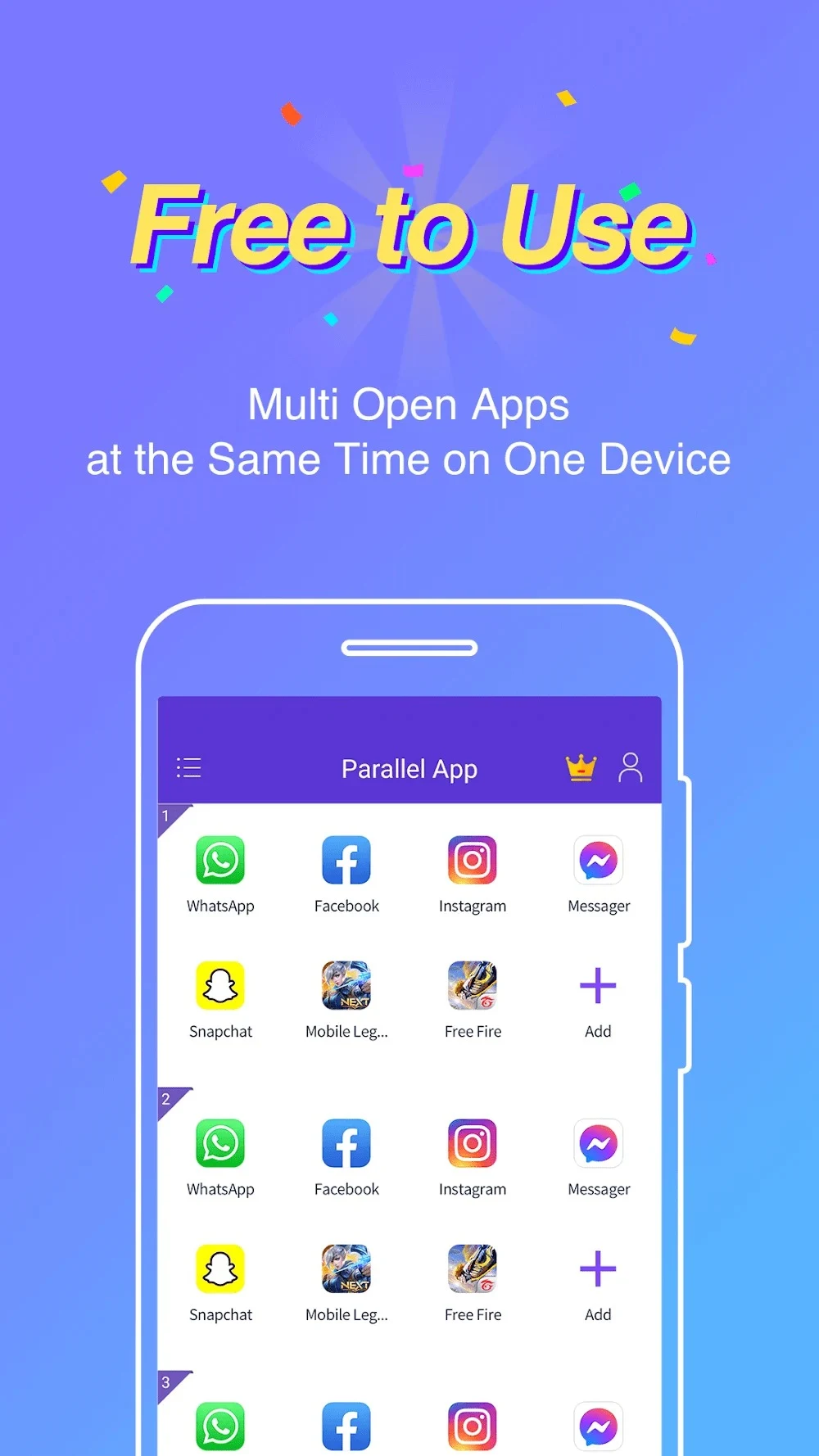
⭐ Run multiple social and messaging accounts side by side. You can clone top platforms like WhatsApp, Facebook, Instagram, Messenger, LinkedIn, Twitter, and Pinterest to log in with different profiles at the same time without needing to sign out.
⭐ Clone top game apps to multiply your gaming profiles. The tool supports popular titles such as Mobile Legends: Bang Bang, PES2021, Garena FreeFire, PUBG, TeenPatti, and LuluBox, allowing you to maximize your gameplay experience.
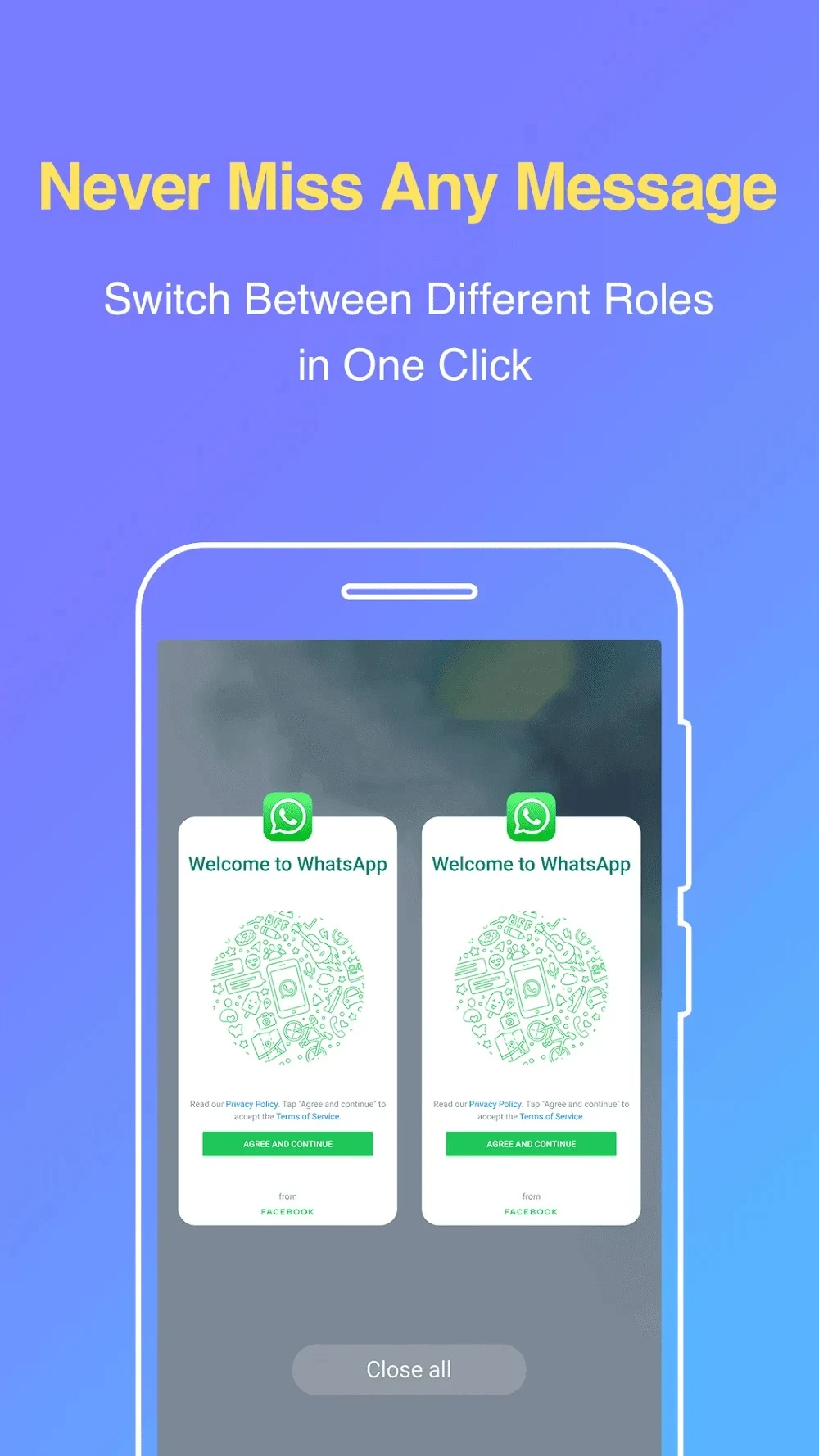
⭐ Maintain independent data and notifications for each cloned instance. Every clone runs in a separate container so information does not mix, and you can properly configure notifications to arrive on time for each individual account.
⭐ Switch quickly between identities with a single tap inside the interface. This feature reduces friction during busy days and keeps both your original app and your cloned app stable as you transition between them.
⭐ Secure your sensitive information using built-in privacy tools. Parallel App includes a private passcode lock with a secure PIN code and a Secret Space that lets you hide selected clones from the main view.
⭐ Use dual accounts for free or upgrade your experience. The free tier covers most everyday needs by supporting dual instances, while VIP options are available for users who want unlimited accounts and an ad-free environment.
Using the App
Managing your accounts with Parallel App involves opening the utility, granting permissions, and using the add button to select target applications from your Android device. You can organize your profiles to separate professional responsibilities from personal chats or gaming hobbies. Customizing notification settings helps you stay on top of critical updates across all active identities without getting overwhelmed by constant alerts. If you choose to remove a duplicate app, you can delete it and all its features at any time.
Why It May Appeal
✅ Ensures that multiple accounts of the same application will not interfere with one another thanks to isolated container architecture.
✅ Protects private conversations, payment tools, or work profiles from casual access by utilizing a Secret Space and a PIN-protected passcode lock.
✅ Offers full compatibility with Android 16, ensuring stability and performance on modern operating system versions.
Things to Consider
❎ Discontinued support for app cloning applies to any applications that declare the REQUIRE_SECURE_ENV flag.