

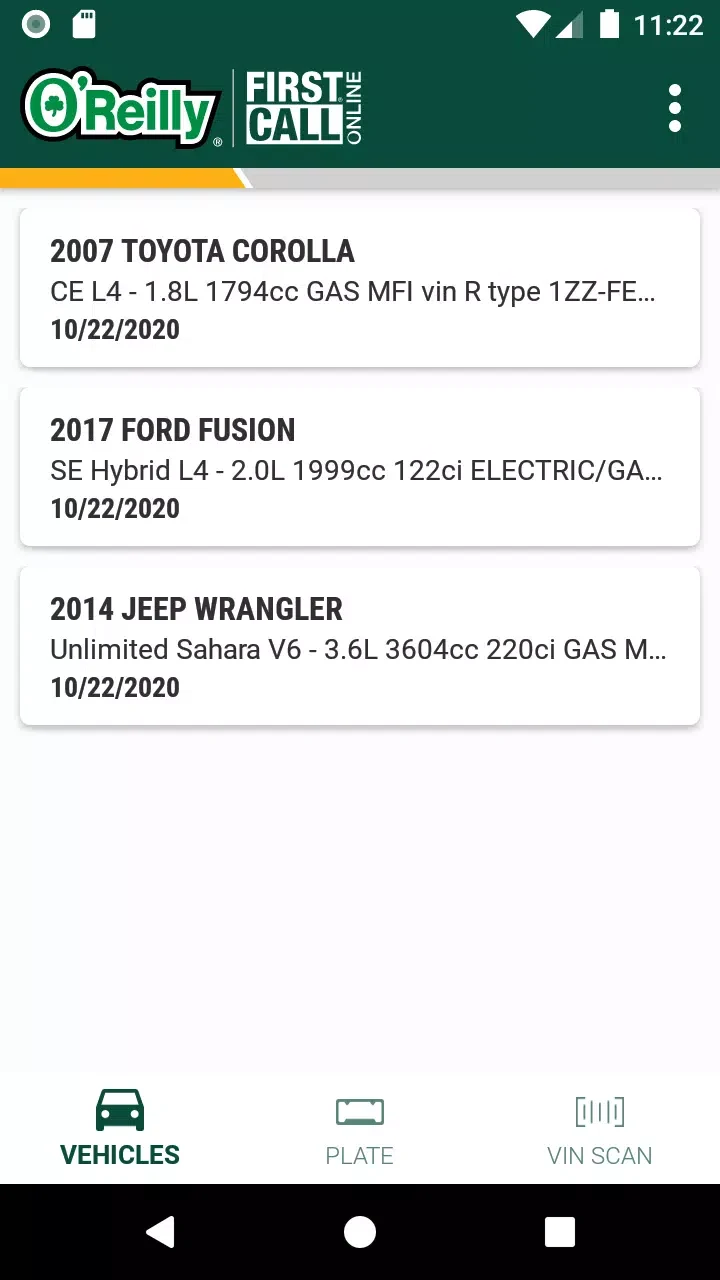
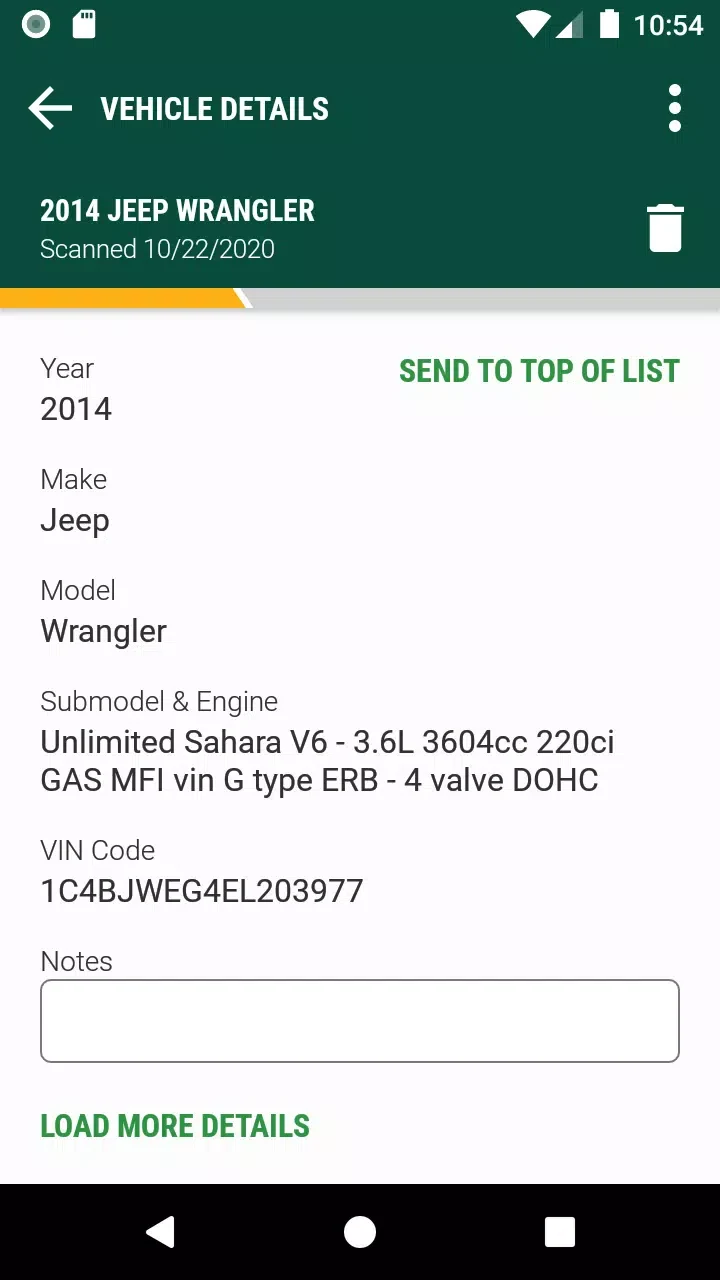
O’Reilly First Call VIN Scan helps professionals identify vehicles and manage related information through an existing First Call Online account. Users can scan a VIN barcode or license plate, or enter information manually. The app can retrieve and populate vehicle information from a scan, and vehicle details can be viewed in the app.
Scanning and manual entry
Multiple ways to enter vehicle information accommodate different record-keeping situations. Users can use the camera to scan a vehicle’s VIN barcode or license plate, or type the information manually. The source describes barcode and image recognition as part of the identification process, without specifying additional setup steps.
Notes and vehicle records
Users can add text notes to a vehicle record, for example to record service-related information or describe vehicle status. This provides a place to keep notes alongside the vehicle details entered or retrieved through the app.
First Call Online account sync
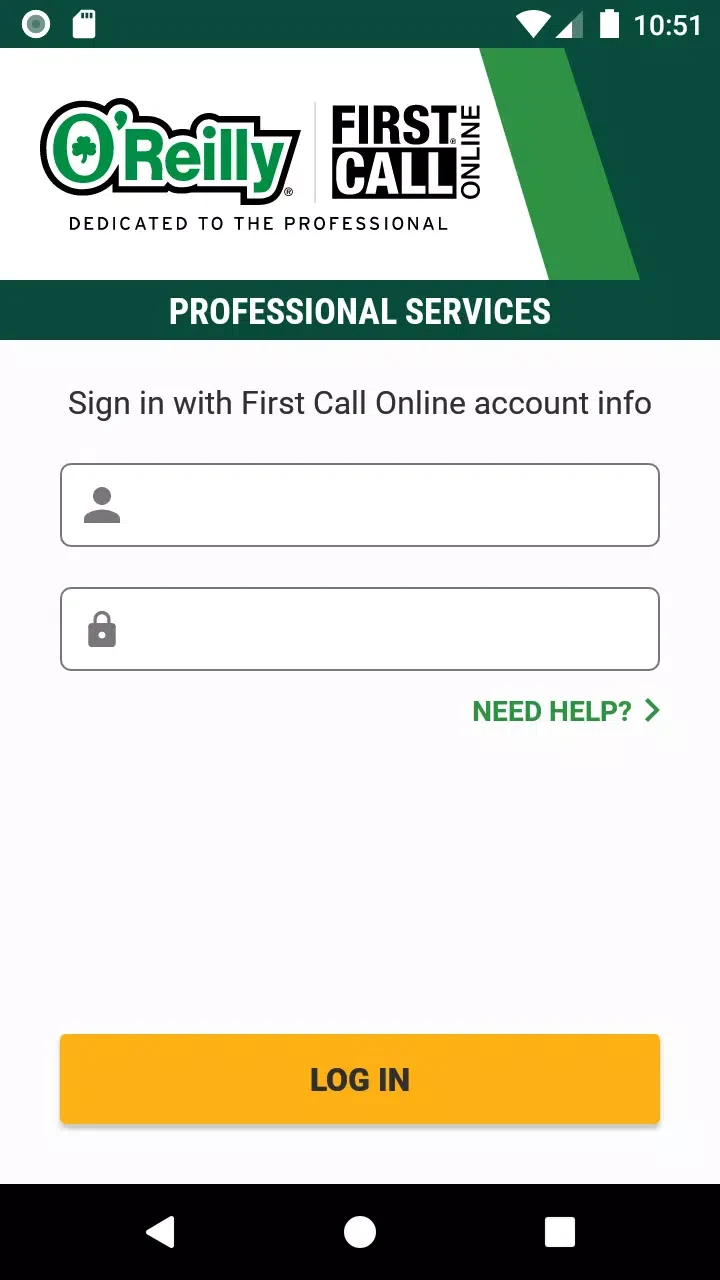
The app is intended for professionals who already have a First Call Online account. Scanned or manually entered information is synced to that account in real time, so vehicle details and notes can be accessed or processed through the connected account. The described workflow is to sign in, scan a VIN or license plate or enter details manually, add any relevant notes, and save the record for syncing.