

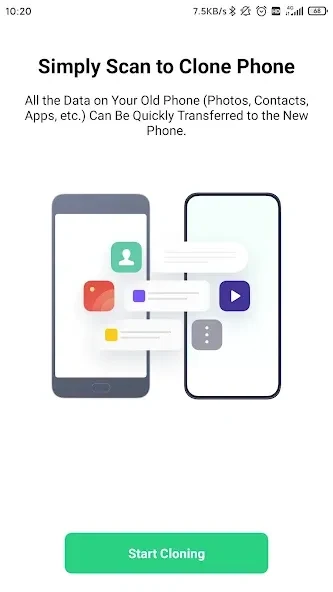
OPPO Clone Phone helps move information from an existing phone to a new OPPO device through a direct local connection, so a transfer does not require mobile data or internet access. This can be useful when setting up a phone away from a reliable connection or when moving a large collection of photos and videos. The two devices are paired by scanning a QR code displayed on the OPPO phone, then the sender can select which available categories to transfer. The app supports Android sources and also lists iPhone-to-OPPO migration.
Pairing the phones and starting a transfer
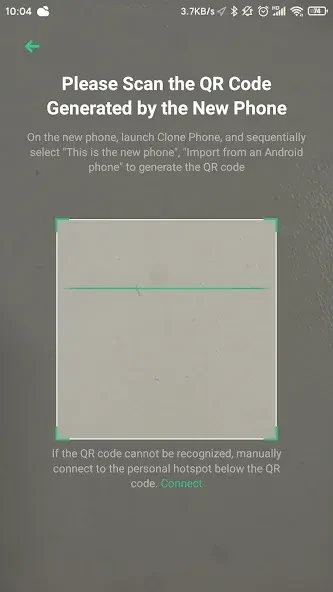
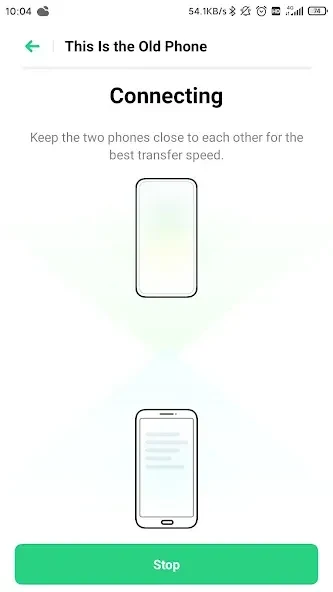
The new OPPO phone provides a QR code for the other device to scan. After pairing, the phones connect locally and the transfer runs over Wi-Fi rather than sending files through an online service. The source says mobile data is not used and an internet connection is not required. This cable-free setup avoids needing a computer as an intermediary. Progress can be viewed on screen while the transfer is underway.
Choosing what to bring across
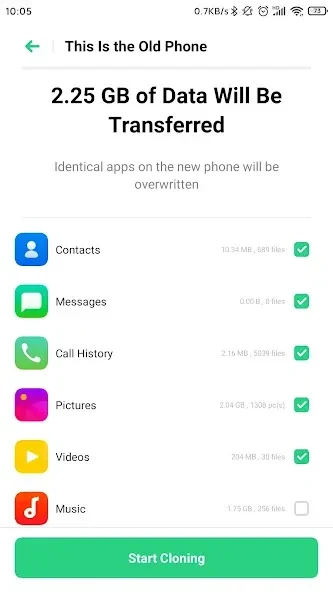
Available Android transfer categories include contacts, text messages, call history, photos, videos, audio, files, calendar entries, notes, alarms, wallpapers, and system settings. The app can also transfer installed applications and some application data, with WeChat and QQ given as examples where supported. Users can choose categories from the options shown on the device before starting, and check the amount of space the selected items will occupy. App layouts are also described as being preserved, helping carry over some of the previous arrangement.
Moving from different phone platforms
OPPO Clone Phone is designed around an OPPO device as the destination. The supplied information describes migration from other Android phones and also lists an iPhone as a possible source. It gives more detail about the types of content available from Android; it does not specify an equivalent category list for iPhone transfers. This distinction matters when planning what to move, since the options shown may depend on the source device.
Local transfer and privacy
Because the phones communicate directly, the transfer is described as staying on the devices rather than being routed through external servers. The local connection also means the process can proceed without consuming a mobile data allowance. These details explain how the app handles a transfer, but the supplied information does not give further technical specifics about its connection or encryption.
A noted reliability drawback
The supplied feature notes list instability as a drawback, without explaining when it occurs or how often. Users should therefore be aware that transfer reliability is identified as a limitation in the available information.