

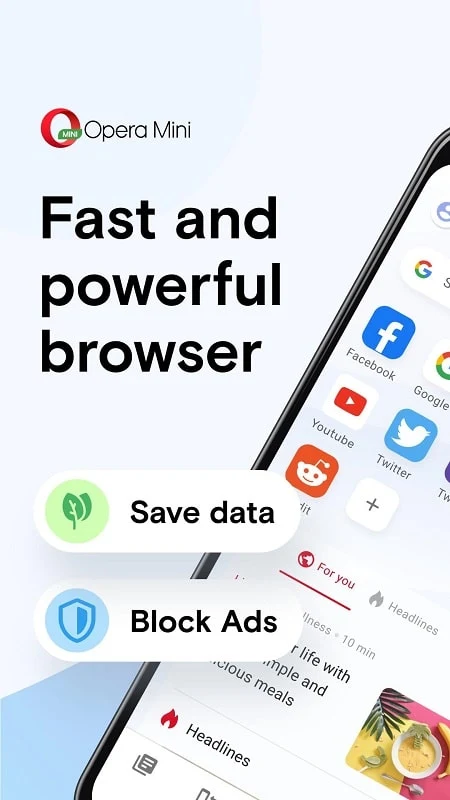
Opera Mini Premium is an Android web browser designed for visiting websites while reducing mobile data use. Its documented tools include private tabs, a built-in ad blocker, data compression, offline reading, interface customization, football live scores, and file sharing with other Opera Mini users.
How does Opera Mini Premium reduce data usage?
The browser includes Opera Mini Data Saver, which compresses web pages before they are delivered to the device. The supplied description says this can save up to 90% of data and can help pages load on slow networks. The exact saving will depend on the pages visited, the connection, and the selected browsing conditions, so the figure should be understood as a stated capability rather than a guaranteed result for every session.
This focus makes the browser relevant to people who monitor their mobile data or regularly browse where connections are slow. The source describes local Opera data centers as part of its connection approach and presents the browser as a way to access web pages with reduced data consumption.
What privacy controls are available?
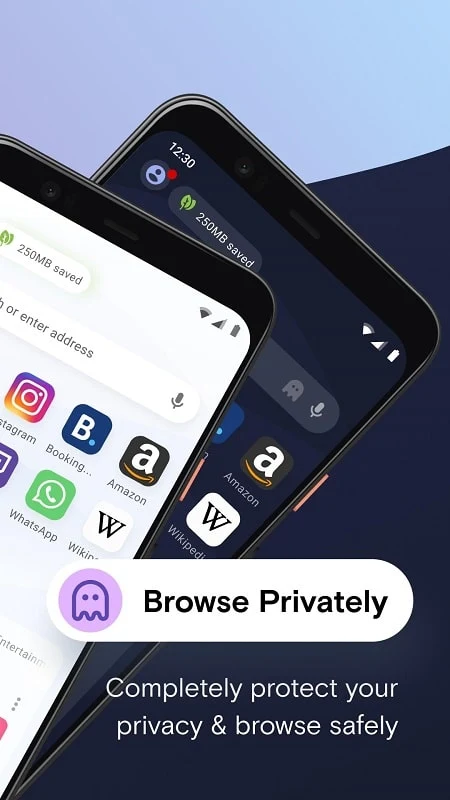
Opera Mini Premium provides private tabs for incognito browsing. According to the supplied information, private browsing is intended to prevent browsing history from being saved on the device. The description also says that browsing history can be deleted automatically, although it does not specify the exact setting or timing for that behavior.
A built-in VPN tool is also listed among the app's functions. The source presents it as a way to access time-restricted web pages, but it does not provide technical details about its locations, encryption, data handling, or the websites it can access. The browser should therefore be understood as offering the named VPN feature without assuming broader privacy or access guarantees.
Does it block advertisements?
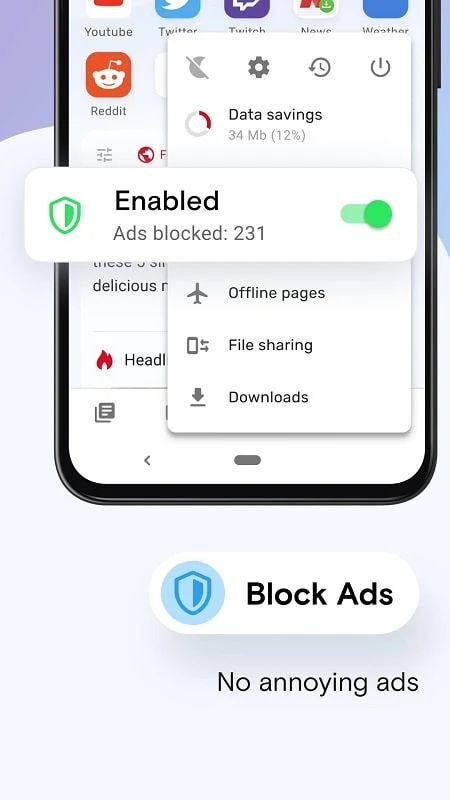
The browser includes a native ad blocker that is described as removing most web page advertisements and helping limit pop-ups. This can reduce visible interruptions while browsing and may also reduce some unnecessary page content. The supplied FAQ specifically describes the tool as blocking most web page ads, not as a guarantee that every advertisement or promotional element will be removed.
Can content be saved for later?
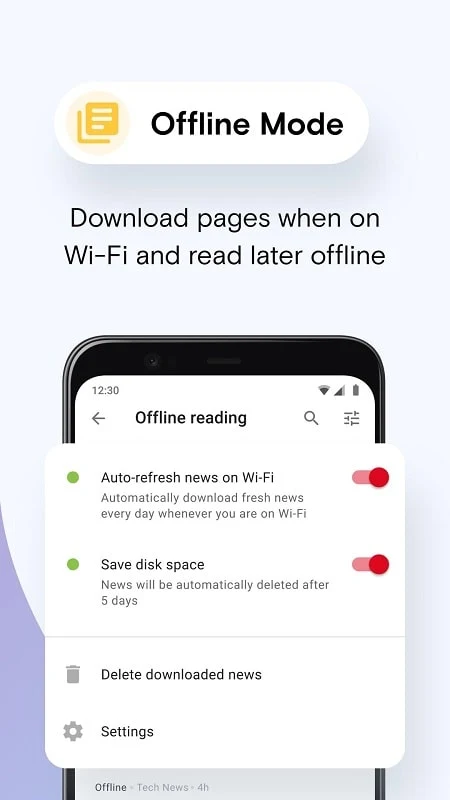
Opera Mini Premium allows users to save news stories and web pages to their phone while connected to Wi-Fi, then read them later without using mobile data for that reading session. This function is suited to articles and other pages that users want available away from a connection, although the source does not define which page types are supported or how long saved content remains available.
The description also mentions a built-in video player. It says that users can watch or listen to content live or download it for later offline viewing. The source does not specify supported file formats, download limits, or whether every website's media can be saved, so those details should not be assumed.
What browsing and sports information does it provide?
A dedicated Live Scores section is included for following football teams and leagues. This gives the browser a specific place for football-related score information alongside ordinary web browsing. The supplied material does not identify the leagues covered, the update schedule, or whether alerts are available.
Can the interface be personalized?
The app allows users to customize parts of its appearance, including wallpapers and interface designs. The source describes this as a way to create a more personal browser layout. It does not provide a complete list of themes, colors, or individual controls, so the available customization should be limited to the options provided within the app.
Does it support sharing files without mobile data?
Opera Mini Premium includes offline file sharing between Opera Mini users. The supplied description says users can send and receive files without an internet connection or data usage and that transfers can take place between other Opera Mini users. This function is therefore described as depending on the participating devices using the same browser, rather than as a general-purpose file-sharing service for every device or app.
Which Android devices are mentioned?
The supplied FAQ states that Opera Mini Premium is designed to work on Android phones and tablets. No specific Android release is identified in the source data, and the minimum operating-system field is not a usable version requirement. Prospective users should check the app listing or device requirements available at installation time for precise compatibility information.