
Open Note Scanner helps turn paper notes and documents into files you can keep on an Android device. Using the camera, it can capture handwritten pages, printed materials, artwork, and shopping receipts without requiring you to frame every page by hand. The app looks for paper edges against a contrasting surface, then adjusts the captured image toward a top-down view. That combination is useful when a page was photographed at an angle: it gives you a more orderly scan to browse, share, or store alongside other documents.
From camera view to saved scan
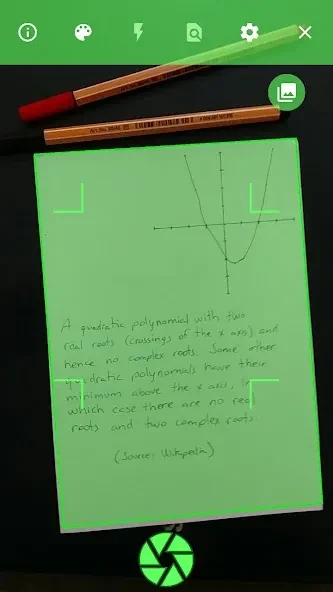
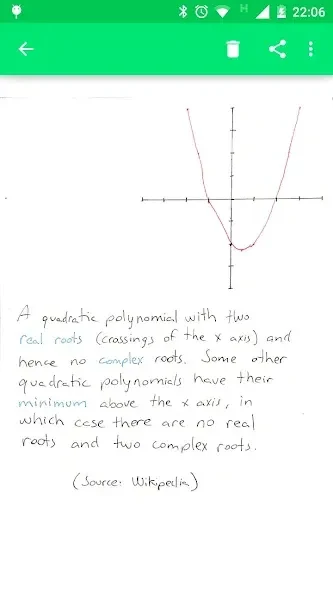
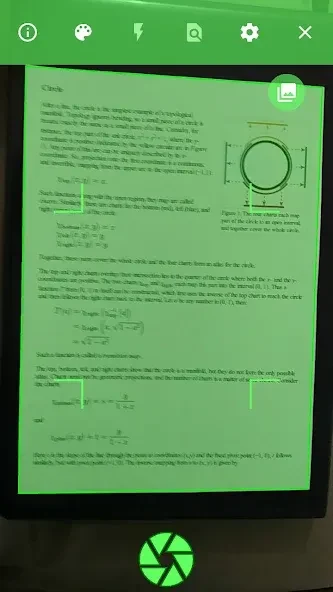
Automatic edge detection is the main step in the scanning process. After identifying a page, the app corrects its perspective and adjusts image aspect and contrast before saving the result to a folder on the device. You can browse and view saved scans in the app, or share them when needed. PDF export is also listed among its features, though the supplied information does not describe the export options.
Scanning pages with QR codes
Open Note Scanner also supports automatic scanning of preformatted pages that use QR codes and action indicators. In particular, it can recognize the code in the bottom-right corner of RocketBook Wave pages, including pages printed at home. This offers a quicker way to detect those pages than positioning an ordinary sheet for edge detection. PDFs of the preformatted pages are available in the releases section of the application website.
Using it with other apps
The scanner can be launched from another app when that app asks you to take a picture, provided no default app is already associated with that action. This gives you another route into scanning besides opening Open Note Scanner directly. The app is described as ad-free and has publicly available source code; its listed minimum operating system is Android 5.0.
When to check the result
Automatic processing does not always produce the intended scan. Page detection can fail and save the full camera view instead of the document, while image processing may sometimes make text harder to read. Checking the saved image is therefore worthwhile when legibility or accurate cropping matters.