

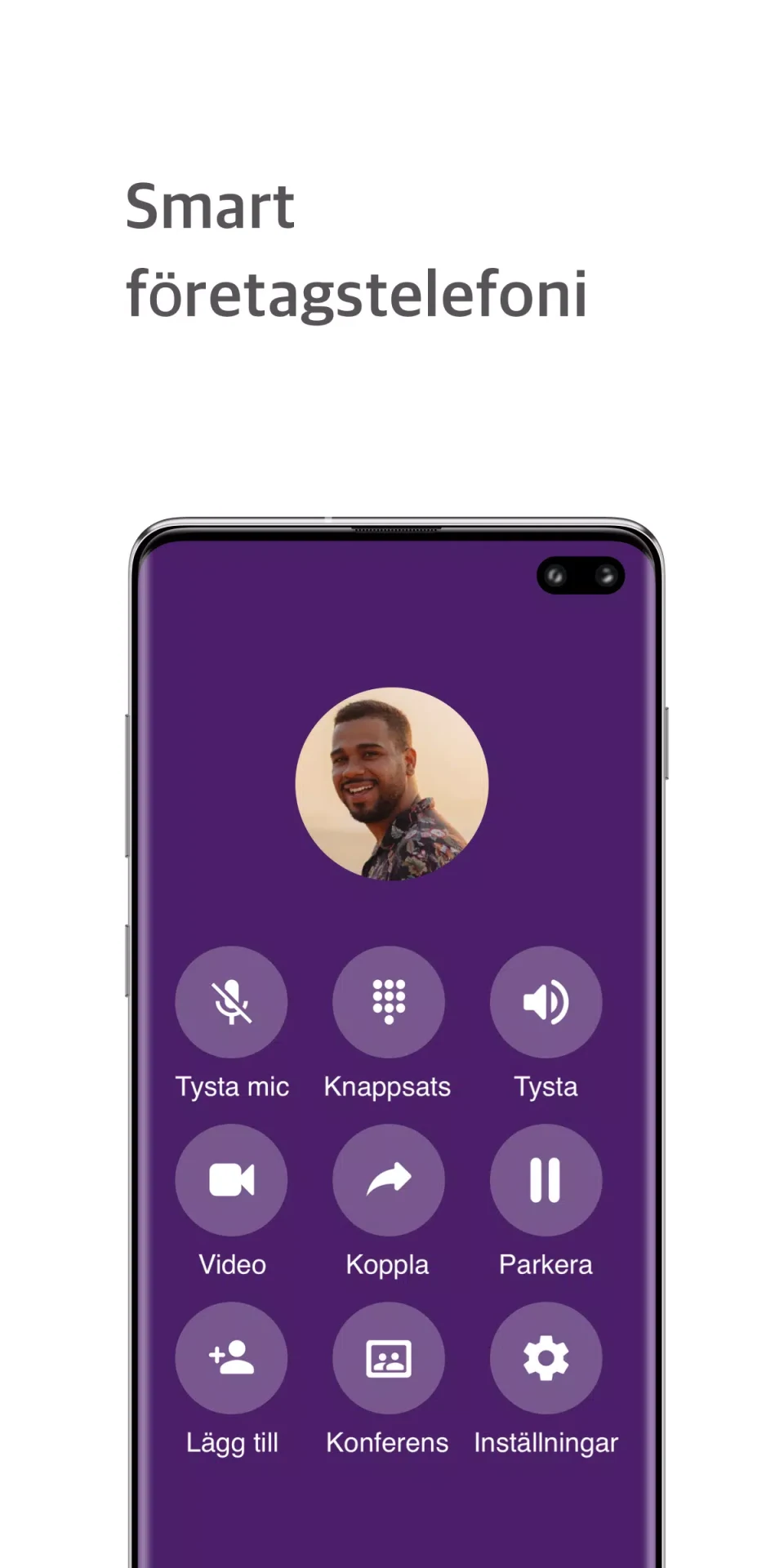
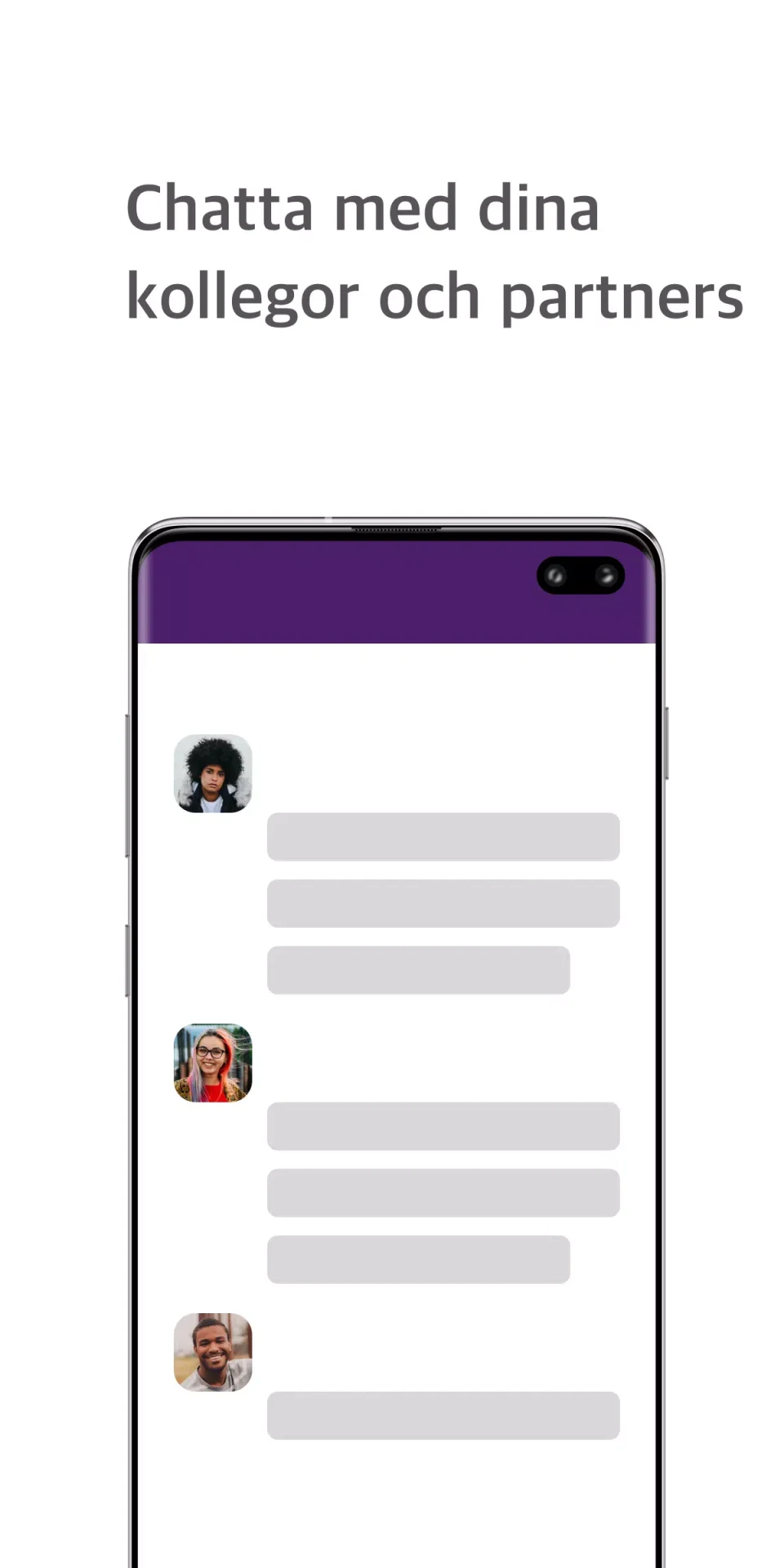

only keeps team messages, shared documents and business calls connected within an existing PBX environment, helping staff follow a discussion without repeatedly moving between separate tools. Direct chats and persistent channels provide space for ongoing work, while linked call records and recordings preserve the context of voice conversations. Teams can also arrange phone or video conferences with supporting materials attached. This combination is useful when colleagues need to revisit decisions, prepare for meetings or hand over work with the relevant messages, files and call history in one place.
Channels that preserve working context
Direct messaging supports individual conversations, while persistent channels organize department or project discussions. Threaded replies bring related calls, files and notes together, and searchable threads help users locate earlier interactions. Archived channels and saved recordings can support training, handovers and later reference rather than leaving useful information scattered across separate conversations.
Channels are also practical starting points for communication: users can initiate a call or conference from a channel or contact card in a single action. File attachments and links to recorded calls remain within the conversation, keeping supporting material close to the discussion it belongs to.
Recording controls and access to saved calls
Call recording can be configured for an individual user or an entire group. In-call controls provide access during a conversation, while administrators manage recording rules through role-based PBX settings. Additional administrator session controls include forced recording, call transfer and monitoring.
Once a recording is created, it appears in the associated conversation. Users with the required permissions can review or download it, making recorded discussions available for quality reviews, training or compliance work. Access and recording behavior depend on the roles and policies configured for the installation.
Conference preparation and live activity
The built-in booking workflow lets users schedule phone or video conferences from the PBX interface, attach an agenda and link relevant documents. Participants can then join with a single tap. During calls, screen sharing supports tasks such as troubleshooting an interface or demonstrating a file, while shared documents stay attached to the relevant conversation or call.
A real-time dashboard displays incoming and outgoing call activity, active conferences and basic call metrics. Managers can use this view to monitor workload and spot potential routing problems. It also provides routes to recent calls, recordings and active channels, connecting the activity overview with the underlying conversation history.
Team setup within the existing PBX
The interface presents controls according to each user's responsibilities. Team leads can create channels, add members, manage permissions and set recording policies in the app without working directly in the PBX core. Channel visibility and notification preferences are also configurable.
Administrators manage user roles and recording rules through the PBX configuration. Wider deployment depends on PBX capacity and permission planning: only extends an existing telephony setup rather than replacing it. Organizations without a supporting backend will have limited access to some functions, and advanced monitoring or group recording depends on the underlying configuration and granted permissions.
Navigation, accessibility and offline limits
Conversation lists, channel headers and an activity-focused dashboard structure the interface, with consistent labels across messaging, calls and recordings. The supplied accessibility features include keyboard-friendly navigation, readable contrast and clear focus behavior for screen readers.
Offline access covers recent messages and recordings or attachments that have already been downloaded. Live calls and conferences still require an active connection through the PBX, so the offline functions are suited to reviewing available material rather than continuing live communication.