

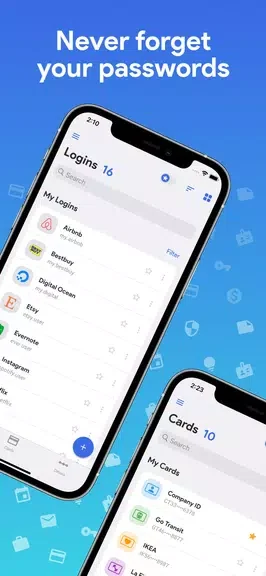
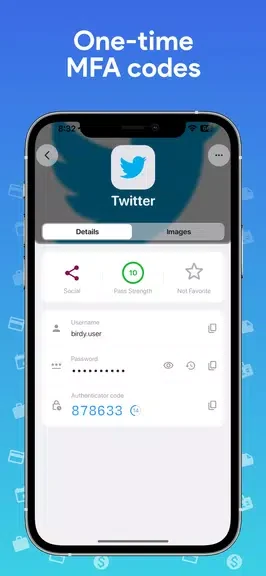
One Key: password manager helps keep passwords and related digital details together on an Android device, so accounts can be managed through a single master password rather than a collection of separate credentials. The app is designed for offline use and describes AES-256 encryption for stored information. Alongside password storage, it can generate OTP/MFA codes, fill saved credentials, and provide virtual cards for convenient access to credit card information. These functions make it useful for organizing login details and handling common sign-in tasks without requiring an internet connection.
Local storage and access
The app does not require internet access to use its password manager, keeping the stored information on the device rather than transmitting it over the web. Access is centered on a master password, while the app description also notes that it contains no ads. AES-256 encryption is used for the information saved in the manager.
Organizing different types of information
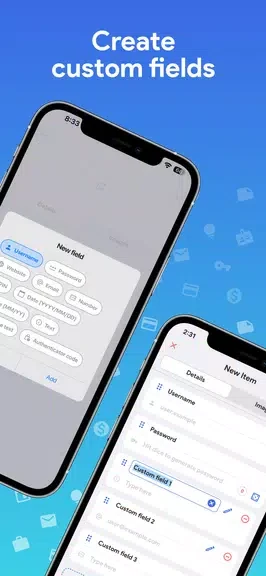
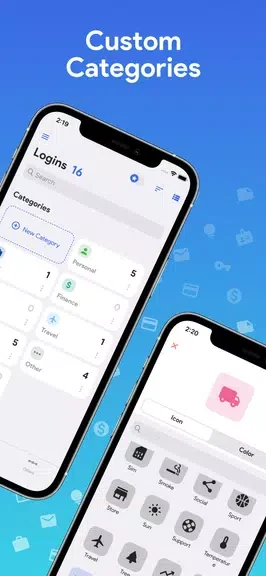
Custom categories and fields let users arrange passwords and other details according to their own system. This can make entries easier to locate when the stored information includes more than ordinary website credentials. Virtual cards provide a separate way to keep credit card information readily accessible within the app.
Password creation and sign-in tools
A built-in password generator can create strong, unique passwords for individual accounts. Autofill then reduces the need to type saved credentials repeatedly when logging in to websites. OTP/MFA code generation brings another part of the sign-in process into the same application, allowing supported account details and authentication codes to be handled together.
Practical use
A typical workflow is to create a password with the generator, save it in a custom category, and use autofill when signing in later. When an account uses multifactor authentication, its OTP code can also be generated through the app. Because the manager works offline, these tasks are intended to remain available without an internet connection.