


OKmusi helps users save videos and audio to a device by searching for a title or pasting a media URL, then choosing an available format or quality. That workflow is useful when someone wants to keep a copy for offline listening or viewing, or extract audio from a video. The app description names YouTube and Instagram among the sources for video content, and lists music services and social platforms such as SoundCloud, Mixcloud, TikTok, and Audiomack. It also describes an in-app player for previewing songs before downloading.
Find media by search or link
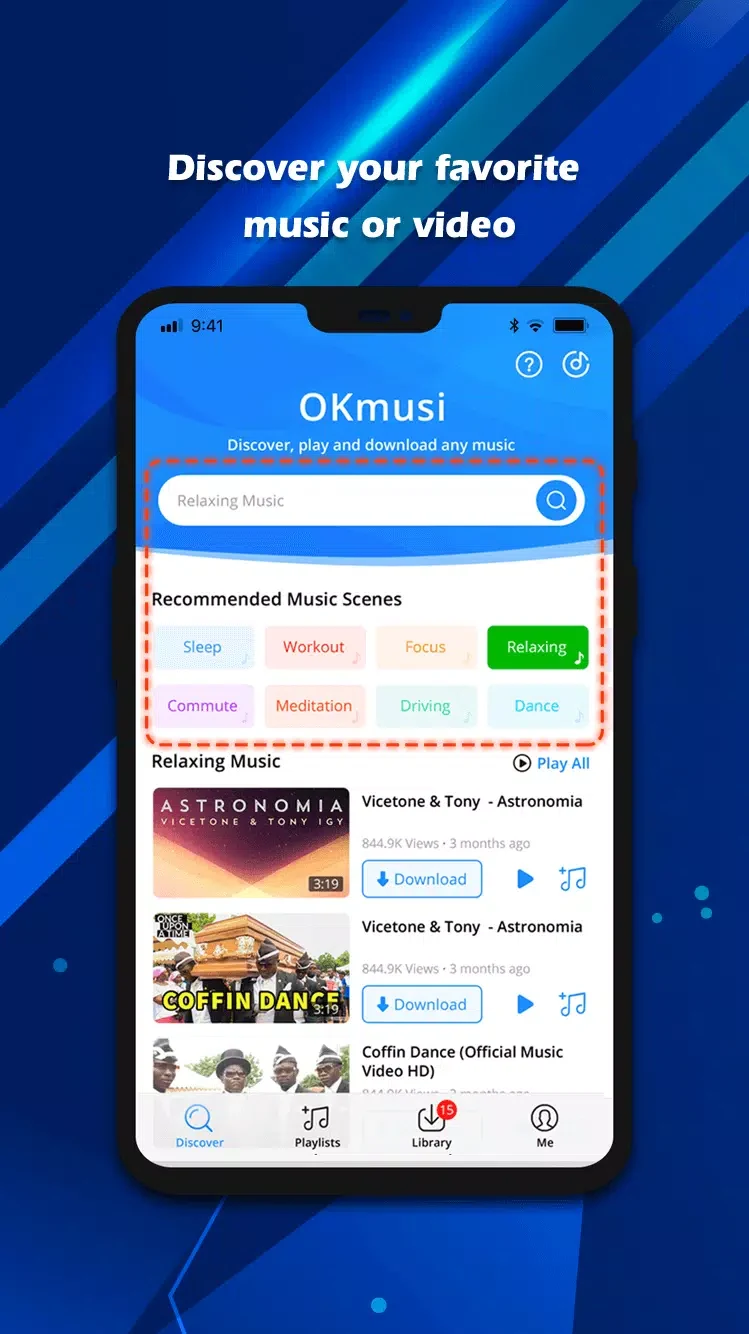
For music, OKmusi accepts a song title, artist, or album name as a search query, as well as a pasted link that can be converted to MP3. The description also presents the app as a way to extract audio from video, giving users more than one route to the content they want. For video downloads, users can paste a URL and select an available resolution. The source names YouTube and Instagram as examples of platforms for video content and lists SoundCloud, Mixcloud, TikTok, and Audiomack among music sources; availability may depend on the specific link.
Choose audio quality and preview a track
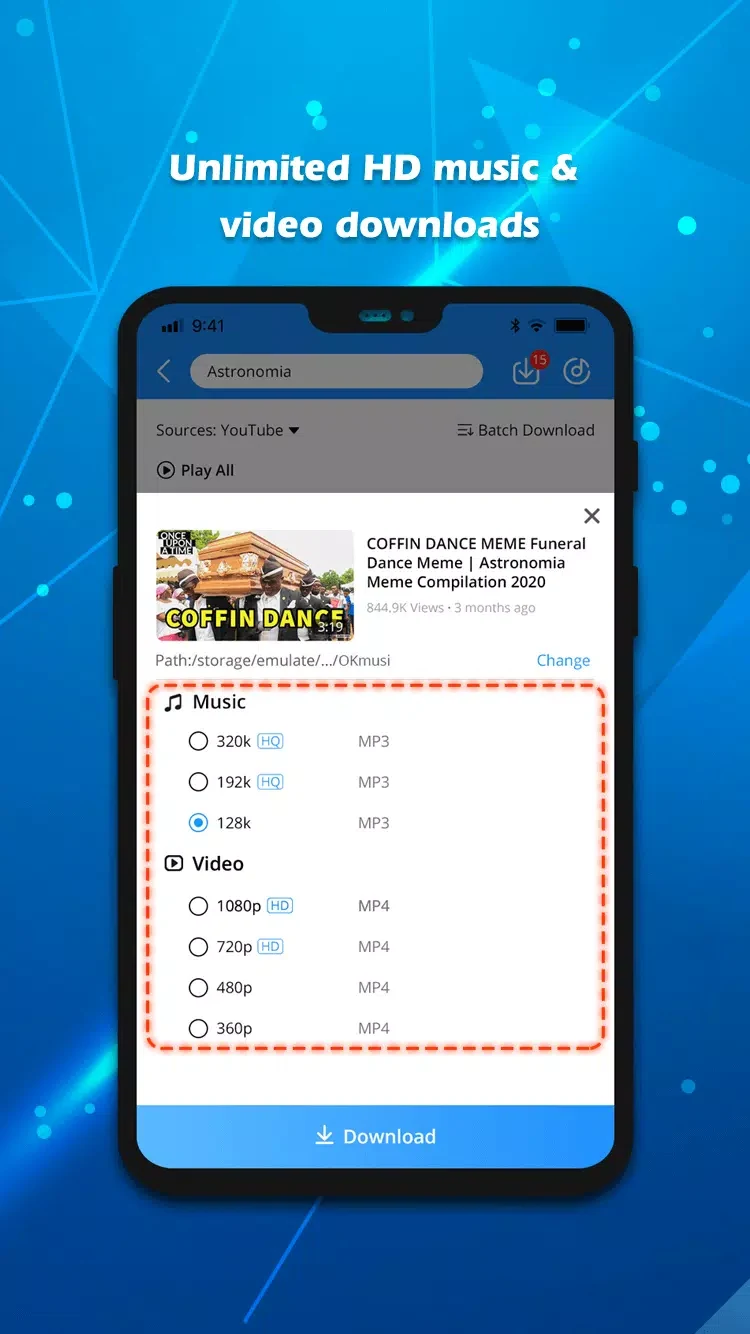
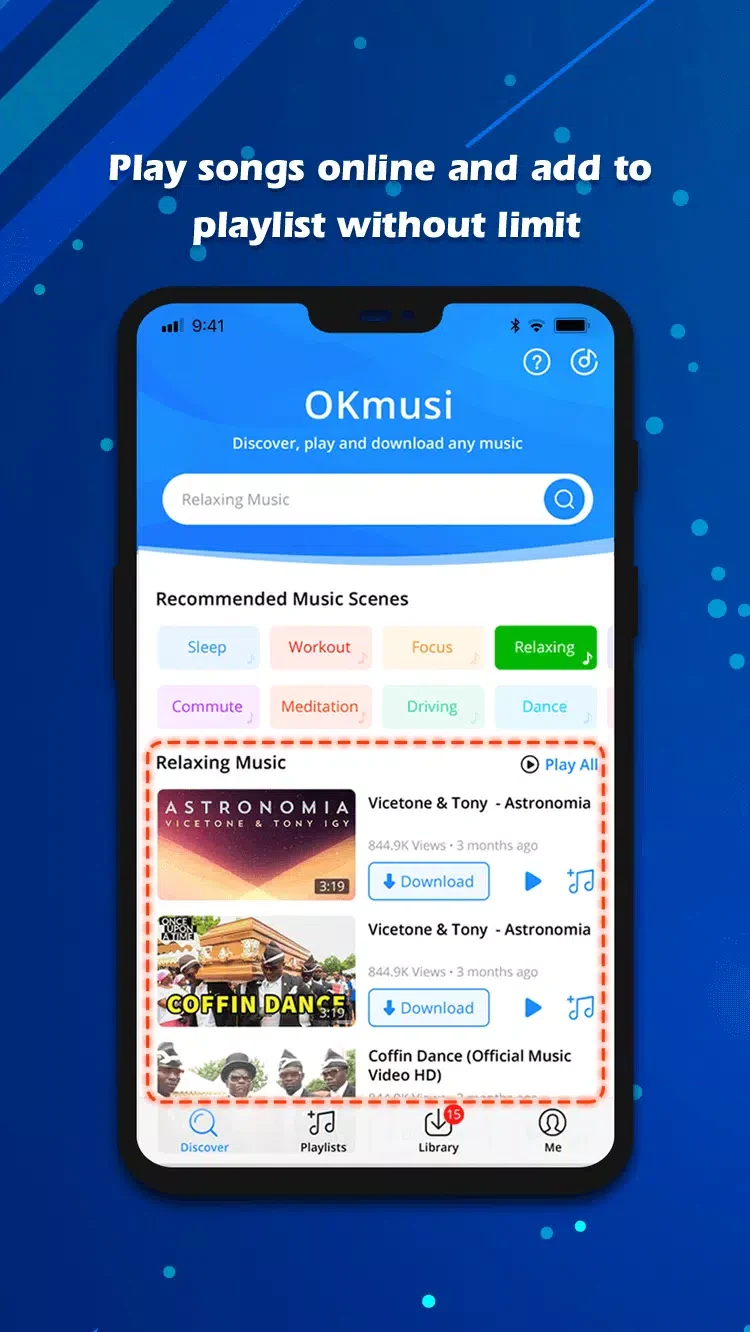
Before saving music, users can preview a song in the app’s online player to check that it is the intended track. The listed audio options include MP3 at 96, 128, or 320 kbps, and M4A at 129 kbps. These choices let users select from the formats and bitrates the source describes, rather than relying on a single output setting. The app also provides an option to choose video resolution when downloading a video. The source does not specify that every format or quality is available for every item.
Manage downloads and audio extraction
OKmusi automatically records download history, which the description says can be used for batch processing. This connects the record of earlier tasks with handling multiple downloads, rather than requiring each item to be treated as a completely separate job. The app is also described as supporting multiple-track downloads. For someone starting with a video rather than an audio search, its audio-extraction function offers another way to save sound from media. The supplied material does not explain the precise batch controls or which sources support each operation.
Devices and intended use
The source describes OKmusi as available for Android, Windows, Mac, and iPhone, and presents offline listening as a use for saved tracks. This profile concerns the Android app, while the feature description also refers to use across those other platforms. Its combination of link-based downloads, keyword search, previews, and output choices may suit users who want to locate media in different ways and check a track before saving it. The source provides no detailed Android version requirement, so compatibility with a particular device or operating-system release cannot be established from the supplied information.