

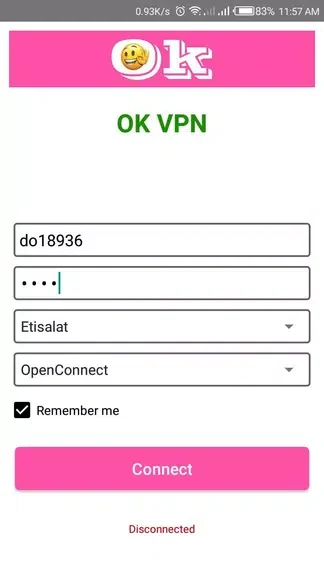
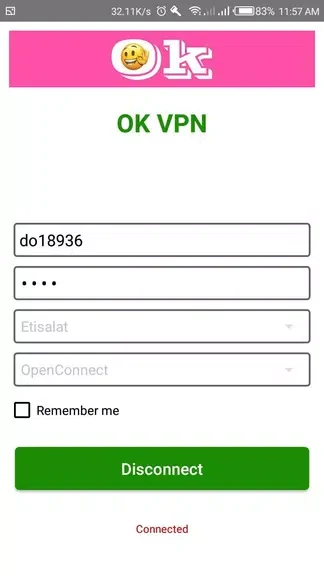
OK VPN - One Click Connect is designed for users who want to connect to a VPN server without working through registration or configuration screens. The app describes a one-click connection process and says that it requires no root access or manual settings, making its central purpose straightforward: start a VPN connection from a simple control.
Connecting without registration or setup
When the priority is a quick connection, the app combines one-click access with an approach that does not require registration. The source also states that no device rooting is needed. These details make the app’s main task clear: users can attempt to connect to a VPN server without first creating an account or adjusting VPN settings inside the app.
Protecting traffic on Wi-Fi connections
OK VPN - One Click Connect is presented as a tool for Wi-Fi and data security. Its description says that the app encrypts internet traffic to help prevent unauthorized access to personal information. This is the documented privacy function of the VPN connection, intended for browsing and other online activity where users want their traffic handled through an encrypted connection.
Choosing among server locations
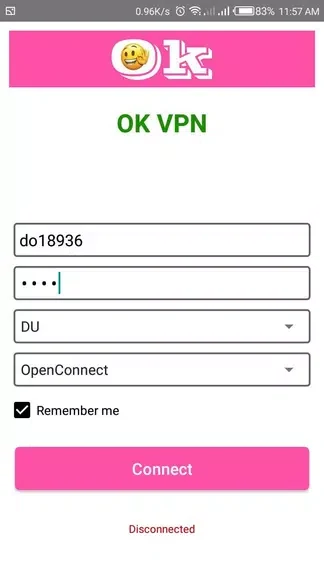
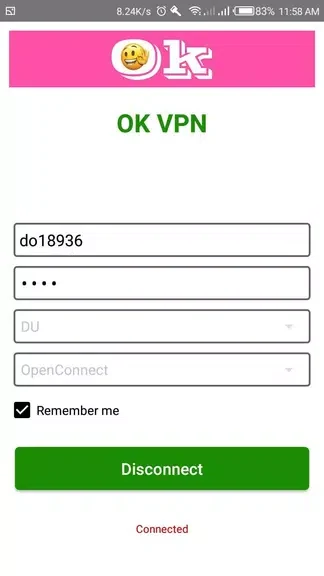
The app provides different server locations and encourages users to try them when looking for a suitable connection. The source describes its servers in terms of speed and reliability and says that users can compare locations to find the one that offers the best performance for their connection. It also states that there are no speed or bandwidth restrictions.
Using voice-calling applications
Another stated use is voice calling through Messenger, WhatsApp, and Imo. OK VPN - One Click Connect is described as supporting clear voice calls in these applications, allowing the VPN’s connection to be used while users communicate through those services.
Trying the service for one day
A one-day trial account is available for evaluating the app’s features before making a longer commitment. This gives users a defined trial period in which to examine the connection process, server locations, traffic encryption, and supported calling use described by the developer.