



Overview
OiTube is a video and audio player that brings local media playback and online video discovery together in one Android app. You can import files for offline viewing, search for videos using keywords, and adjust the viewing experience with controls for screen size, image quality, and playback speed. The player supports background playback when the screen is turned off and a floating window that stays visible while you use other apps. OiTube also includes playlists, recommendations based on watch history, and access to online music and video content. It supports devices running Android 5.0 or later.
What You Can Do
⭐ Import video and audio files for offline playback. Once media is stored on your device and added to the player, you can watch or listen without an internet connection, which is useful when travelling or when connectivity is unavailable.
⭐ Continue playback in the background. Audio or video can keep playing when the device screen is turned off, allowing the app to work as an audio player while the phone is not actively in use.
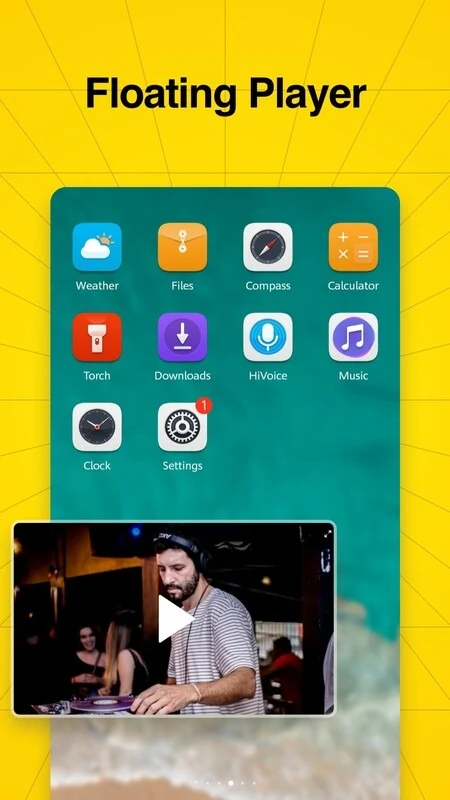
⭐ Watch in a floating window. The resizable floating player overlays other content, so you can continue viewing while using another application. Its size can be adjusted to suit the available screen space.
⭐ Play a broad range of media formats. The source lists MP3, M4A, WMA, WAV, FLAC, MP4, AVI, and other audio and video formats among the supported types.
⭐ Search for online content with keywords. The built-in search tool is designed to help you locate shows, music, and videos without browsing through content manually.
⭐ Organize favourites into playlists and receive recommendations. You can create playlists for songs or movies, while suggestions based on viewing history help surface additional content that may match your interests.
⭐ Stream online video and save videos to the device for later viewing, according to the supplied app information. The app also describes sharing and commenting on other users’ posts within its community features.
Using the App
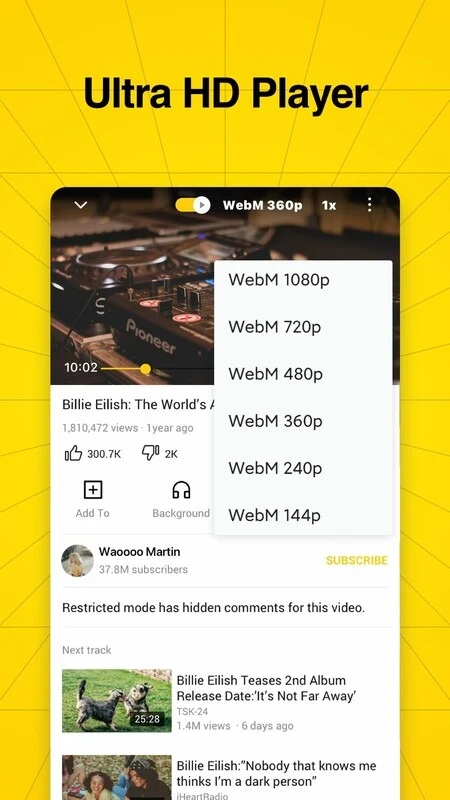
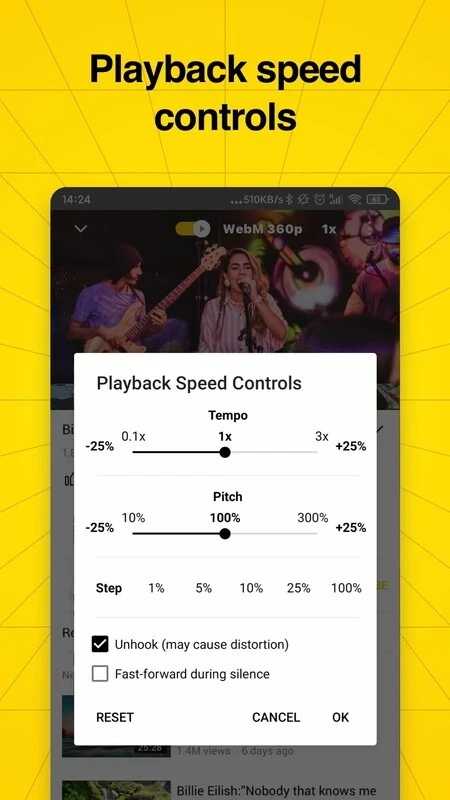
Everyday use can follow either a local-media or online-content workflow. For personal files, import the media and start playback from the player. During viewing, you can change the screen size, image quality, and playback speed to match your preferences. For online content, enter keywords in search, select a video, and add preferred songs or movies to a playlist for easier access later. Background play is suited to listening with the screen off, while floating play keeps a video available over another app. A dark mode option changes the interface to a darker colour scheme, which may be more comfortable in low-light conditions.
Why It May Appeal
✅ The combination of offline playback and online discovery gives users more than one way to access media, depending on whether a connection is available.
✅ Background and floating playback provide flexible ways to continue watching or listening while the device is locked or being used for another task.
✅ Broad file-format support can make the app practical for users with mixed audio and video libraries, including common formats such as MP3, FLAC, MP4, and AVI.
✅ Playlists and watch-history recommendations support both deliberate organization and casual discovery.
Things to Consider
❎ User reviews indicate that advertisements may appear in the app, including complaints about their timing and volume. The supplied information does not support describing OiTube as entirely ad-free.
❎ Some reviewers report inconsistent background playback on particular tablets, occasional stuttering with certain video formats, and a lack of subtitles in languages beyond those provided with the original video. These experiences may vary by device, file, or content.
❎ The app’s wide format coverage does not guarantee identical playback results for every file, so performance may depend on the specific media and Android device.