

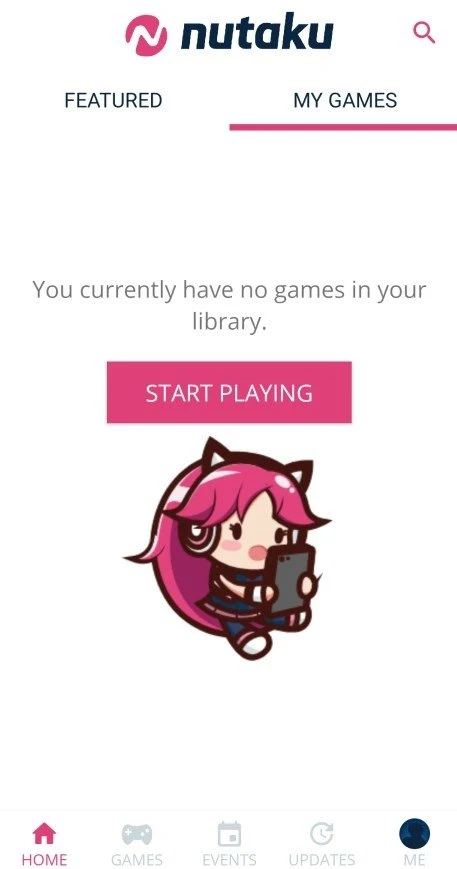
Nutaku is an Android game store for discovering and downloading games from one app. It helps users find titles by searching for a game name, genre, or associated tags, or by browsing categories and curated lists. Before downloading, users can open a game’s product page to check its description, key features, system requirements, images, and any available trailer. The catalog spans multiple genres, including titles aimed at mature audiences, so the store may suit people looking for a dedicated place to explore that range of games.
How can you find a game in Nutaku?
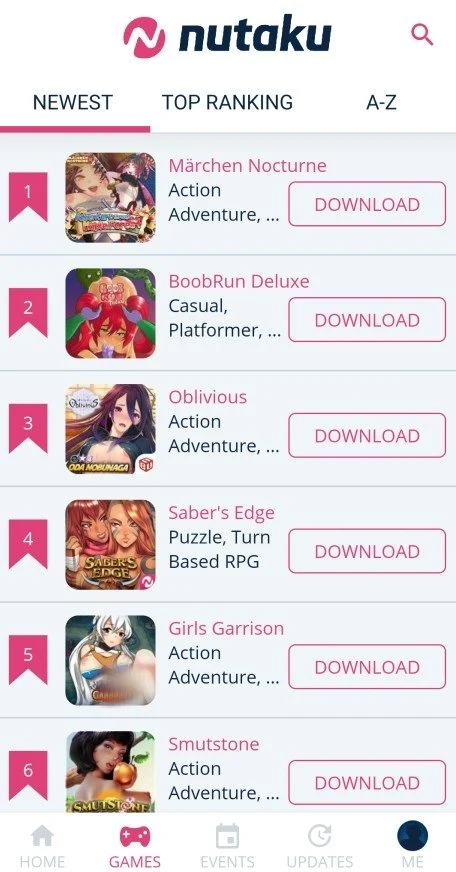
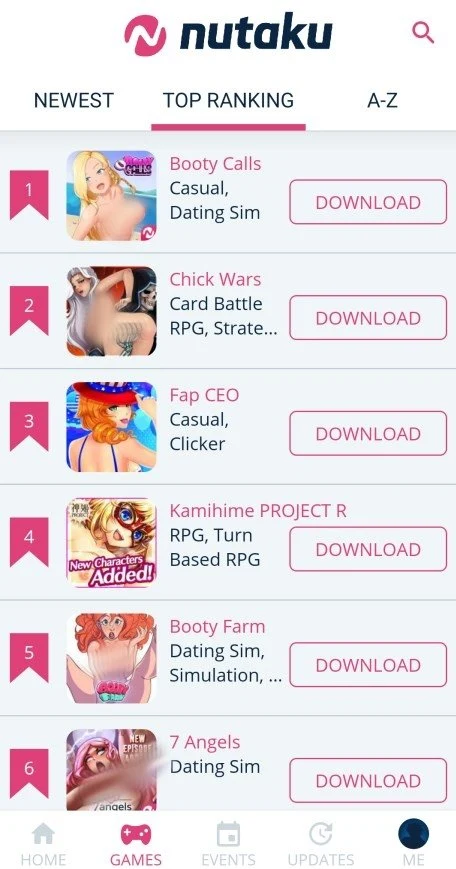
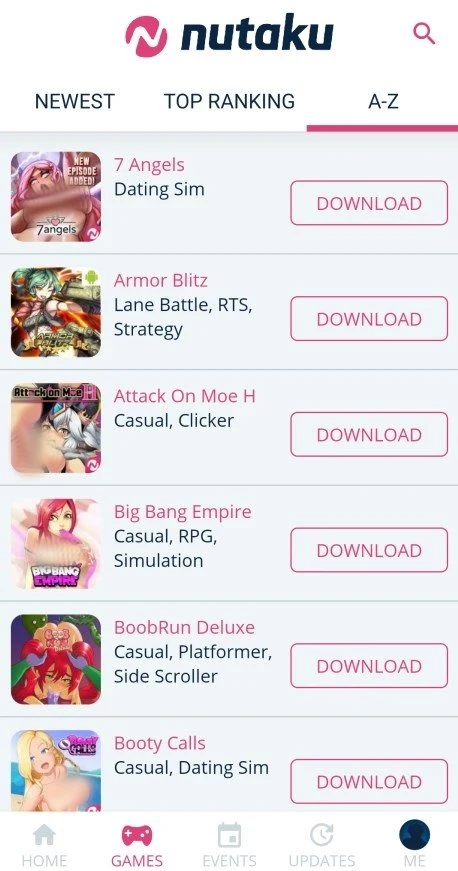
The Home page includes banners for current games and a list of top-rated Android games on Nutaku.net. For a more targeted search, the search bar—opened with the spyglass icon beside the Nutaku logo—lets users look up games by title, genre, or associated tags. The GAMES tab provides another way to browse, with sorting options for Top Ranking, Newest, and A–Z.
Categories and tags help organize the catalog around different interests. The source also describes recommendations based on browsing history, which can help surface titles related to games a user has viewed. Together, these tools offer several ways to explore rather than relying on a single list.
What kinds of games are listed?
The catalog covers genres such as visual novels, dating simulators, strategy games, and MMORPGs, as well as titles described as supporting VR. Nutaku is also noted for English translations of Japanese games, and the app is described as available in several languages, with an option to switch languages in settings. Individual game pages provide more specific information, so users can check a title’s details before deciding whether it suits their interests.
Some titles are designed for mature audiences and may feature anime-inspired art, storylines, strategic gameplay, team-building, missions, unlockable content, or choices that affect progress. These are examples of elements found in the catalog, not features shared by every game. The store groups titles by category to make it easier to find a particular style or subject.
What can you check before downloading?
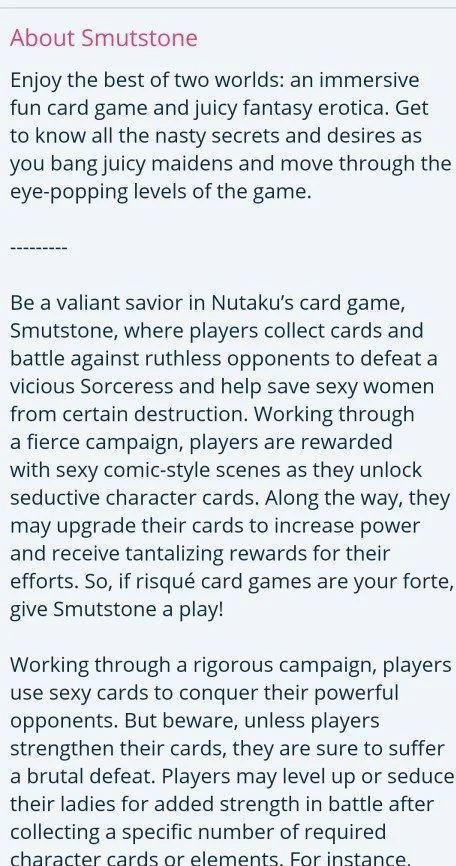
Opening a game’s title takes the user to its product page; tapping its DOWNLOAD icon is a separate action. The page can include the game’s About section, key features, game information, and system requirements, along with images and a trailer when one is available. Reviewing this information gives users a way to learn more about a specific title before installing it.
The source describes Nutaku as a free application and says that a paid subscription is not required for access to the platform’s core features. It also describes a collection of free games, though that does not establish that every listed title or all of its content is free. The app is presented as a place to browse, download, and manage games, with installation available through the official website or the Nutaku Download Manager.
Does Nutaku require an internet connection?
An internet connection by Wi-Fi or mobile data is required to use the Nutaku Android Store. The source recommends Wi-Fi for downloads because some games can be large. It also says that downloaded games can be played offline, but this does not mean every title has offline play; users should check the individual game’s information for details.
Game updates are described as regular, with new content and improvements that may include game modes or characters. The source also describes options to adjust settings such as graphics, controls, and sound, although the available controls may depend on the game. These details can matter to users who want to review a title’s requirements and settings before playing.
Is the store useful for social game discovery?
Nutaku includes community features for sharing games and tips, discussing strategies or plots, and interacting with other users, friends, and developers. This social side may appeal to people who enjoy discussing games alongside browsing and playing them. The app is therefore aimed not only at finding titles, but also at connecting with others around shared gaming interests.
Overall, Nutaku may be relevant to Android users who want to search a varied game catalog, compare title information before downloading, and explore community discussions. Its mature-audience selection, language options, browsing tools, and connection requirement are useful points to consider when deciding whether the store fits your preferences and access needs.