
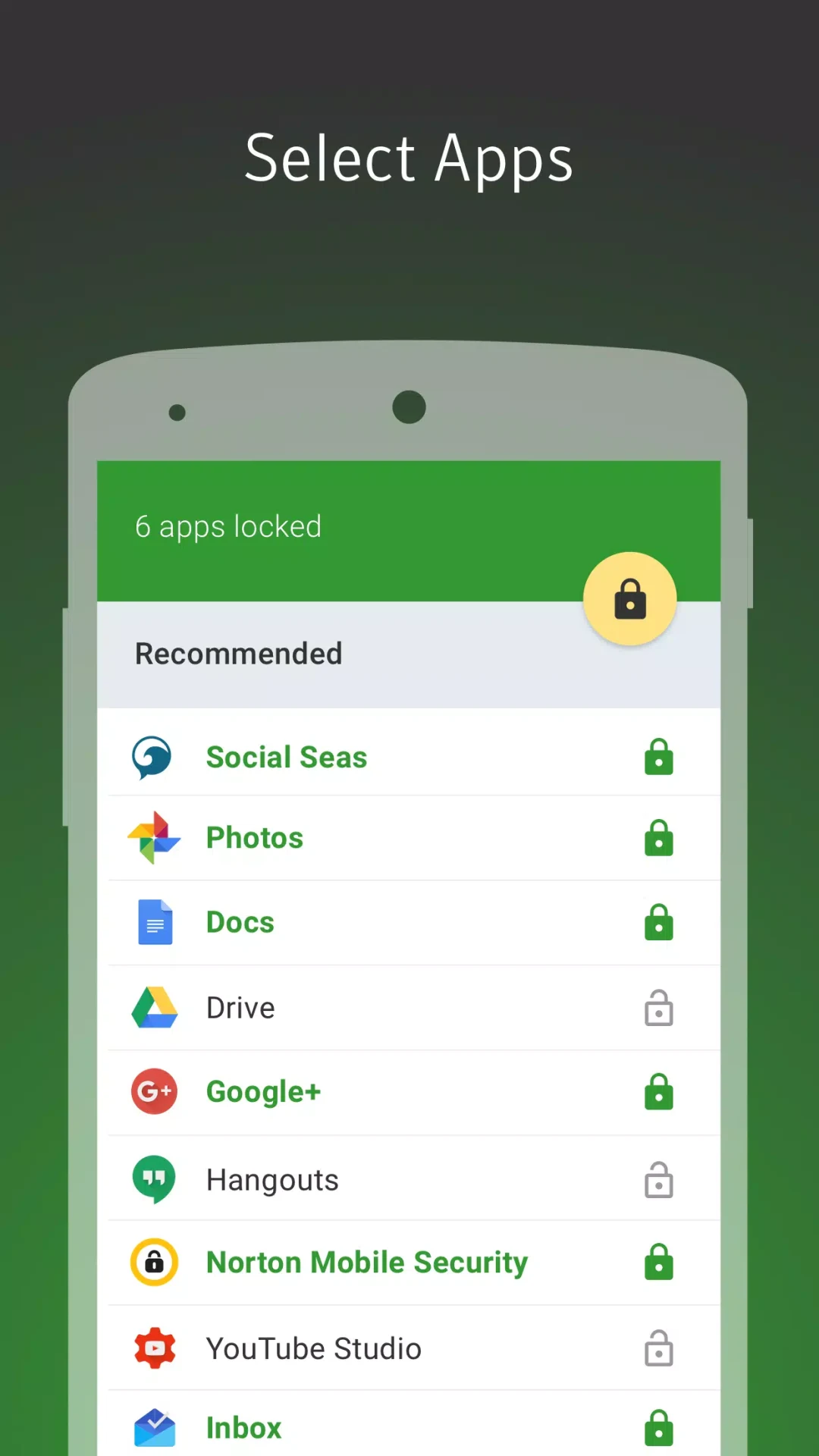
Norton App Lock adds an unlock step to apps you select on your Android device. Its main purpose is to keep the contents of those apps from being opened casually when someone else has your phone, whether you are sharing it for a game or leaving personal information on it. You can protect a few apps, lock them all, or use the app’s recommendations to choose. PIN, password, and pattern options let you decide how access works, while a failed-attempt photo feature gives you a way to review an attempted unlock later.
Which apps can I lock with Norton App Lock?
You choose whether to lock every app, only selected apps, or apps suggested by the built-in recommendations. That makes it possible to focus on apps containing messages, photos, account details, or settings without applying the same lock to everything. The protection described here is an extra step before a chosen app opens; the source does not explain a separate process for selecting individual pictures, videos, or messages inside an app.
How do I unlock protected apps?
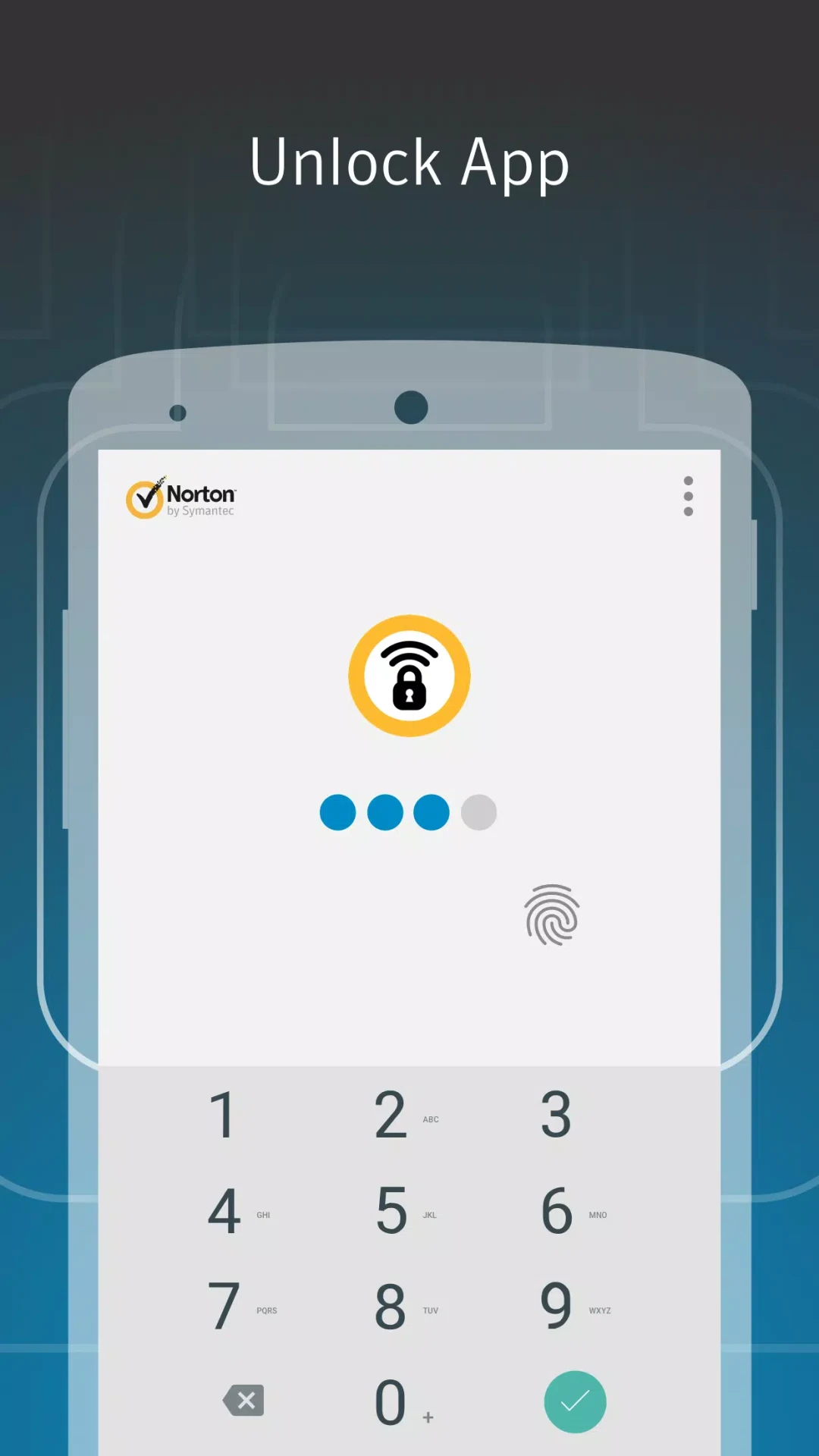
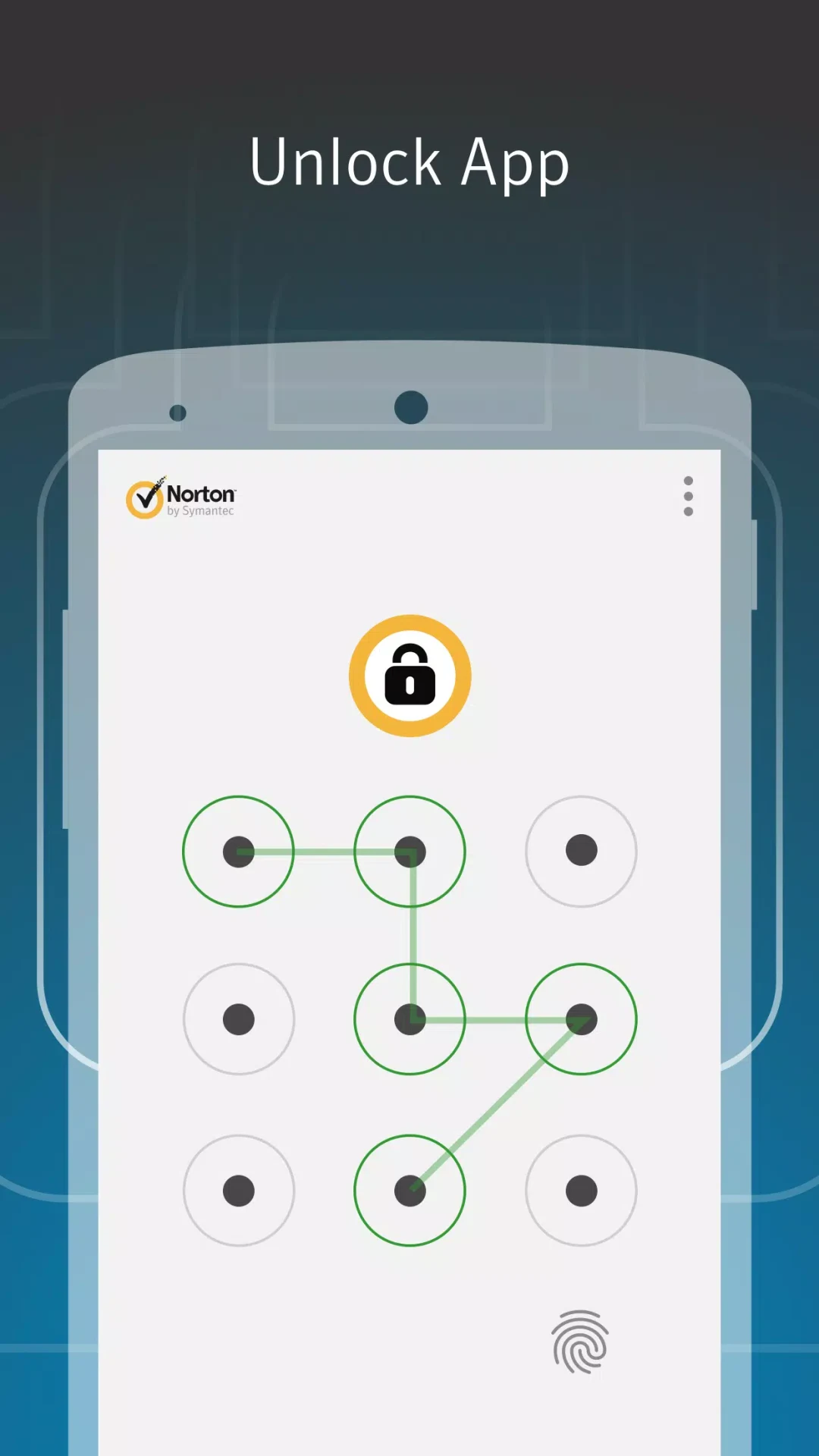
Norton App Lock offers a four-digit PIN, a password, or a finger-drawn pattern. You can use one code across multiple protected apps or assign different codes to separate apps. This lets you keep the unlock process consistent or give particular apps their own credentials. Because a protected app requires that extra step to open, the lock may also help prevent accidental actions such as an unintended pocket dial.
What happens after repeated failed unlock attempts?
The Sneak Peek feature can take a photo after three failed unlock attempts and save it to the Photos folder for later review. It is intended to show who tried to get past the lock. The supplied information does not describe additional alerts or what happens after the photo is saved, so the feature is best understood as a record you can check rather than a broader monitoring system.
When might an app lock be useful?
An app lock may be useful if you hand your device to a child or friend to play games or watch videos but do not want them opening your messages, social apps, or other private content. It can also add an access step to apps holding personal or financial information if the device is lost or stolen. Norton App Lock is focused on controlling access to chosen apps; the supplied app-lock details do not establish parental activity reports, website rules, or remote family monitoring.