
Nomo lets you choose among camera styles and capture photos with analog-inspired effects applied by the selected style. That can be useful for people who want a vintage look in-camera rather than adjusting every image afterward. The selection includes disposable-camera designs and other old-camera styles, with different filters and effects that influence the finished image. A compact viewfinder keeps the main shooting controls close at hand, while automatic treatments add an element of surprise. The experience favors casual photography and varied results over detailed editing controls.
Camera styles shape the result
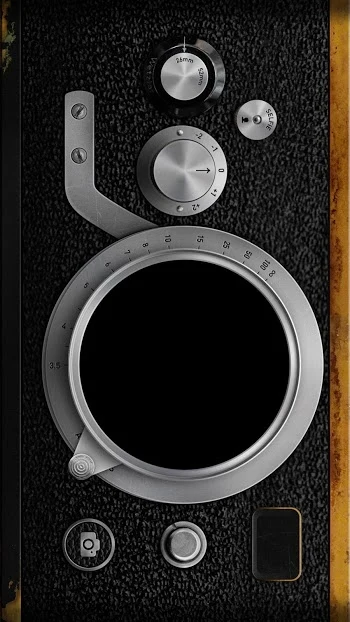
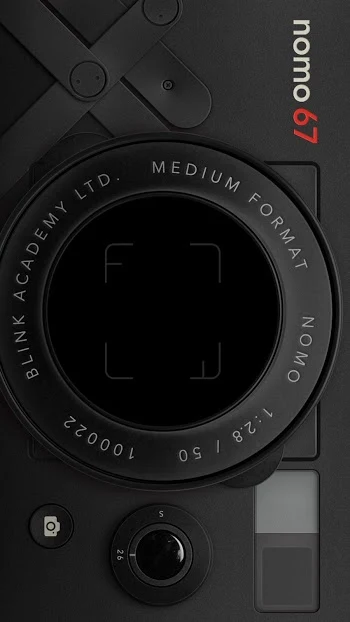
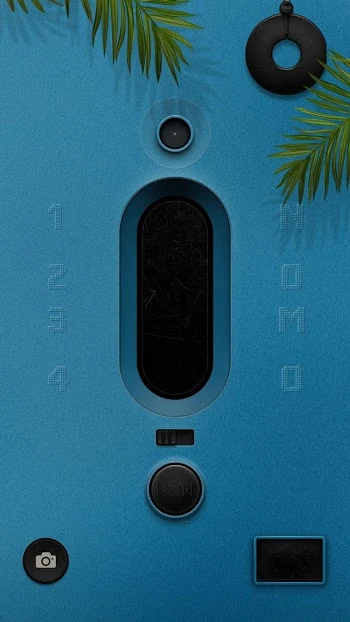
Camera styles, described as skins in the app, are the main way to change the look of a shot. Basic analog shooting is free, while some more advanced styles require a purchase or access through the premium subscription. The image result varies by style because each applies its own filter and effects. This makes choosing a camera part of the creative process, though it also means the available look depends on the selected style rather than fine adjustments to individual effects.
Controls for taking a picture
The interface places the shutter, flash, gallery, exposure and camera controls around a compact viewfinder. Users can switch between the front and rear cameras, turn on the flash, and adjust exposure before taking a picture. The double exposure control takes two images and combines them into one result. Together, these controls cover basic capture choices while keeping the process centered on the selected camera style.
Automatic effects and developing time
After a shot, Nomo may choose analog treatments at random, so the exact finish can be less predictable than in a manual editor. Images take about 90 seconds to develop, and shaking the phone can speed up the process. The delay is part of the app’s film-inspired approach, but it may not suit someone who wants immediate results. The source also notes that photographers seeking precise control over details such as curves, grain or light leaks may prefer a conventional photo editor.
Free use and additional options
Some camera designs and effects are free; advanced designs may be sold individually, with most described as costing a few dollars, while some require a subscription. Nomo PRO provides unlimited use of its camera selection, including membership-only models, and adds the ability to import existing photos. It can also remove the development delay for INS cameras. The source notes that much of the variety is tied to purchases or a subscription.
A branding detail to consider
One reported drawback concerns the #FR2 camera: its logo may appear on images and distract from the result. Users have asked for an option to remove it, so this branding could matter to people who want unmarked photos. More generally, Nomo’s appeal is its range of stylized, partly unpredictable results; it offers less direct control over the final image than a dedicated editing workflow.