

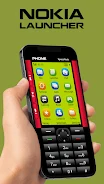
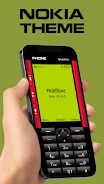
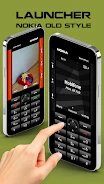
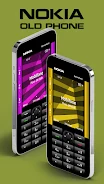
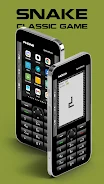
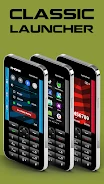
Nokia Old Phone Launcher brings a classic Nokia-style interface to a smartphone for people who want a familiar vintage look while using launcher features. Its theme and old-style keys shape the main experience, with a browser, camera, and Snake game providing additional retro-styled functions.
Returning to a classic home-screen style
The Nokia theme recreates the look and feel of a classic Nokia home screen, while the square-screen presentation and hard-key styling contribute to the vintage design. This setup is intended for users seeking a retro phone interface on their smartphone. To return to the regular launcher, long-press the End Call button; the app identifies this as the way to switch back to the default launcher.
Dialing and saving numbers with classic-style keys
The launcher includes old-style keyboard keys for direct dialing and saving numbers. These controls bring familiar phone tasks into the retro interface, so users can enter a number to call or save a number without leaving that style of interaction.
Browsing and taking photos in a vintage style
A web browser lets users browse the internet within the launcher’s vintage Nokia presentation. The app also provides an old-camera-style feature with a square camera interface for capturing photos. These are separate functions: the source describes the browser for web browsing and the camera for taking pictures, without specifying that one activates the other.
Playing Snake 97
Snake 97 is included as a classic phone game. Its presentation uses a dot-matrix display and monotone sounds, echoing the simple visual and audio style associated with older phone games.