

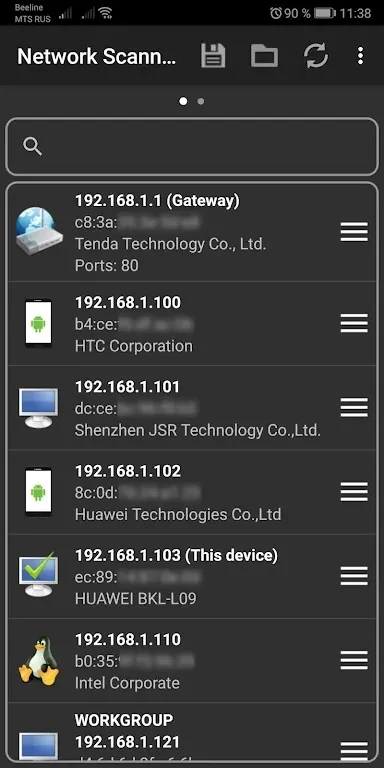
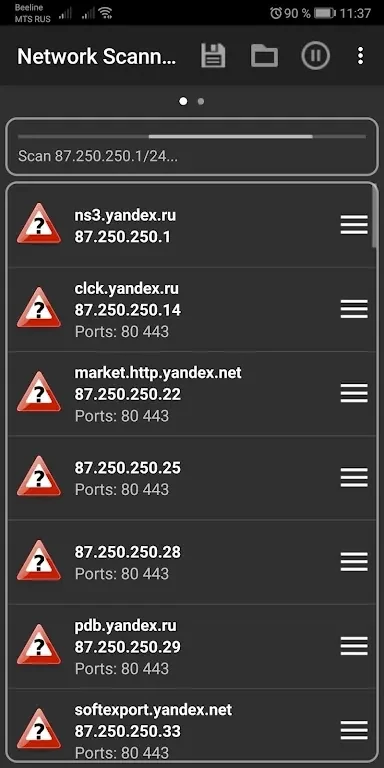
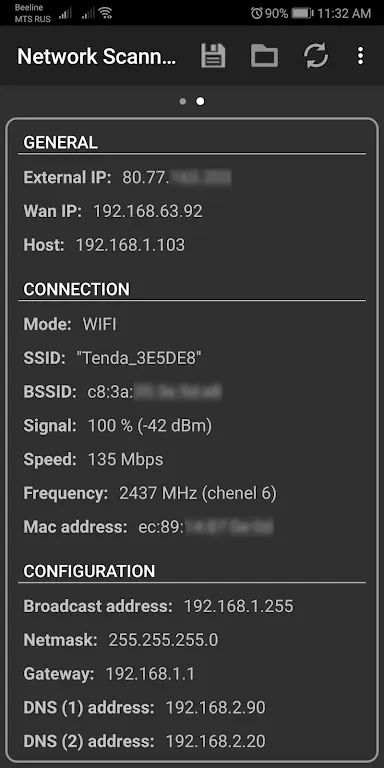
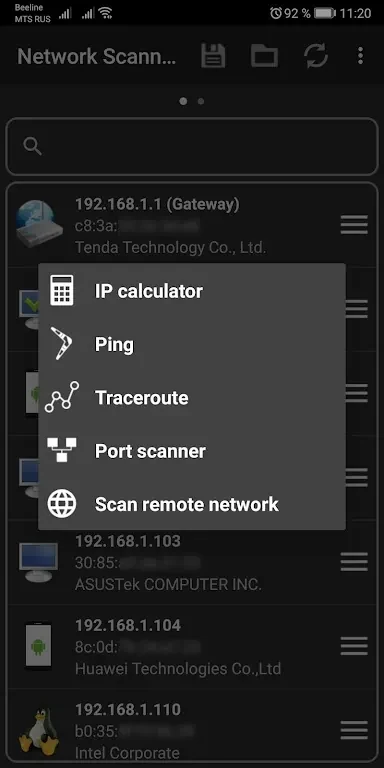
Network Scanner Mod is an Android app for reviewing a home network. It can find servers across your network or within a specified range of IP addresses, and it is described as a way to help optimize and secure your home network.
Reviewing what is connected to your home network
When you want to know which devices are on your network, the app can discover all servers within your home network or a specific range of IP addresses. The developer describes this as useful for spotting unauthorized network usage and checking that network performance is as it should be. The app can also help you identify which gadgets are connected.
Checking a specific range of IP addresses
If you only need to look at part of your network, the range search function lets you specify the IP addresses you want to examine. The app then scans that range and displays the connected hosts.
Finding your phone's MAC address
Instead of logging into your router to check a MAC address, you can use the app to find the MAC address of your phone. The source presents this as a way to save time and make network management easier.
Scanning ports and sorting servers
The built-in port scanner searches for open ports and can sort servers by port availability. This is intended to help you locate the right server for a particular service on the network.
Choosing an IP scan method
The IP scanner offers four scan types: arp read, ICMP ping, UDP ping, and DNS request. You can choose which type to use when scanning a private network, which the source describes as adding flexibility to the scanning process.
Identifying equipment vendors
When you need to know the manufacturer of network equipment, you can enter a MAC address into the vendor lookup feature. The app then returns the corresponding vendor information.
Copying addresses and host names
IP addresses, MAC addresses, and host names can be copied to the clipboard. According to the description, this can help when sharing information with others or when carrying out further analysis.