
Overview
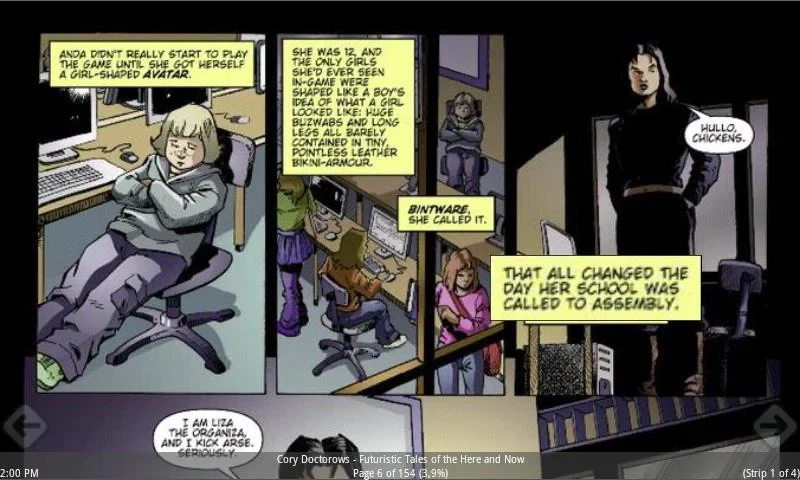
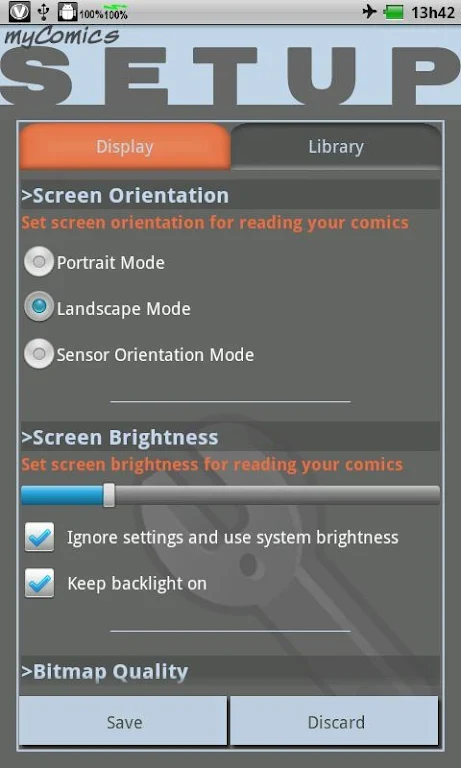
myComics provides a dedicated reader for CBZ and CBR comic files along with jpg and bmp images stored in Android device folders. The application automatically scales individual strips to match the screen size and supports direct zooming on speech bubbles for closer inspection. Users can select left-to-right or right-to-left reading direction, adjust display settings, and keep personal notes tied to specific titles. Library management tools keep collections organized, while preference saving restores the last-used configuration on each launch. These functions together create a practical workflow for reading comics and manga without needing external conversion steps.
What You Can Do
⭐ Open CBZ, CBR, jpg, or bmp files directly from any folder on the device and begin reading without additional conversion.
⭐ Enable automatic scaling so each strip fits the screen width or height according to the chosen orientation.
⭐ Zoom into speech bubbles or panels during reading and return to the full page view with a single action.
⭐ Switch between left-to-right and right-to-left page order to match the original publication layout.
⭐ Store reading preferences and add personal notes that remain linked to individual comic files.
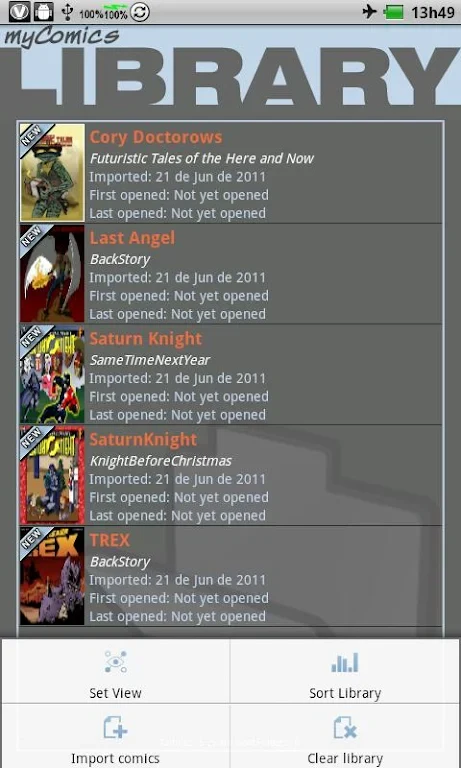
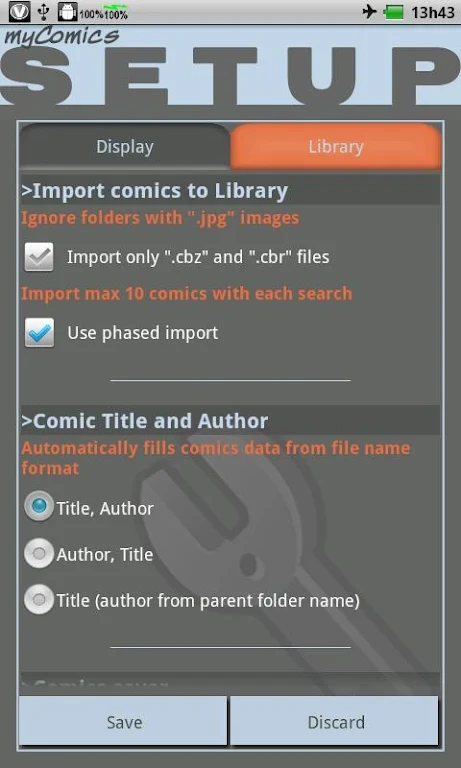
⭐ Organize titles into a managed library so collections stay accessible and sorted on the device.
Using the App
Users import files by pointing the app at existing folders rather than copying content into a proprietary storage area. Once opened, controls allow page-turn gestures and navigation tools to be adjusted on the fly. Display options affect scaling behavior and panel fitting, while saved preferences load automatically on the next session. The workflow supports both quick single-title reading and longer sessions where notes accumulate across multiple files.
Why It May Appeal
✅ Direct folder access removes the need to maintain a separate comic archive inside the app.
✅ Built-in scaling and zoom tools reduce the manual resizing often required when viewing mixed-resolution files.
✅ Reading-direction and control customization accommodate both Western and Eastern comic formats on the same device.
Things to Consider
❎ The application requires comics to reside on the device in supported formats; online libraries or cloud synchronization are not provided.