
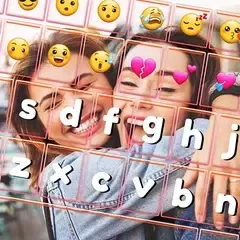
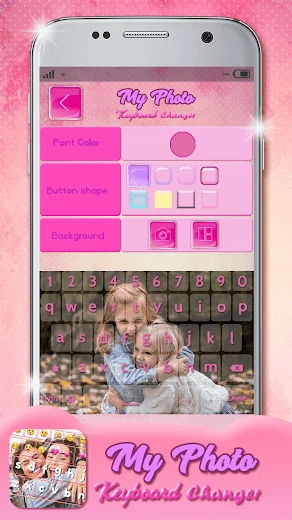
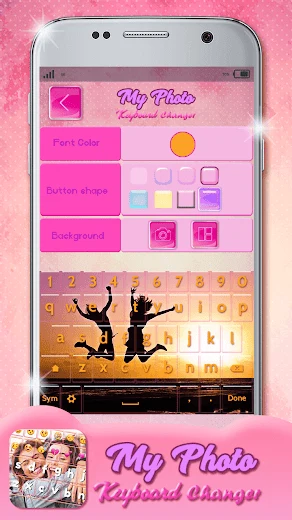
My Photo Keyboard Changer is an Android keyboard customization app built around using your own pictures as keyboard backgrounds. Instead of relying only on a preset look, you can choose a photo from your gallery or take a new one, then adjust the keys and text to suit it. The app also offers keyboard themes, emoji, language choices and a preview of your design. Its main benefit is giving you control over how the keyboard looks while keeping the setup and design choices in one place.
How do you start using the customized keyboard?
The setup instructions say to enable the keyboard in Android's keyboard settings, then return to the app and set it as the default keyboard. From there, you can select a language and shortcuts before working on the layout and appearance. The source states that Go Keyboard does not need to be installed.
Which parts of the keyboard can you change?
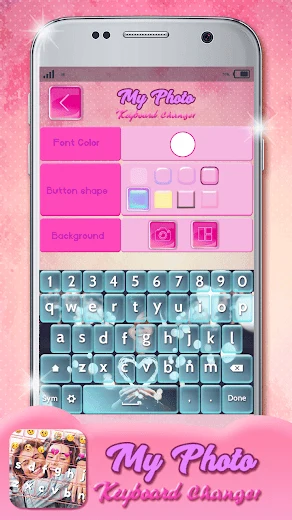
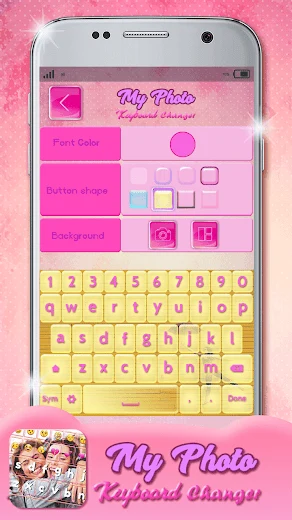
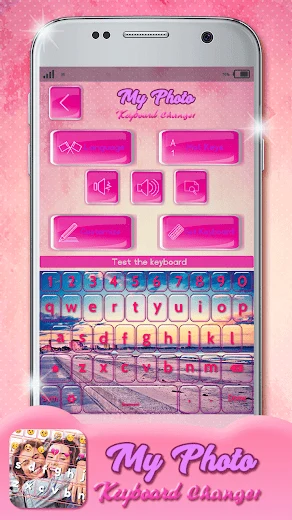
You can use a saved gallery image or take a new photo for the background. The app also lets you choose from six button shapes, pick a keyboard font color and use different letter styles. Keyboard themes, wallpaper backgrounds and emoji provide other ways to shape the look and feel of the keyboard.
Can you check a design before finishing it?
Yes. After choosing the background image, button shape and font color, you can use the Preview option to see the resulting keyboard. If you are satisfied with a selected picture, the setup instructions say to tap Done.
What languages are available, and who might find it useful?
The listed default-language choices are English, Spanish, Malay, Vietnamese, Turkish, Italian, French, German, Portuguese, Polish and Romanian. My Photo Keyboard Changer may suit someone who wants a familiar photo behind their keys, or who wants to coordinate the keyboard's colors and button shape with that image while selecting from the listed languages.