

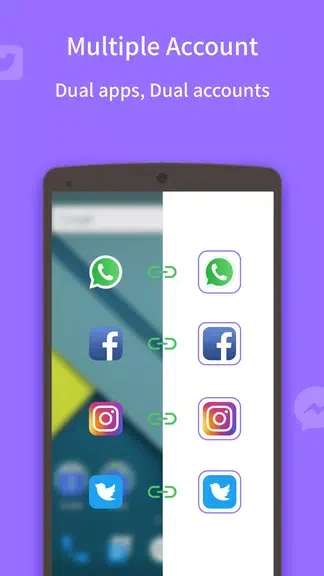
Multichat - 2 accounts for 2 whatsapp & App clone lets you use separate social accounts on one phone when you want to keep work conversations apart from personal activity. Its main purpose is to clone social apps so you can access a second account alongside the first.
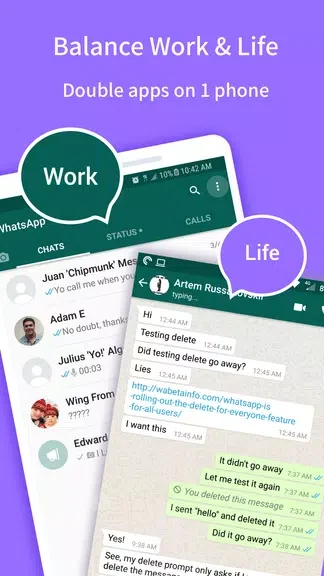
Keep work and personal accounts separate
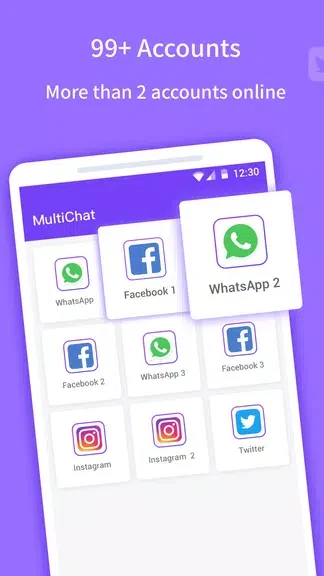
The app supports keeping two accounts online simultaneously. This is useful when you maintain different accounts for work and personal use rather than combining both in a single social profile. WhatsApp, Facebook, and Instagram are the specific apps named in the description.
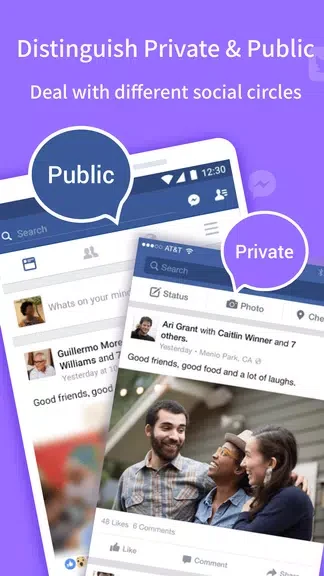
Separate accounts can also serve different social circles. Multichat provides a way to manage those accounts on the same phone; account separation should not be treated as a verified privacy or security guarantee.
Set up access to a second account
The documented setup starts with selecting the app you want to clone. You then open the cloned app and sign in to your second account through it. This creates a separate point of access for that account while retaining access to the first.
When the second account will not start
The supplied troubleshooting guidance identifies the cloning process or a needed app update as possible reasons the second account may not start. It suggests waiting or cloning the app again. These are suggested troubleshooting steps, not a guaranteed fix for every startup problem.