

Overview
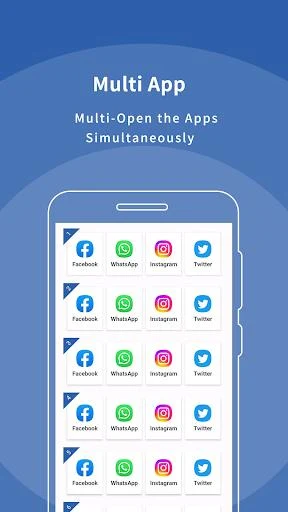
Multi App: Dual Space is an Android utility that clones apps so users can run separate accounts on one device. It creates isolated spaces for social media, messaging services, and games, allowing work and personal profiles to stay apart without repeated logouts. The tool supports cloning of apps such as WhatsApp, Instagram, Facebook, Messenger, and titles like Mobile Legends. It includes options to lock spaces, hide clones, and apply custom icons or labels. The app runs on Android 8 through 15 and aims to keep notifications and data separated between each instance. Users who manage multiple profiles for professional or gaming reasons can switch between accounts through an in-app switcher while the original app continues to function normally.
What You Can Do
⭐ Clone any supported app by tapping the add button, selecting the target from a list, and waiting for the duplicate to finish creating so a second login can be used right away.
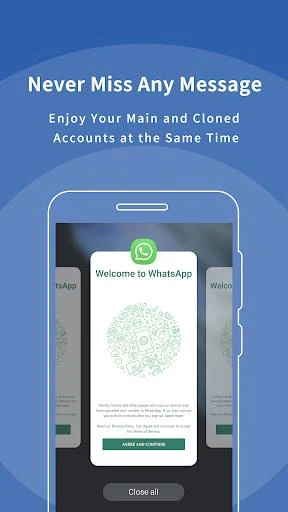
⭐ Run several accounts at once for social platforms and games, with each clone maintaining its own data, messages, and progress without interfering with the original installation.
⭐ Apply password locks or biometric checks to individual spaces, and optionally hide the cloned app icon or change its label to keep usage private.
⭐ Receive separate notifications from every cloned instance so messages or game events from different accounts remain visible and distinct.
⭐ Customize themes, icons, and labels for each clone to make quick identification easier when several versions of the same app are present.
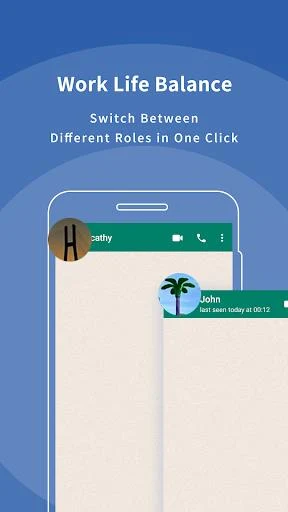
⭐ Switch between the original and cloned versions in seconds using the built-in switcher instead of logging out and signing back in repeatedly.
Using the App
After opening the app and granting required permissions, the user taps the add button and picks an app to duplicate. The clone is generated in the background, after which the second account can be signed in. Switching occurs inside the main interface, and privacy settings such as locks or hidden icons can be applied per space. The workflow supports quick startup of clones and keeps each instance isolated so account information does not overlap. Everyday use involves selecting a clone from the list, opening it directly, and returning to the switcher when another account is needed.
Why It May Appeal
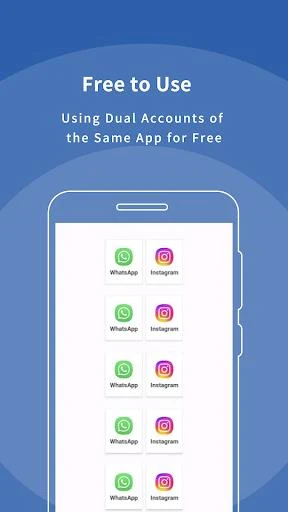
✅ Provides a free way to maintain multiple accounts on one phone without needing extra devices or constant logouts.
✅ Keeps account data and notifications isolated between clones, reducing the chance of mixing personal and work information.
✅ Supports a wide range of common social, messaging, and gaming apps on Android versions 8 to 15.
✅ Includes privacy tools such as hidden apps, secure locks, and customizable icons that help users manage visibility and recognition.
✅ Allows cloning of multiple instances of supported apps without an apparent fixed limit, suiting heavy multi-account users.
Things to Consider
❎ Some users report that recent versions fail to open cloned apps and crash frequently, which can interrupt normal operation.
❎ Persistent network error messages appear for certain users even when the device has a stable connection.
❎ Intrusive pop-up advertisements can appear during use and may disrupt the workflow.