
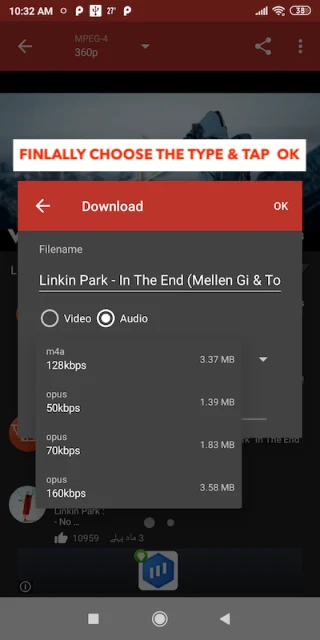
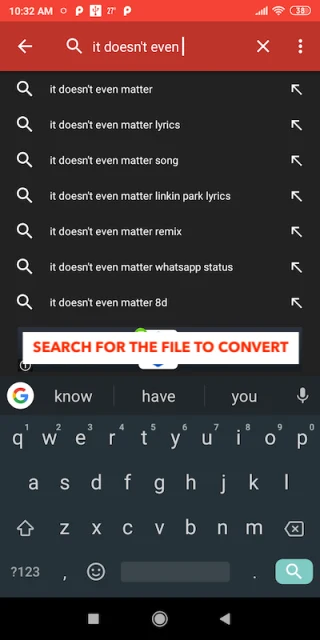
MP3 Converter converts video and audio files to MP3 when you want an audio version of existing media. It also lets you select shorter clips for use as phone ringtones, rather than keeping an entire recording.
Convert files from different media formats
Supported video formats include MP4, 3GP, WEBM, WMV, and FLV, while supported audio formats include MP3, AAC, and OGG. This gives the conversion tool a range of input types for creating MP3 files from either video soundtracks or existing audio.
Choose output size and process multiple files
The app provides MP3 size adjustment and selectable bitrates, including 64, 128, 192, 256, and 320 kb/s. These settings let you choose the bitrate for your output rather than relying on a single fixed option.
For a group of files, batch conversion handles multiple conversions, and background conversion is also supported. You can stop an individual conversion within a batch without needing to treat the whole batch as one operation.
Make a ringtone from a selected passage
Clip trimming lets you choose the part of a video you want to keep as audio. The resulting clip can be saved and set as a phone ringtone, making this a separate task from converting a full-length file.
Label, play, and share audio
Metadata editing covers the title, album, and artist fields, allowing you to change the identifying information attached to your MP3 files. Playback and sharing are also supported. The app additionally lists application-based integration, though the supplied details do not identify compatible apps or explain how that integration works.