


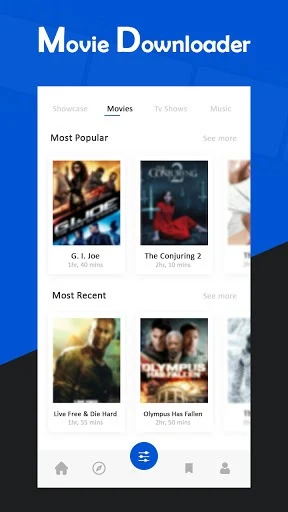

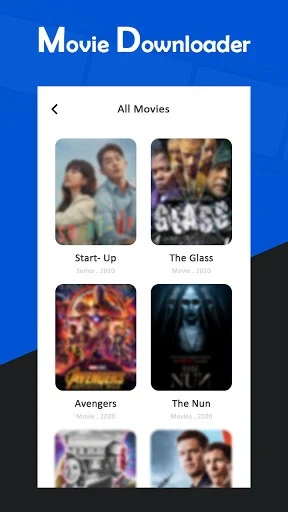
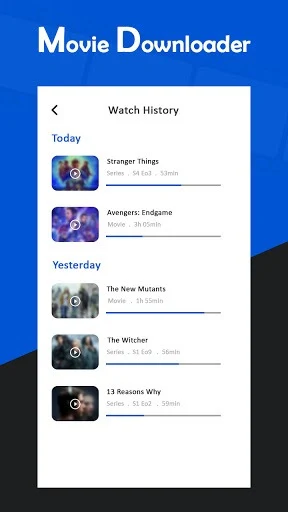
Movie Downloader is an Android app for finding movies and saving videos to watch offline. It offers movie search and lists of popular or highly rated movies and TV shows, alongside a built-in browser for finding video links. You can choose a download resolution, manage several downloads at once, and play saved videos in the app. It also supports torrent files and magnet links. These options may suit someone who wants to collect videos for viewing while traveling or when an internet connection is unavailable.
How do you start a video download?
You can browse videos or social clips in the built-in browser, or copy and paste a post link. The described process is to tap the download button, choose a resolution, and confirm the download. The app also provides movie search, plus lists of popular and highly rated movies and TV shows to browse.
What controls are available while files download?
The download manager can handle multiple files simultaneously and lets you pause, resume, or remove downloads. The source also describes automatic resumption when a network becomes available and an option to restrict downloading to Wi-Fi, which may help you manage mobile data use.
For torrents, the app supports torrent files, torrent URLs, and magnet links. Its torrent controls include pause, resume, stop, delete, and recheck.
Can you watch and manage files without a connection?
Downloaded videos can be played offline with the built-in player. The app is described as automatically loading movie and video files already downloaded to the device, and it lets you open, view, and delete downloaded files from within the app. SD card storage is supported. Keeping files for offline viewing still requires available device or card storage.
Which file types does the app describe supporting?
The listed formats include video types such as MP4, M4V, MOV, AVI, WMV, and M3U8, as well as MP3 and M4A audio. The source also lists PDF, APK, PNG, and JPEG among supported download formats; those are file-download claims, not video-playback features. Movie Downloader may be useful if you want one place to find videos, control downloads, and access saved content offline.