
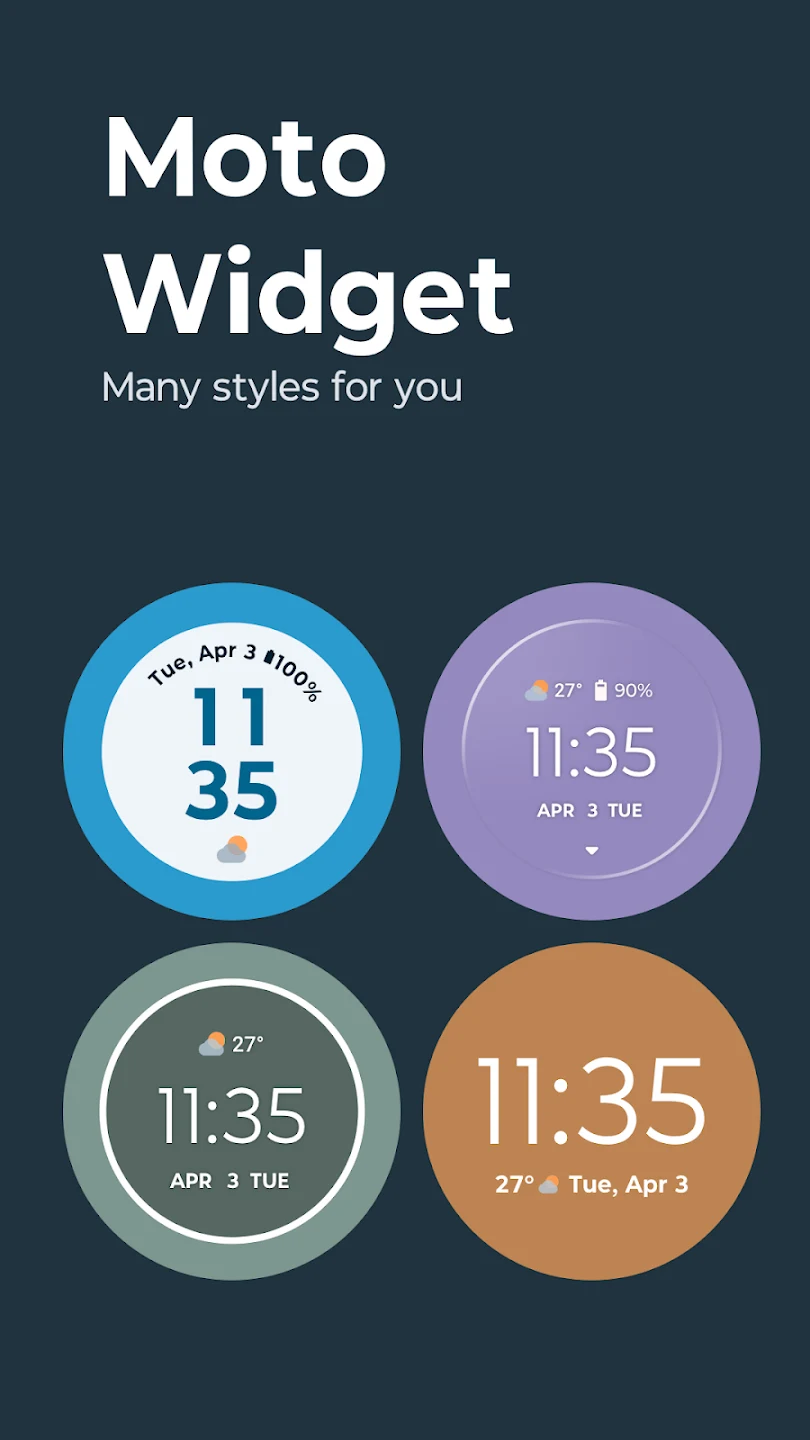
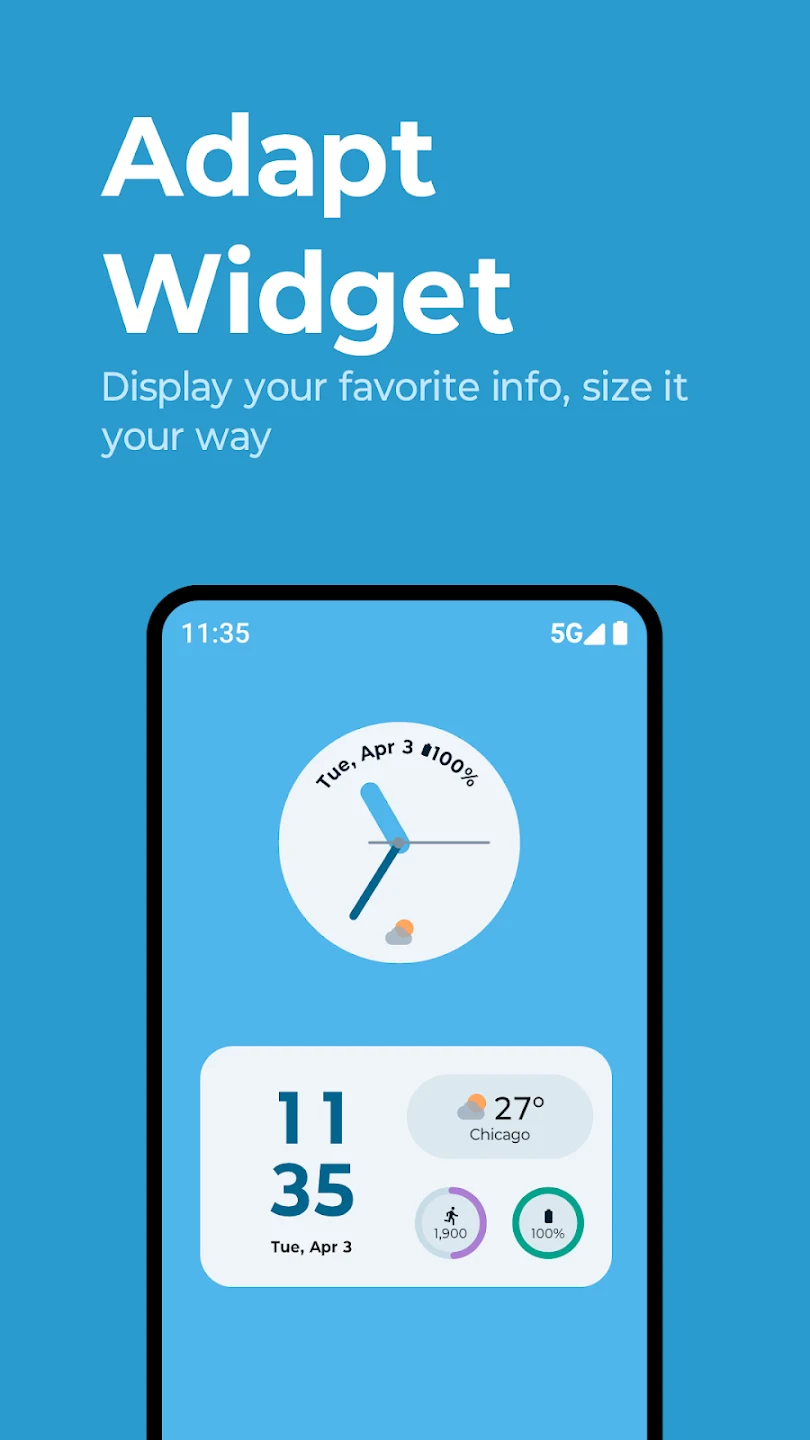
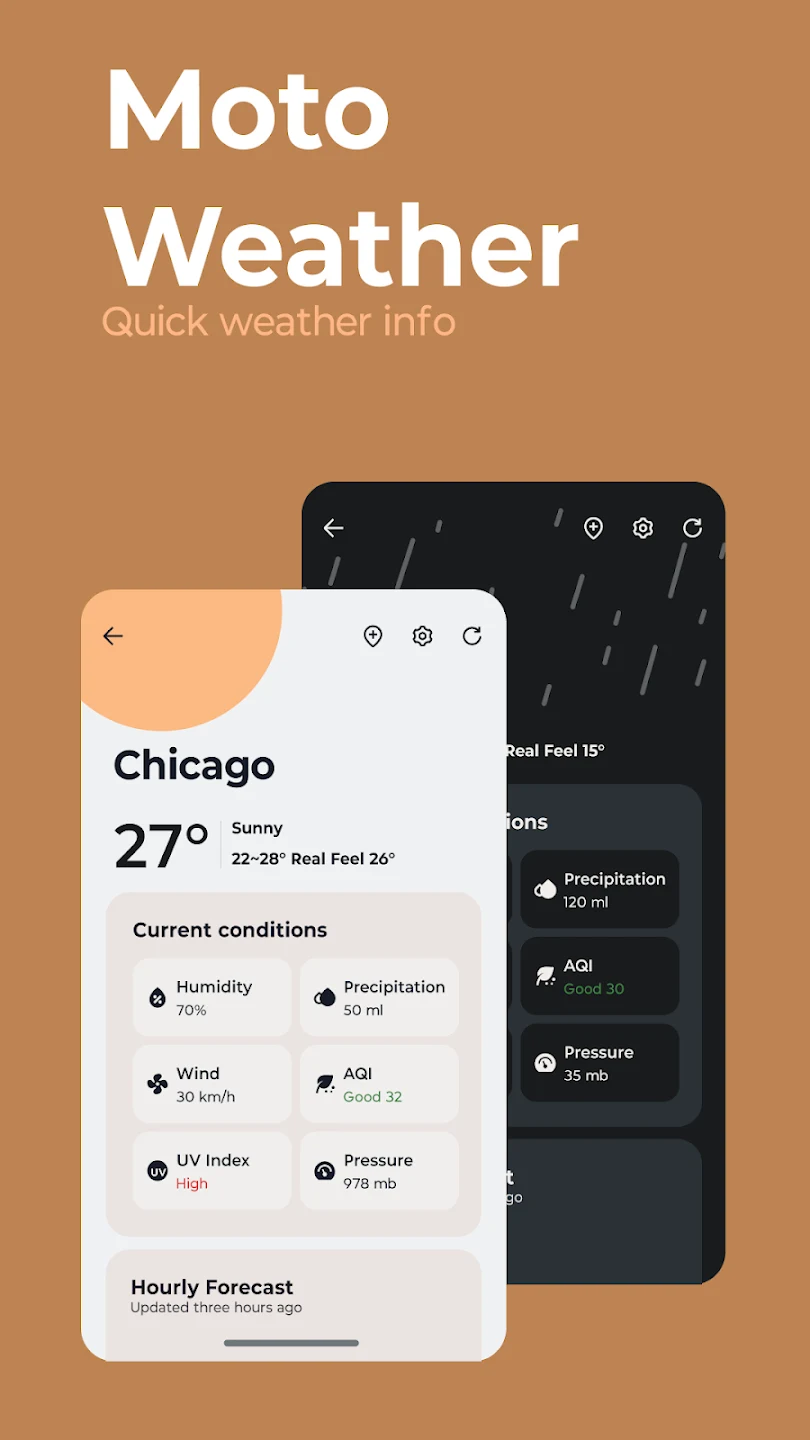
Moto Widget is a desktop theme application designed to help users personalize their mobile home screens with a versatile collection of functional widgets. By delivering quick, at-a-glance access to essential information such as the current time, local weather conditions, step counts, and battery status, the app transforms a standard background into an interactive control center. Users can easily add their favorite designs by long-pressing an empty space on the screen, selecting the widgets section, and dragging the desired element into place. Built to operate smoothly with minimal battery consumption, the application ensures that device performance remains uncompromised while enhancing everyday convenience and visual appeal.
Comprehensive Personalization and Layout Options
The application supports rich customization features that allow users to tailor their screen aesthetics. Individuals can choose from various clock designs, modify widget opacity settings for a sleek appearance, and adjust layouts, styles, and switching methods. Users can resize widgets by long-pressing and dragging the corners to fit their home screen layout preferences. Special widget settings are also available specifically for Android 11 users, ensuring smooth integration across different system environments.
Interactive Shortcuts and Real-Time Data
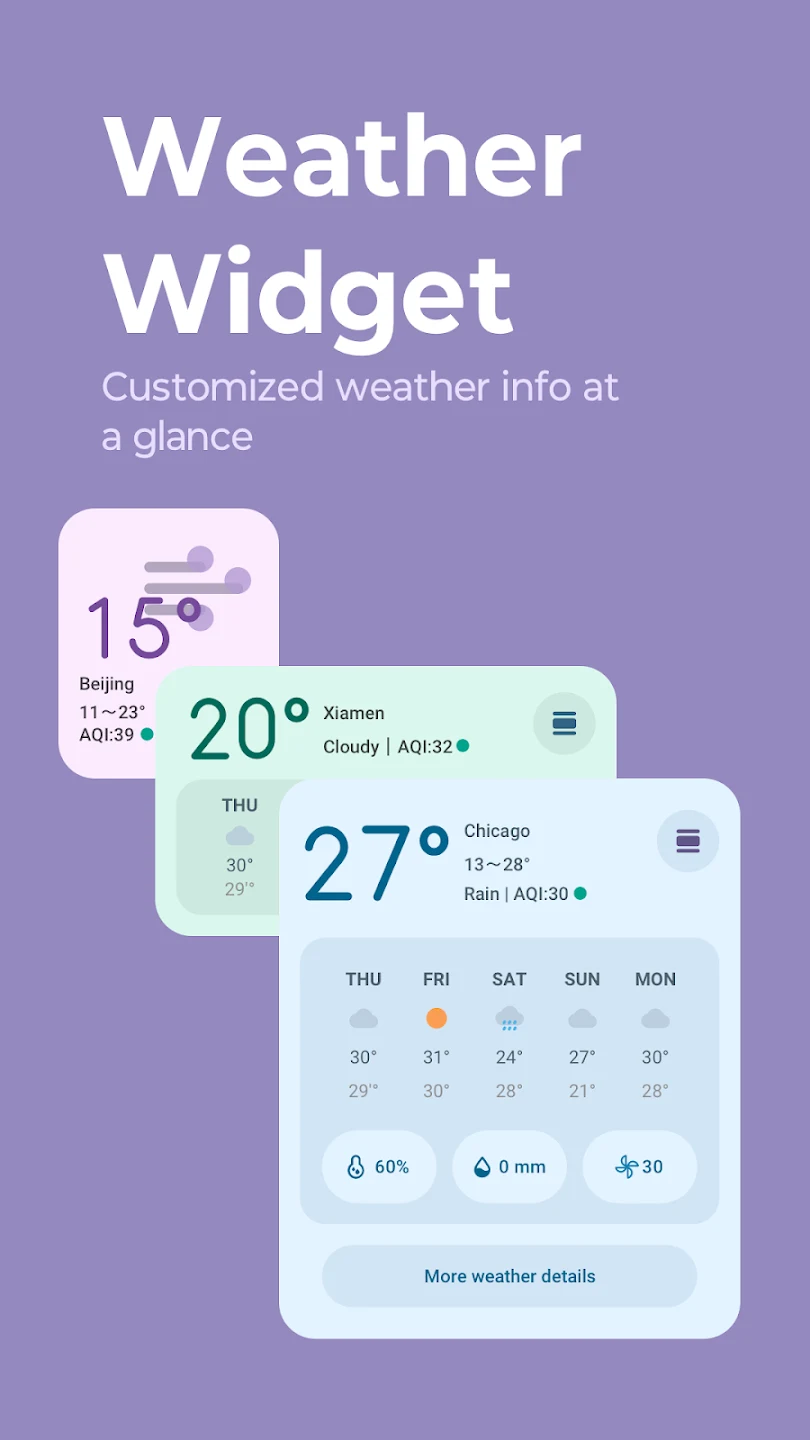
Beyond displaying static information, individual elements function as interactive shortcuts to streamline daily tasks. A simple tap on the time brings up the timer, stopwatch, or alarm, while a tap on the date opens the calendar. Tapping the temperature opens a dedicated weather page featuring real-time forecasts, temperatures, and humidity data. The weather updates automatically as users travel to different cities, or it can be manually adjusted to monitor conditions elsewhere. Additionally, a visual indicator circle around the widget provides an immediate look at remaining battery life.
Editing and Home Screen Management
Managing and modifying home screen items is straightforward through the built-in edit mode, which is accessed quickly by long-pressing a widget and tapping the edit icon. If a user wishes to remove an item entirely, they can long-press the widget and drag it to the remove option at the top of the screen. While the widget library receives continuous updates with new choices, some features depend on internet connectivity for fresh content and updates, whereas basic functionalities remain accessible without an active connection.
Reported Limitations and User Feedback
While many find the variety and options helpful, user experiences highlight certain functional nuances. For instance, specific updates have occasionally altered classic interface elements, such as the battery status ring, prompting user feedback regarding visibility preferences for individuals with farsightedness. Furthermore, regional meteorological updates can occasionally experience slight timing discrepancies compared to local meteorological data provided by area news stations, though the overall tracking remains useful for monitoring daily weather patterns.