

Mock Locations is an Android tool for setting a simulated GPS position and representing movement along a route. Users can enter a starting point and destination to create a virtual journey, with route and movement options for location simulation and GPS-related app testing.
Routes and movement settings
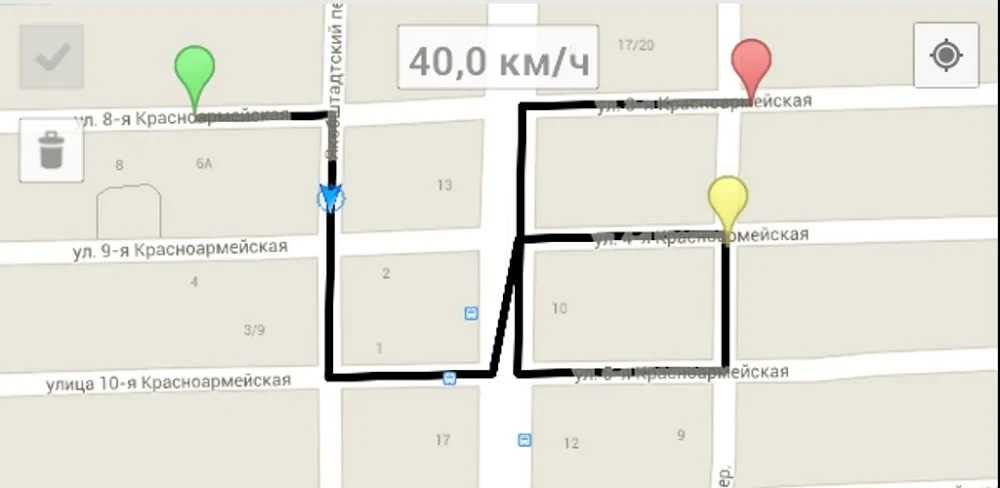
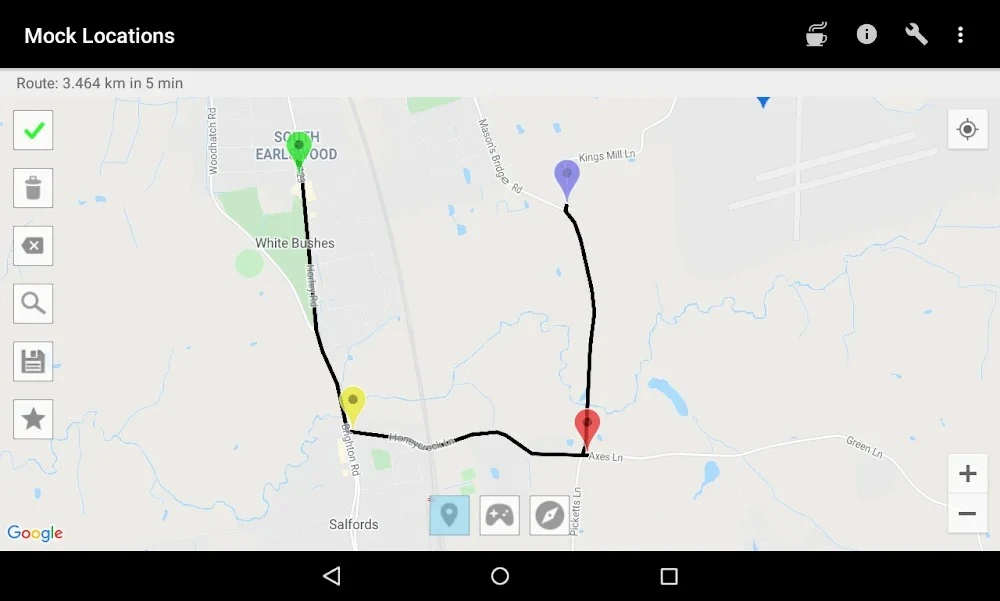
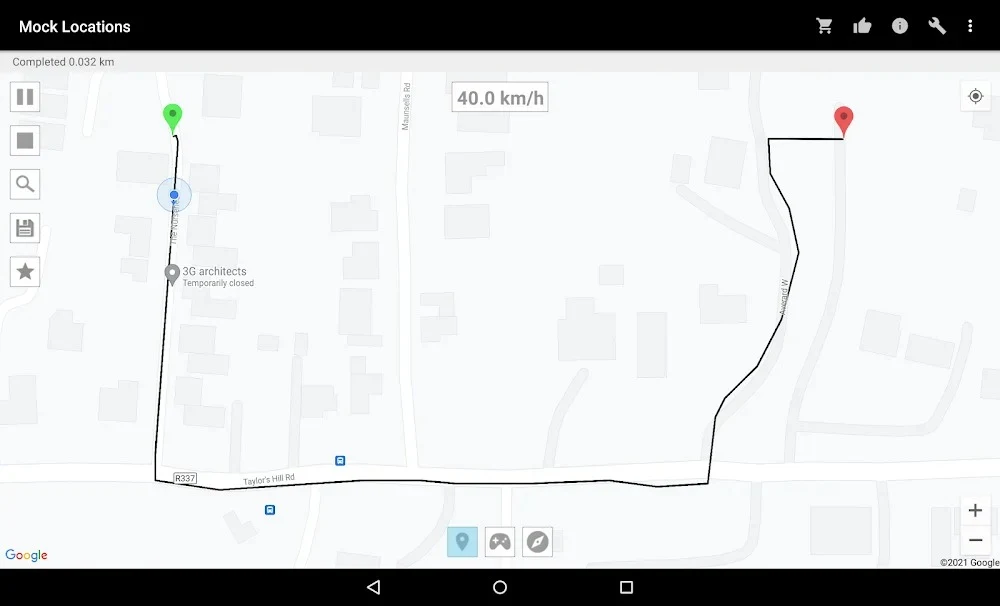
To create a route, choose its start and end points on the map. The app displays a virtual path between them, and the source describes options for selecting a route suited to a vehicle, including streets and smaller alleys. Route creation can also use a chosen distance, and the resulting simulated movement data can be saved.
Movement details can be adjusted over time, including speed and stops. The app can estimate the time required at route points and show information such as speed and planned stop locations. These settings provide control over how a simulated journey proceeds rather than limiting it to a single fixed position.
Position control and GPS testing
For direct adjustments, Mock Locations includes a joystick for controlling the simulated position. Its navigator can animate movement, and users can enter the required information through the app’s menu. The description also notes that some functions can appear over another platform, alongside the app’s map interface.
The app is described as supporting GPS-related debugging through simulated locations and movement. This makes route and position controls relevant to testing apps that use location determination. The source does not specify particular testing tools, supported third-party apps, or a guaranteed outcome for any test, so those details depend on the user’s setup.
Permissions and responsible use
Location access and other necessary permissions may need checking, especially if device or software changes affect them. The source advises turning off location spoofing when it is no longer needed so the device can return to its actual GPS position. It also cautions users to follow applicable laws and avoid using simulated locations for fraud, privacy invasion, or other illegal activity.
Rooting may be necessary to access the app’s full capabilities in some cases, according to the source, but it is not presented as a universal requirement. Rooting can affect a device warranty or cause damage if performed incorrectly; users considering it should understand those risks and back up important data before changing device settings.