



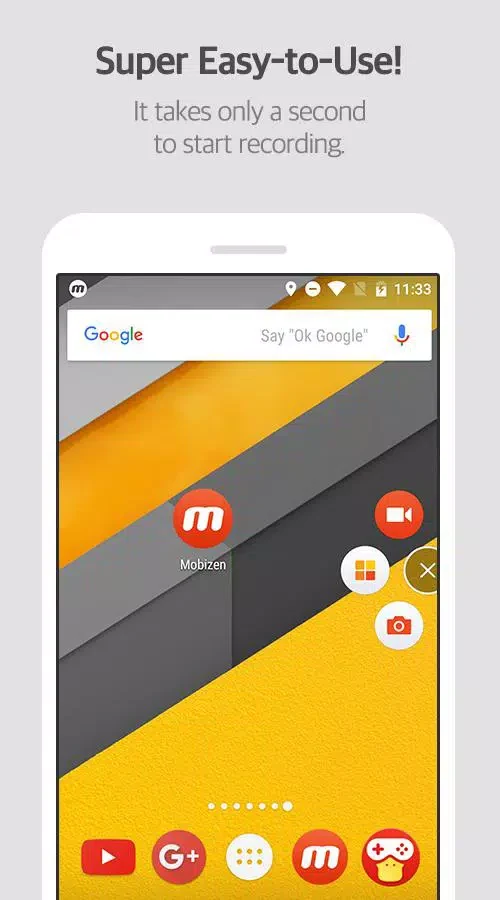
Mobizen Screen Recorder is a screen recording app for Android that helps a person capture what appears on their phone or tablet, such as games, videos, live streams, and other events worth keeping. Its recording options can be adjusted to suit different needs, and the listing places the app in the Productivity category under version 3.10.16.4.
Recording controls and modes
The app describes a hidden air circle mode that allows recording without a visible record button on screen. A separate Clean Mode is listed as producing recordings without a watermark, and the listing states that this is available at no cost. The camera function is another documented option. It lets a person record their own reactions alongside game sound effects and voice audio, so commentary and on-screen action can be captured together.
Resolution, bitrate, and frame rate
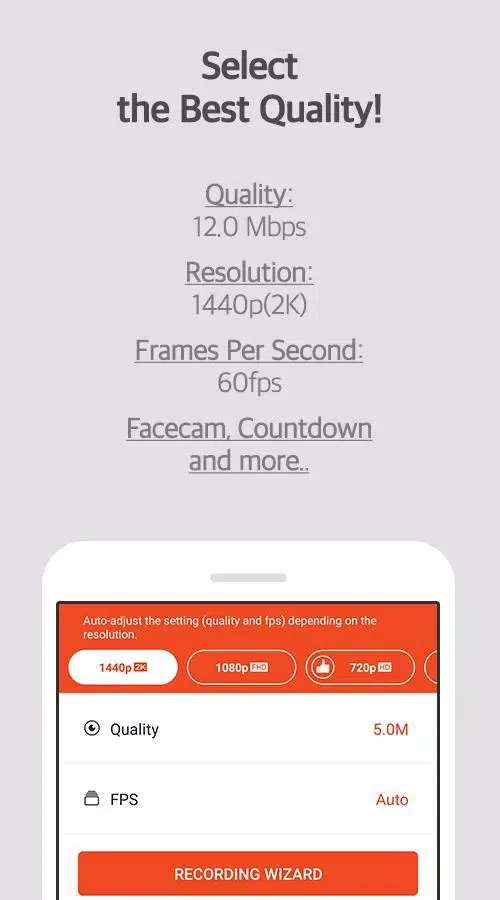
The listing says the app supports Full HD recording and 4x HD recording, which is also described as QHD or 2K. The highest setting named in the source is 1440P resolution with a 24.0Mbps bitrate and a 60fps frame rate. The source does not explain which settings each device can run, so the highest values should be read as the maximum listed options rather than a guarantee for every phone.
Storage and account requirements
Recordings can be saved to external storage such as an SD card. The source claims this allows recordings of more than an hour without running out of internal memory, though actual capacity will depend on the card and the chosen quality settings. According to the listing, videos recorded with the app are stored on the user's device rather than on the company's servers. The app is also described as usable immediately, without registration or login.
Editing and automation features
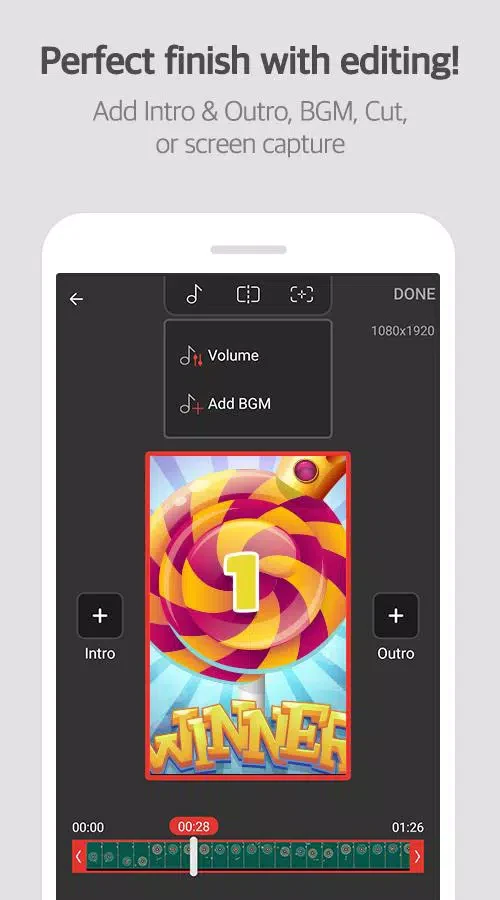
The listing mentions various image editing features for improving recorded videos, and it states that screen recording, screenshots, and editing are free. The conclusion of the listing says the app uses the Android AccessibilityService API to support auto-click and auto-swipe functions. Because this detail is only stated in the source, users who need these automation features should check how they work on their own device.
Computer-side functions mentioned in the source
The source also contains a section describing a computer-side experience, including viewing the Android screen on a computer, taking screenshots, recording at custom resolutions and frame rates, and managing files on the phone from a computer. This section refers to Mobizen generally, and the listing does not clearly confirm that every one of these functions is part of Mobizen Screen Recorder itself.
User feedback in the listing
Several user comments in the listing describe the app as lightweight, simple, and useful for people with limited storage. Other comments mention recording for a YouTube channel and removing the watermark without paying. These remarks reflect individual experiences shared in the listing and have not been independently verified.