
Overview
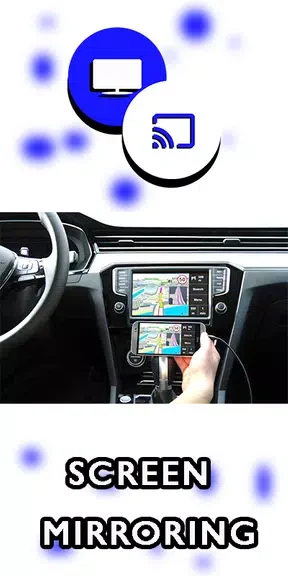
Mirror Link With TV enables users to project their Android phone screen onto a home TV or car TV. The app relies on the device's existing screen mirroring function to create a wireless connection. This approach removes the need for cables or extra accessories while allowing drivers to view phone content on a bigger display. The core purpose centers on safer access to navigation, media, and other apps without holding the phone. By mirroring the screen, the app supports everyday tasks such as checking maps or playing videos from the comfort of a vehicle setup. It works with most Android devices that include the screen mirroring option, though users should verify compatibility for their specific model before use.
What You Can Do
⭐ The app provides seamless connectivity by letting users activate screen mirroring on their Android device to link the phone to a TV without any cables or additional hardware.
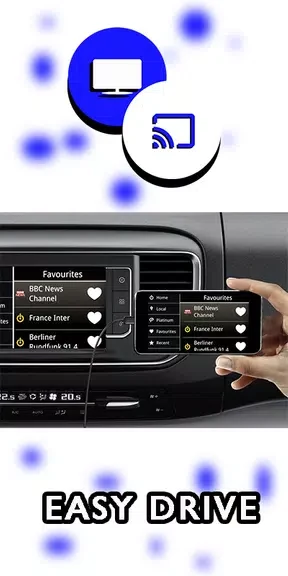
⭐ Safe driving is supported because the mirrored display allows access to phone features on the larger screen, reducing the need to handle the device while the vehicle is in motion.
⭐ High-quality display is delivered so that videos, photos, and games appear in clear visuals when the phone content reaches the TV screen.
Why It May Appeal
✅ The wireless method simplifies setup compared with cable-based solutions, matching the source emphasis on convenience for in-car or home use.
✅ Users benefit from keeping their phone untouched during drives while still interacting with apps through the TV view.
Things to Consider
❎ Compatibility is limited to Android devices that already support screen mirroring, and the source recommends checking this detail for each specific phone model.
❎ The app does not supply its own hardware or accessories, so performance depends entirely on the phone's built-in mirroring capability and the TV's reception.