
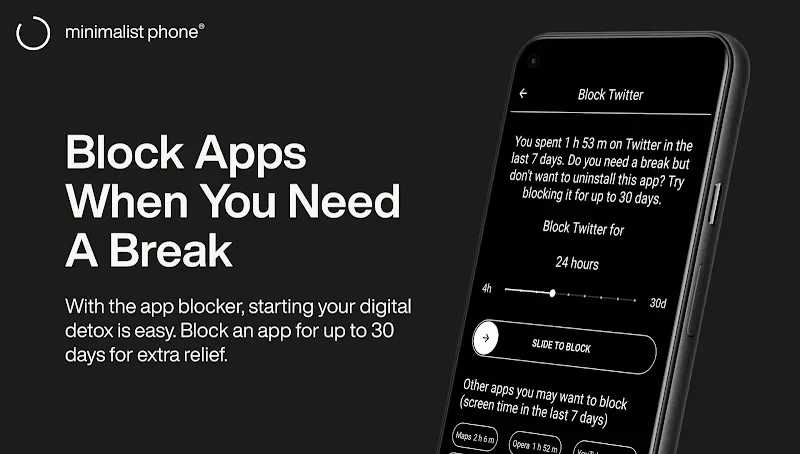
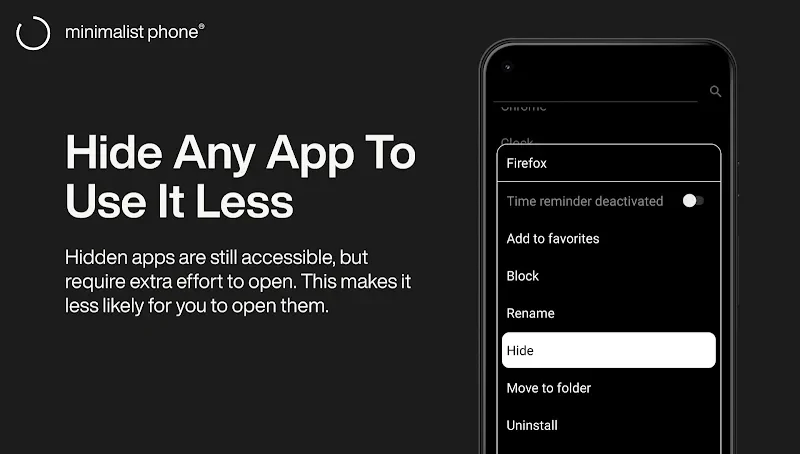
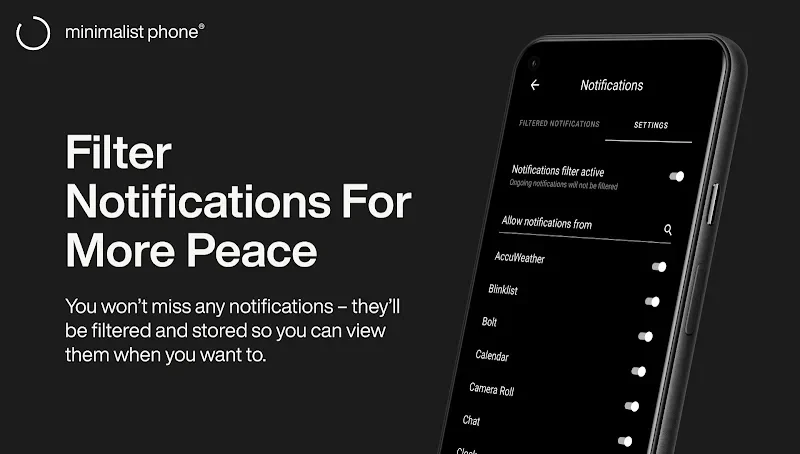
minimalist phone launcher is a Productivity app for Android that replaces the standard home screen with a simplified, minimalist interface. Its best-documented purpose is reducing distractions on the phone, and the controls most directly tied to that purpose are the notification filter and the app blocker. The rest of its documented features, such as appearance settings, schedules, and usage limits, support the same goal of keeping attention on the device in a more deliberate way.
A simplified interface for less distraction
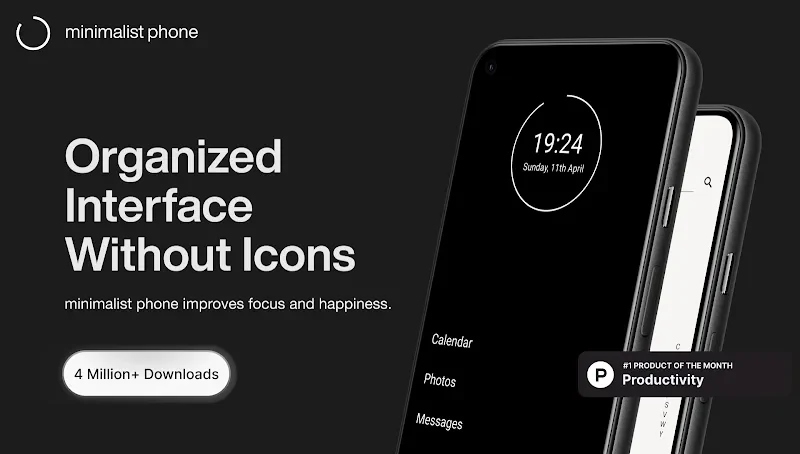
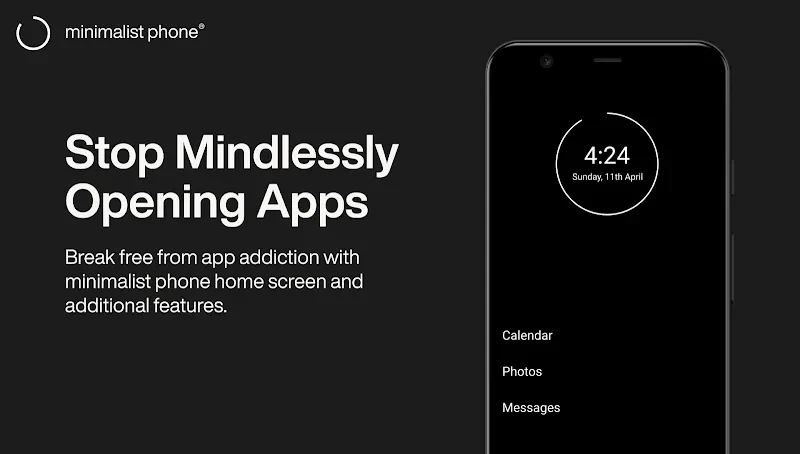
The core idea of the launcher is to give the phone a plainer look so that it is less tempting to pick up. The listing describes a minimalist or simplified phone interface intended to support productivity. Users can adjust the appearance through customizable color themes, fonts, font sizes, and grayscale, which lets them decide how sparse the screen should look. Because the launcher replaces the home screen, these choices affect the main surface the user sees each time the device is unlocked.
Notification filter and app blocker
The notification filter is described as a way to keep distracting notifications out of sight, which the listing links to boosting productivity and avoiding procrastination. The app blocker is presented as a separate control. The description says the app can detect settings that seriously affect the quality of use and block them, and that unwanted notifications can be hidden so the device takes up less space. These statements come from promotional description text, so they should be read as the developer's account of the feature rather than as independently verified behavior.
Monochrome mode and app naming
Monochrome mode is described as similar to grayscale and lets users view selected apps in black and white. The listing notes that this mode requires activation on a computer, so it is not presented as a standalone setting on the phone alone. Users can also rename apps, which is listed among the customization options. Together, monochrome viewing and renaming give the user some control over how individual apps appear within the simplified layout.
Schedules, usage limits, and work profiles
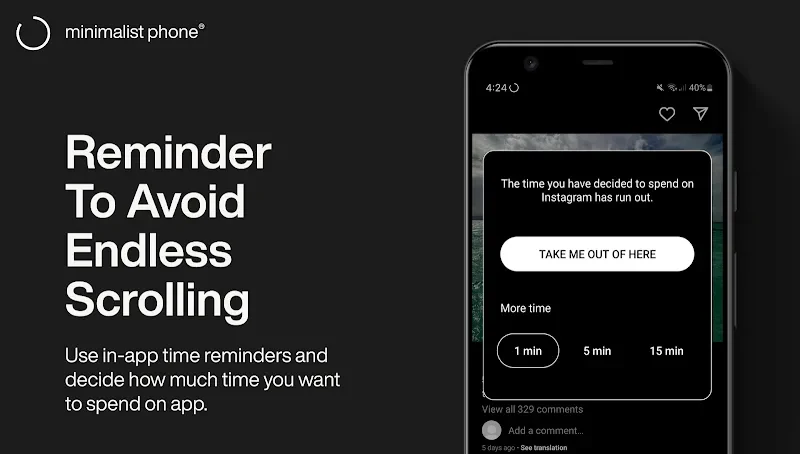
The listing says users can create schedules to improve efficiency and focus. The description also states that the app can set usage time limits and can suggest changes to other settings when a distracting setting is detected. These are the most specific time-management features in the source. The launcher also supports work profile apps. According to the listing, the launcher should be installed from the non-work profile first before this support is used.
Digital wellbeing goals
The source presents the app as a way to promote a digital detox, encourage healthier digital habits, and reduce procrastination. It states that the app can help limit excessive screen time, and that reduced screen time may also affect battery use. These are broad goals described in the listing. The description does not provide measured results, study data, or independent evidence for them, so they are best understood as the intended purpose of the feature set.
Subscription options and removing the launcher
The source's FAQ says the app can be purchased as a monthly plan, a yearly plan, or a one-time purchase, and that all three plans include a free trial. It directs users to the purchase page for details. The listing also says that the download is available for free, but the purchase details are not fully explained in the description, so users should confirm pricing on the store page before deciding. To go back to the original home screen, the listing says to uninstall the launcher from the Play Store.
User feedback and reported limitations
The source includes several user comments. Reviewers say the launcher helped them reduce time spent on their phones, and some describe a preference for the black-and-white look or the one-time purchase option. These comments are personal experiences, not verification of the app's performance. Some reviewers also reported limitations or requests. One said screen rotation is not supported, so the launcher can only be used in portrait orientation. Another said monochrome mode is good but not perfect, and that the color view still appears in the app menu. A reviewer also said the time-limit pop-up can become routine to dismiss. Other comments asked for features such as wallpaper options, a lock screen, and wider device support, but the listing does not confirm that these are available.