
Overview
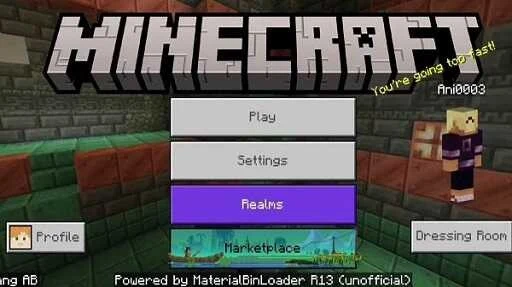
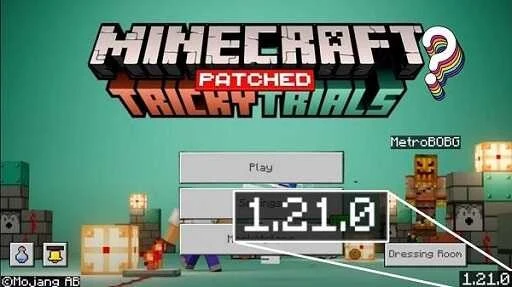
Minecraft Patched is a modified Android version of Minecraft Pocket Edition for players who want more ways to customize the game’s appearance and behavior. Its tools cover texture changes, custom skins, shader support, and performance adjustments, bringing several options together for building, exploring, and survival play. The source describes it as optimized for low-end and mid-range devices and says it targets smooth 60fps performance; actual results may vary by device. Alongside visual changes, selected patches alter features such as night vision and the interface, so players can choose an experience that better suits their preferences.
What You Can Do
⭐ Use MaterialBinLoader to customize game resources. The source says it can change textures and add elements, giving players control over how the game world looks.
⭐ Apply shader support to change the game’s visuals. The listing also mentions RenderDragon support and a separate shader-fix patch intended to address compatibility issues.
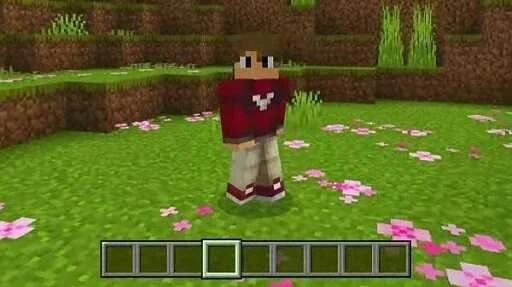
⭐ Personalize appearances and surroundings with custom skins and texture packs. It also lists support for 4D or animated skin packs.
⭐ Use the night vision patch to see more clearly in dark areas without a night vision potion. The optional Night Vision Texture Pack works only when that patch is enabled.
⭐ Choose from patch variants that unlock all skins or all cosmetic capes. The listing also describes unlocked content more broadly, without specifying every item included.
⭐ Select the Pathmod version if you need game files in an easier-to-reach folder for building add-ons or editing files directly. Another variant disables the newer Ore UI for players who prefer the classic interface.
Using the App
The available tools are presented as distinct patches and options rather than one required set of changes. Players can focus on visual customization, performance, or a particular interface preference. For example, shader support and texture packs address appearance, while the night vision patch changes visibility in darkness. The source does not provide detailed installation steps or explain how to switch between variants, so those specifics should not be assumed.
Pathmod changes where game files are stored, which the listing identifies as useful for direct file editing and add-on building. This may suit players who want access to those files, while the other options focus on in-game presentation and behavior.
Why It May Appeal
✅ The app brings several kinds of customization together, including textures, skins, shaders, and selected interface or gameplay patches.
✅ Its performance adjustments are described as intended for low-end and mid-range devices, making device optimization a stated focus rather than an unrelated extra.
✅ Separate patch variants let players choose specific changes, such as the classic interface or an easier-to-access game-file location.
Things to Consider
❎ Minecraft Patched is a modified version, not the official Minecraft Pocket Edition release. Its patches and unlocked content therefore differ from the standard version described in the source.
❎ Some options depend on another patch: the Night Vision Texture Pack, for instance, only works alongside the night vision patch. Shader compatibility is also addressed by a separate fix, so shader behavior may depend on the setup.