

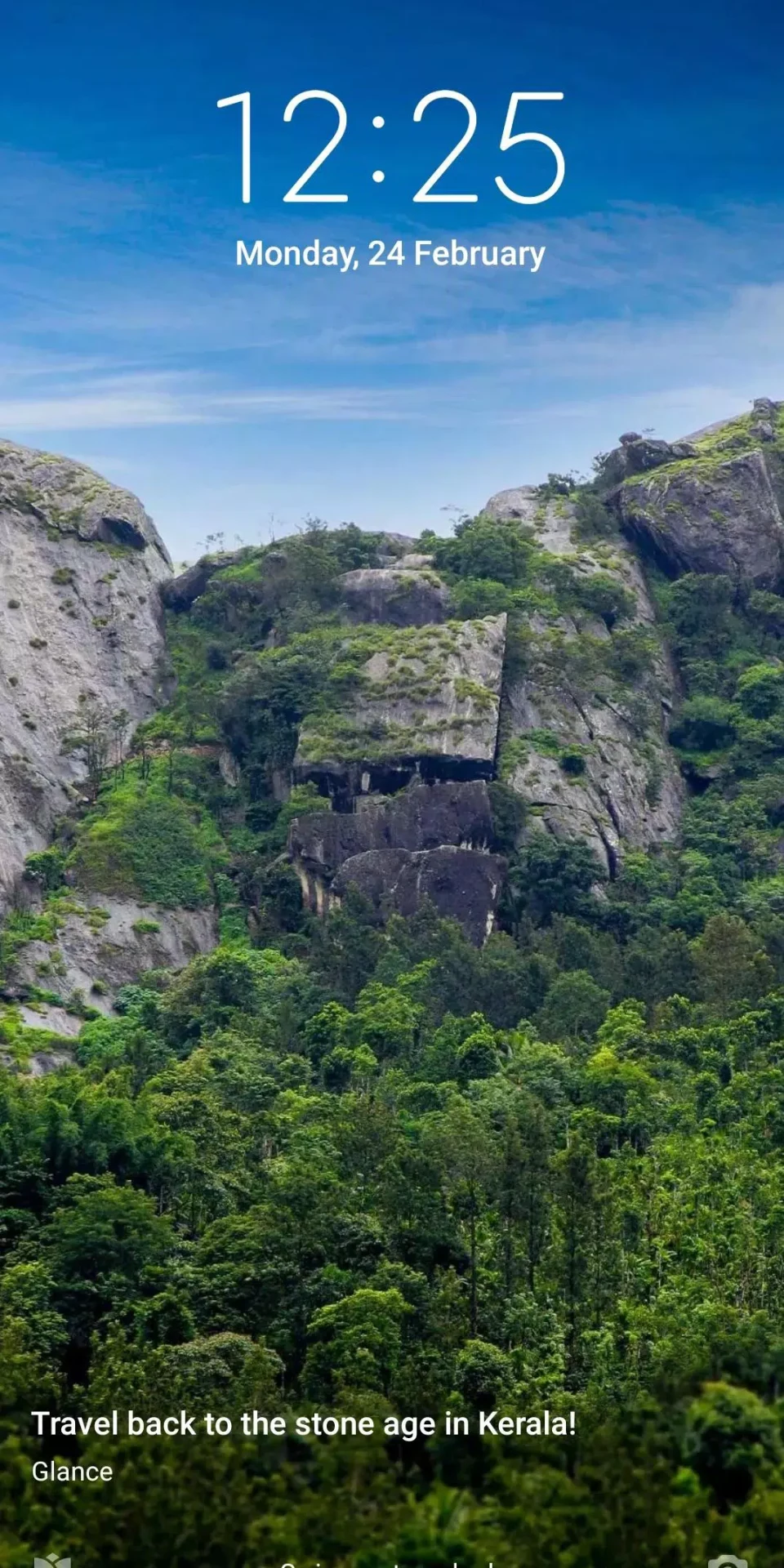

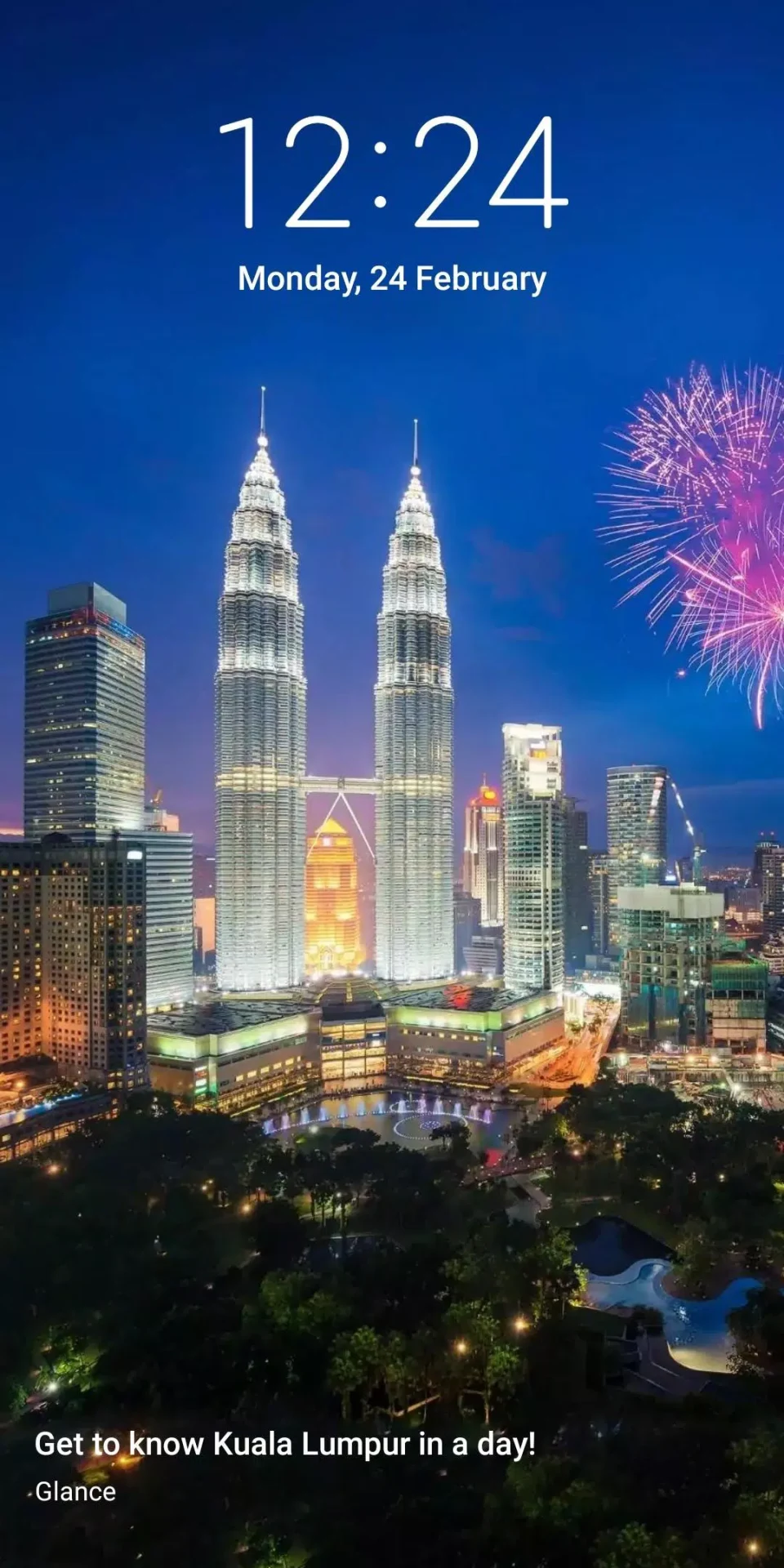

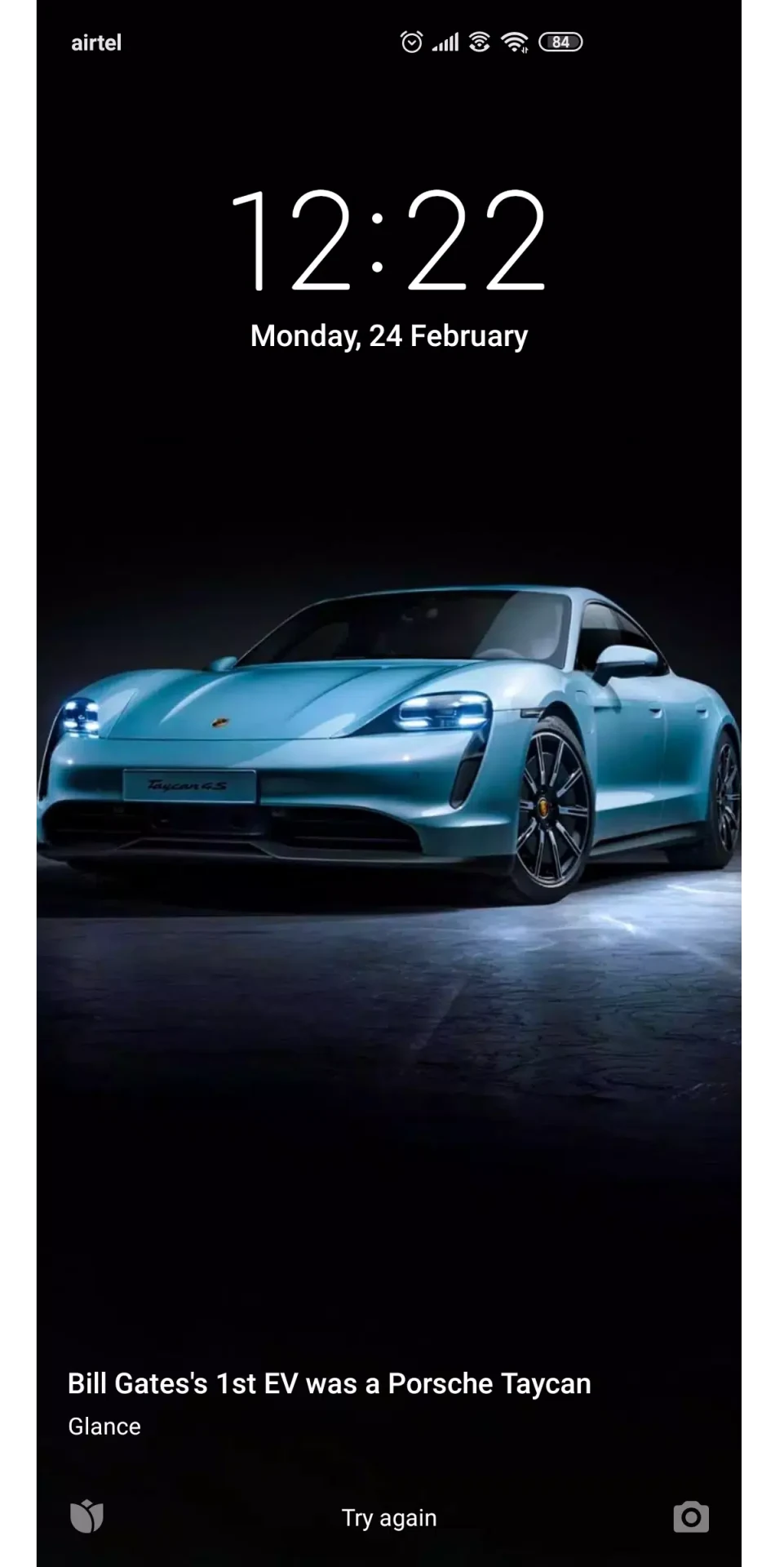
Mi Wallpaper Carousel helps personalize a phone’s lock screen by rotating through wallpaper photos. You can choose image categories, save preferred pictures, and set when the wallpaper changes, with options that include a schedule or each time you unlock the phone.
Browse images and shape the selection
The wallpaper library is arranged into categories such as nature, sports, travel, and abstract, making it possible to browse by subject. The app’s description also says it can recommend images with themes similar to a user’s interests. This offers another way to find pictures beyond choosing from categories alone.
A favorites folder lets you keep preferred wallpapers together. The description says that images added to favorites are shown more frequently, so saving pictures can influence what appears in the rotation. Together, browsing categories and marking favorites provide ways to guide the lock-screen selection.
Choose when wallpapers change
Carousel timing can be adjusted in the settings. Available examples include changing the lock-screen photo once a day or every two hours; the wallpaper can also change whenever the phone is unlocked. These controls let users choose between a regular interval and a change tied to unlocking, rather than relying on a single fixed schedule.
There is also an option to download wallpapers only while connected to Wi-Fi. This setting is relevant when choosing how the app obtains images, while the timing controls determine how often the lock screen displays a different one.
Additional lock-screen content
Beyond photographs, the source describes quick-access content on the lock screen, including news clips, trending topics, and lightweight games. It also mentions stories that users can browse with a tap. These items are presented as part of the lock-screen experience, alongside the rotating wallpaper, rather than as separate wallpaper categories.
This combination makes the app serve two related purposes: changing the lock-screen image and providing access to other content from that screen. The main personalization controls remain the image categories, favorites, download preference, and change frequency.
Device and setup notes
The supplied description lists Xiaomi devices running MIUI 10 or later as the supported devices. It also says the feature is accessed through the lock-screen options in Settings rather than through a launcher icon, and notes that the default theme is needed to use it. These details are useful when looking for the controls after installation.