
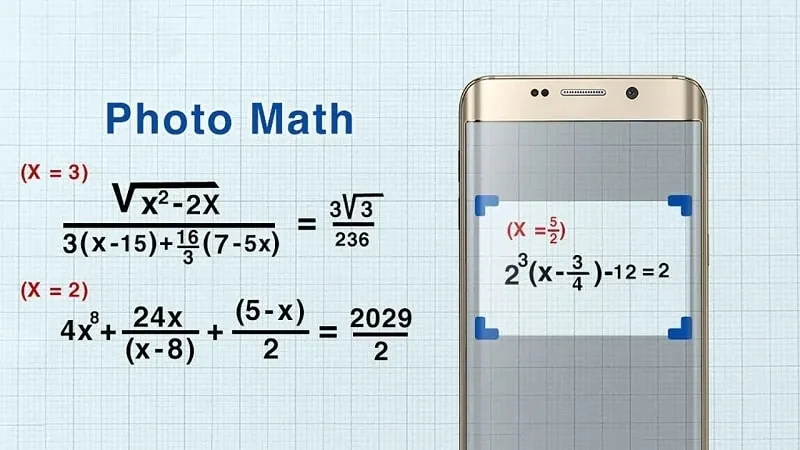
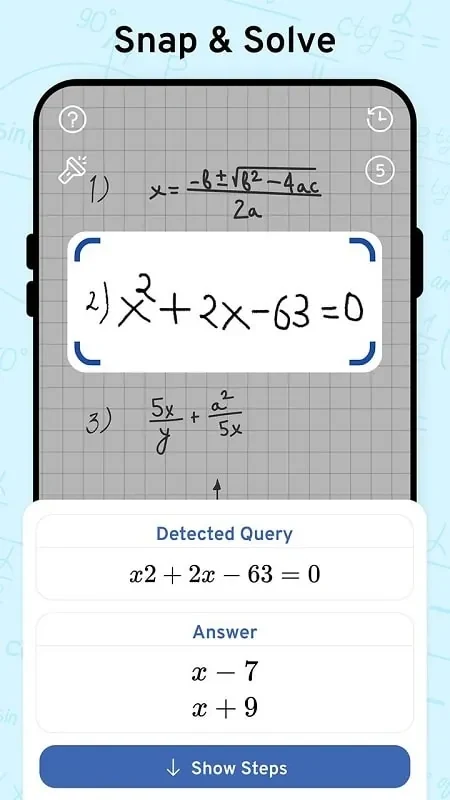
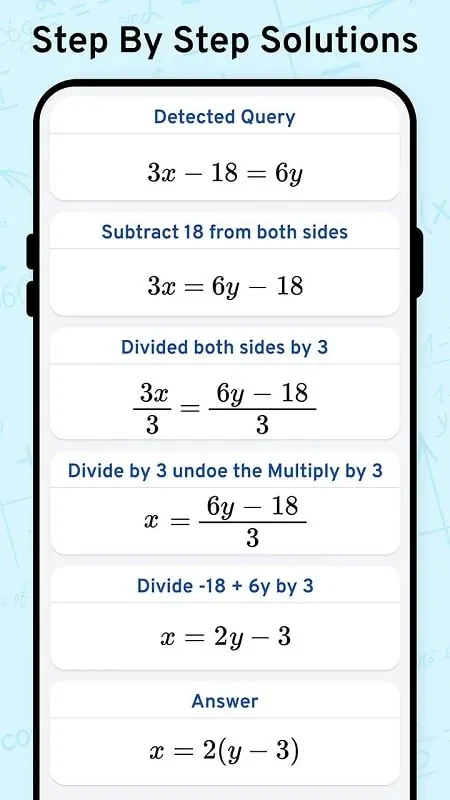
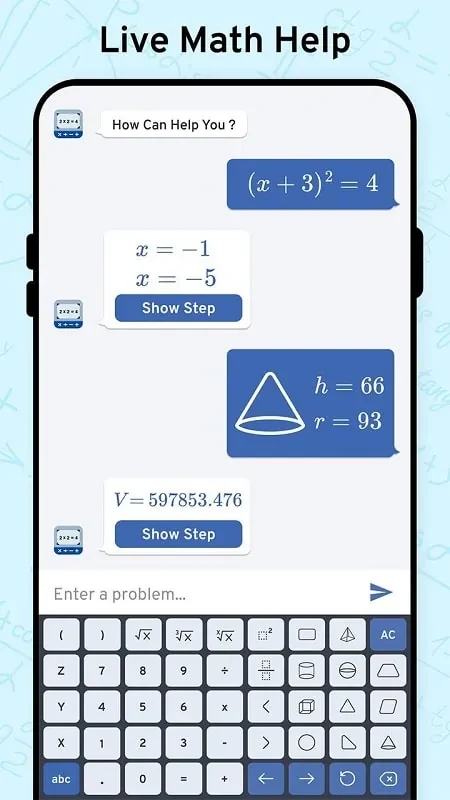
Math Scanner By Photo helps users solve math problems by submitting a picture of a question or writing out calculations in the app. After the user presses the solve button, it returns an answer with a step-by-step solution, making it possible to review the method as well as the result. The app is presented as a reference tool for students working through both straightforward calculations and more complex problems.
Scan or enter a problem
The photo-based input is intended to reduce the need to work through a problem manually before seeing a solution. Users can also write calculations rather than take a picture, then submit them for solving. The app’s description says the time needed can vary with the problem’s complexity, so a response may take longer for a more difficult question. When the app provides a solution, its steps can help users follow how the answer was reached.
Review the working
Math Scanner By Photo combines answers with explanations rather than presenting only a final result. This makes it useful as a reference when a user wants to check a calculation or study the sequence of steps used to solve a question. The description says the app can handle complex math problems, although it does not specify particular subject areas or list the kinds of advanced problems it supports.
Use the calculator for everyday calculations
A virtual handheld calculator is included alongside the problem-solving tools. It has advanced functions and is described as suitable for quick calculations, so users can use the calculator for a separate calculation instead of submitting a photographed problem. The examples given include percentages, BMI, and interest rates. Together, the scanner, written input, worked solutions, and calculator cover different ways to get help with mathematical tasks within the app.