
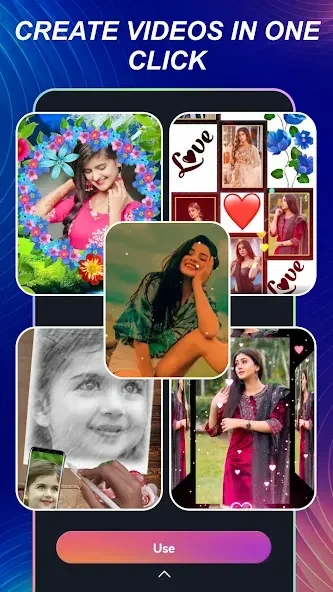
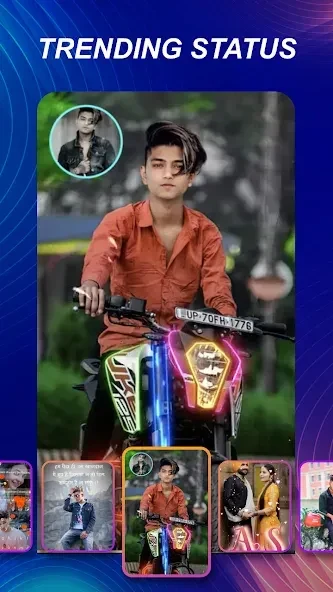
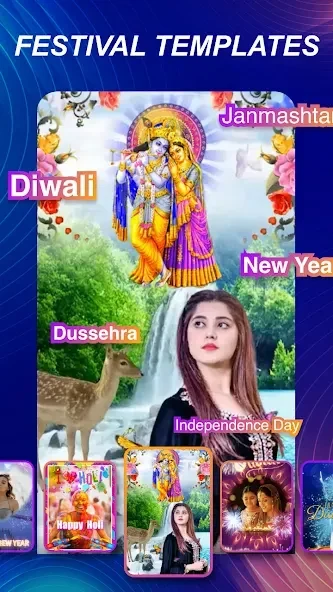
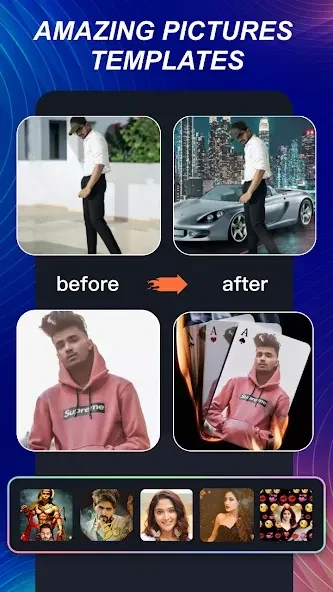
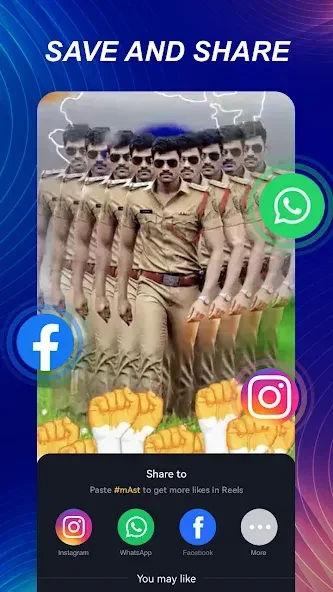
mAst assists users in producing videos and photos through templates or direct uploads, incorporating filters, transitions, and music for social media sharing. This approach proves useful for individuals seeking to create content aligned with current trends without relying on complex software. The app supplies regularly refreshed templates that cover multiple themes, allowing quick selection based on keywords followed by the addition of personal photos or videos. Users can also upload existing clips to apply effects and export finished works directly to platforms such as Instagram, Facebook, and TikTok. By handling synchronization and basic adjustments automatically, mAst reduces the time required to reach a shareable result while maintaining options for customization through text, fonts, and colors.
Template Selection and Video Generation
The app organizes millions of templates across genres that users browse by keyword. Selection leads to an automated assembly process where supplied images or clips fill the structure, producing complete videos ready for minor adjustments. Regular updates to the template library introduce new styles on each refresh, preventing repetition and supporting ongoing content creation for social networks. This method suits users who need to match popular formats quickly rather than building projects from scratch.
Music Integration and Beat Synchronization
Built-in music tracks combine with imported local audio files to accompany visuals. The application aligns clips to the rhythm of the chosen track, generating dynamic pacing without manual timing edits. Users maintain a favorites list of tracks for repeated use and can update selections over time to refresh older projects. This integration keeps the workflow contained within one interface while preserving creative control over the soundtrack.
Lyrical Video Tools and Text Customization
Lyrical templates supply animated text overlays and effects that users modify by altering wording, fonts, and color schemes. These elements help produce videos that emphasize lyrics or messages in a visually engaging manner. The same customization extends to other templates, allowing consistent styling across different output types and supporting varied audience preferences without additional external tools.
Export Quality, Watermark Removal, and Offline Viewing
Exported files maintain high definition while remaining compact in size, with selectable quality levels available at output. In the free version, viewing an advertisement removes the app logo from the final video. Completed projects save to the device gallery for later offline playback, enabling access without an internet connection after initial creation. Direct sharing options further streamline distribution to external services once export completes.
Language Options for Diverse Users
Support for multiple languages, including English, Punjabi, Telugu, and Bangla, accommodates editors working in their preferred interface. This accessibility broadens usability for creators who produce content in regional languages or who prefer non-English navigation during editing sessions. The combination of language choice with template variety allows the same core functions to serve users across different linguistic backgrounds without altering the underlying production steps.