

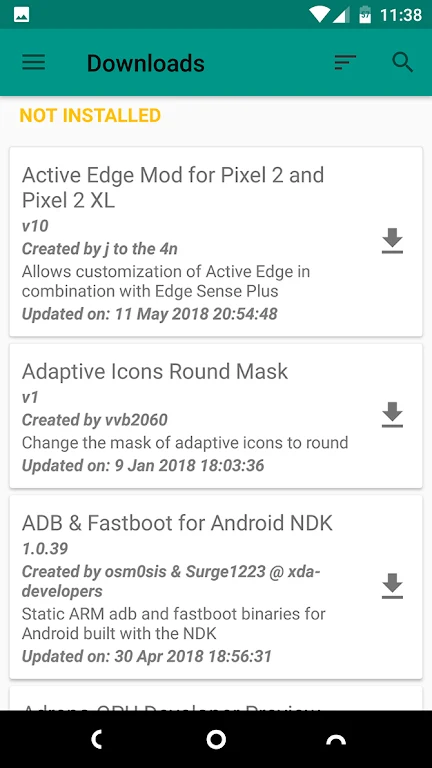
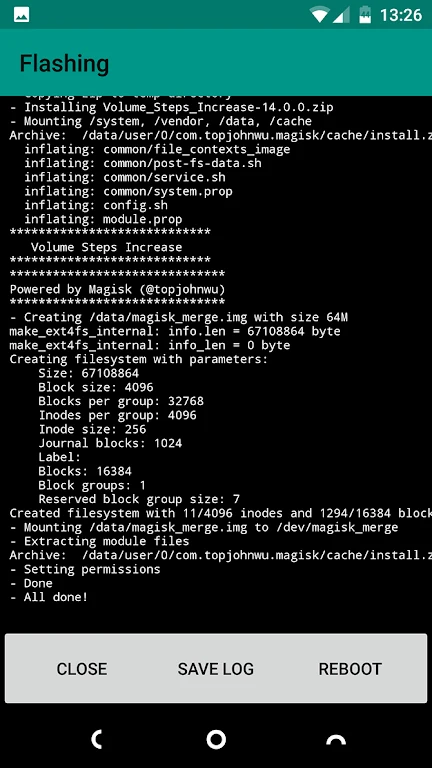
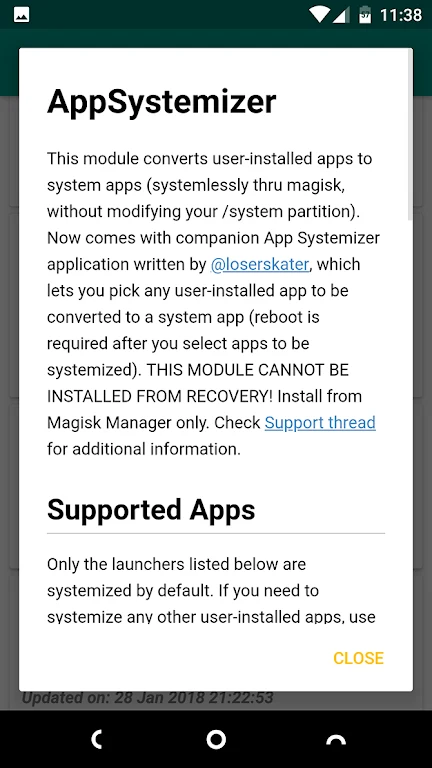
Magisk Manager is a phone customization tool for managing root access, modifying boot images, and extending Android functionality through optional modules. Its main task is to provide control over system-level features while keeping changes outside the system partition where supported. Users can patch a boot image that matches their installed ROM, flash the result with an ADB tool or custom recovery, and then manage superuser privileges for applications. The app also supports fonts, system tweaks, custom user-interface elements, and battery-focused adjustments. Its module system adds further options, including Zygisk support and tools intended to address root detection in some applications.
How does Magisk Manager provide root access?
Rooting through Magisk Manager requires a boot.img file that exactly matches the ROM version installed on the device. After moving the file to internal storage, you can patch it in the app. The patched image is then flashed through an ADB tool on a computer or an installed custom recovery. Once the boot partition is rooted, Magisk Manager can be used to grant superuser privileges to applications as needed.
What can you customize without changing the system partition?
The app supports installing fonts, system tweaks, and custom user-interface elements without modifying the system partition. It also provides tools for extracting, modifying, and repackaging Android boot images. These functions are intended for users who need more control over how their device software is configured.
What do modules and Zygisk add?
Optional modules can extend the root functionality available on the device. The source specifically mentions a SafetyNet Fix module, which is intended to hide root status and help applications that respond to an unlocked bootloader continue operating. This may be relevant to banking apps, mobile payments, and games with restrictions on rooted devices, although results can depend on the application.
Magisk Manager settings also support installing Magisk with Zygisk. This allows developers to preload required resources into system memory, with the stated goal of helping processes run more efficiently.
What changes are included in the listed update?
The listed version is 30.6. Its update notes mention large-scale internal refactoring and code migration, support for downloading module ZIP files compressed with XZ, and automatic disabling of application animations when system animations are disabled. Other changes include non-system deletion of module-containing files through blank file nodes, redesigned MagiskInit strategy patching and injection logic, and improved TTY/PTY support in MagiskSU.
Who may find this tool useful?
Magisk Manager is aimed at Android users who want to manage root access, patch device-specific boot images, install modules, or apply system-level customization. Because the rooting process depends on a matching boot image and flashing through ADB or custom recovery, it is most relevant to users who understand those steps and can identify files for their installed ROM. The supplied information does not define broad device compatibility, so users should verify that the required files and method apply to their device before proceeding.