
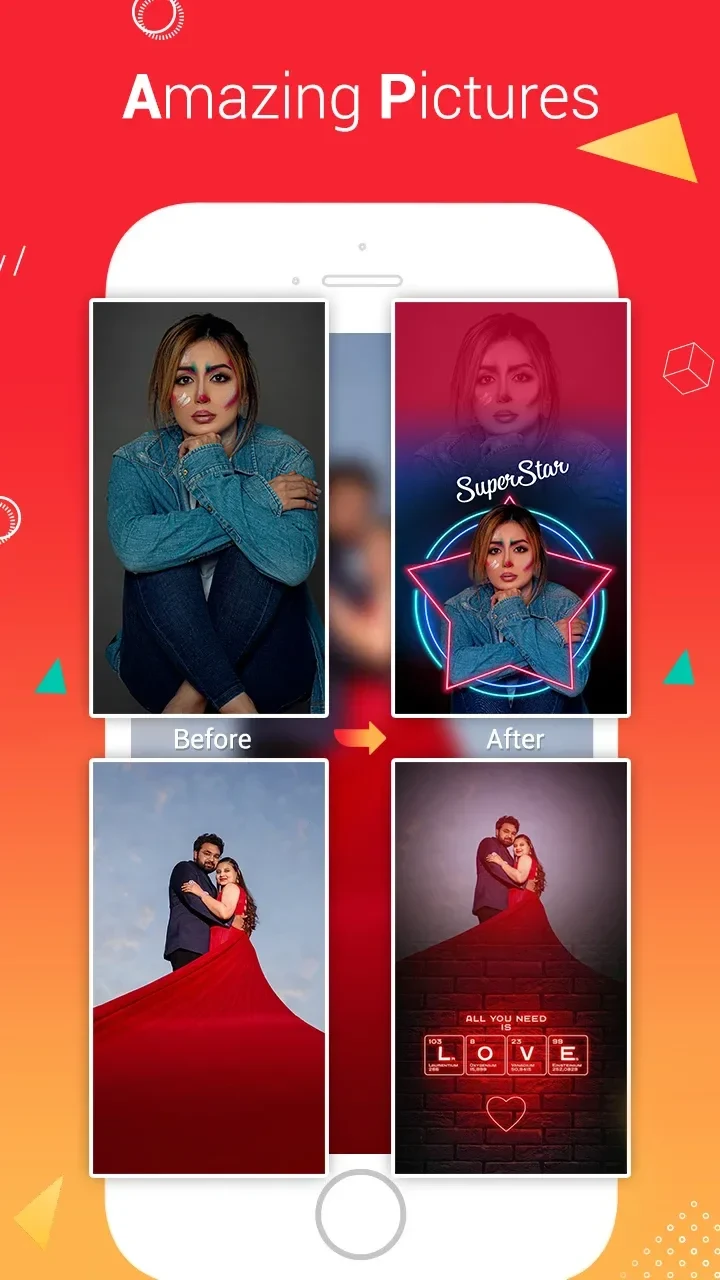
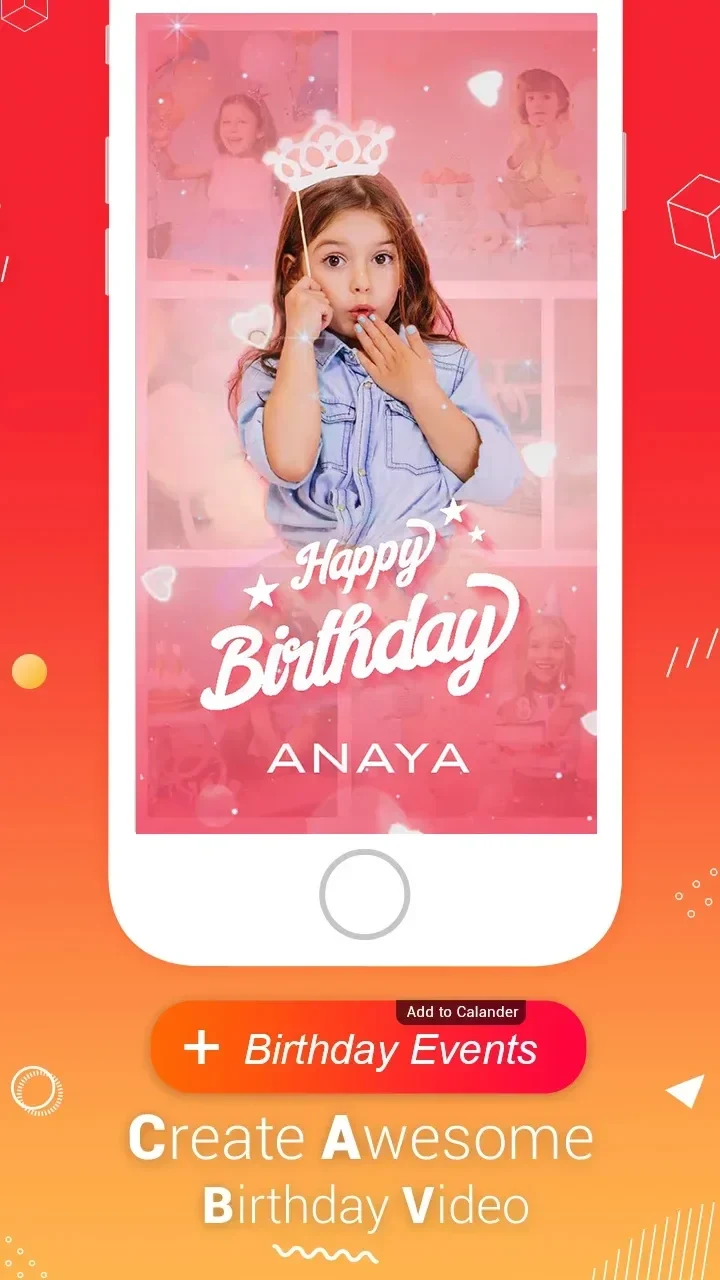
Lyrical.ly helps you create music and lyric videos from photos using themed templates, songs, and visual effects. Its tools bring these elements together for short video statuses, including birthday, love, friendship, festival, and other occasion-based creations. You can choose a template, personalize its music, and use effects to shape the look of the finished clip.
Templates for different occasions
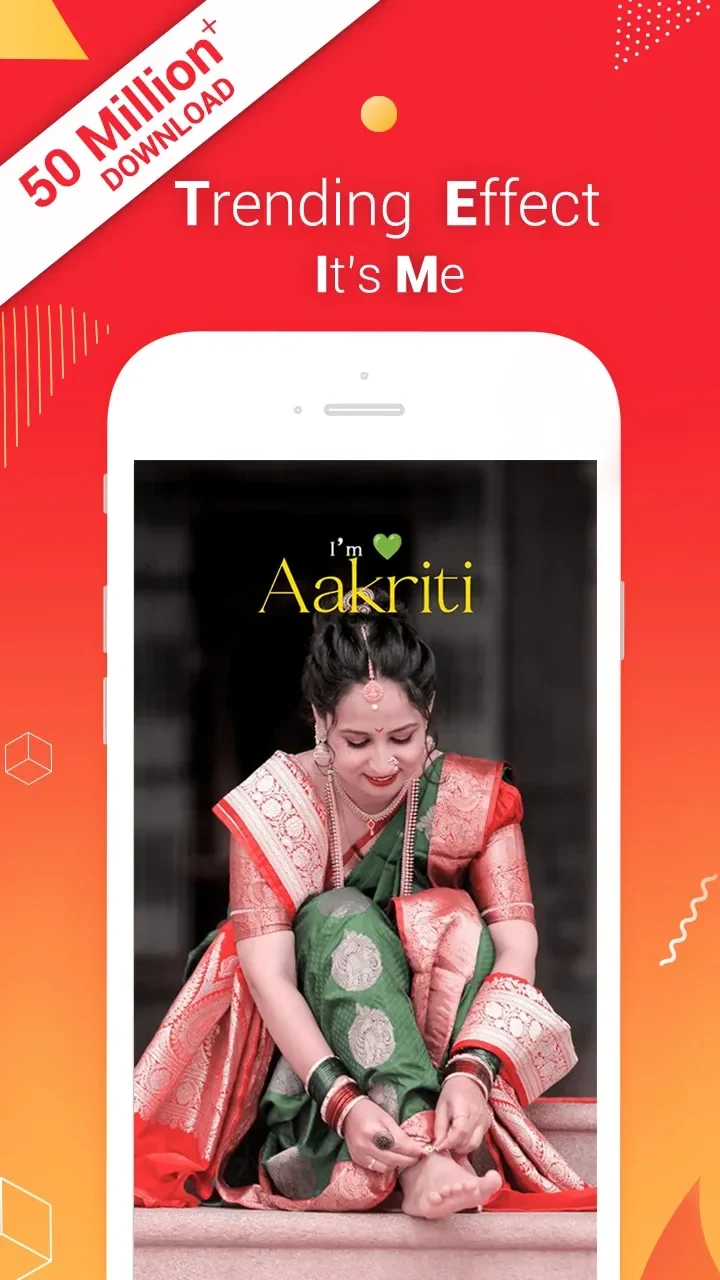
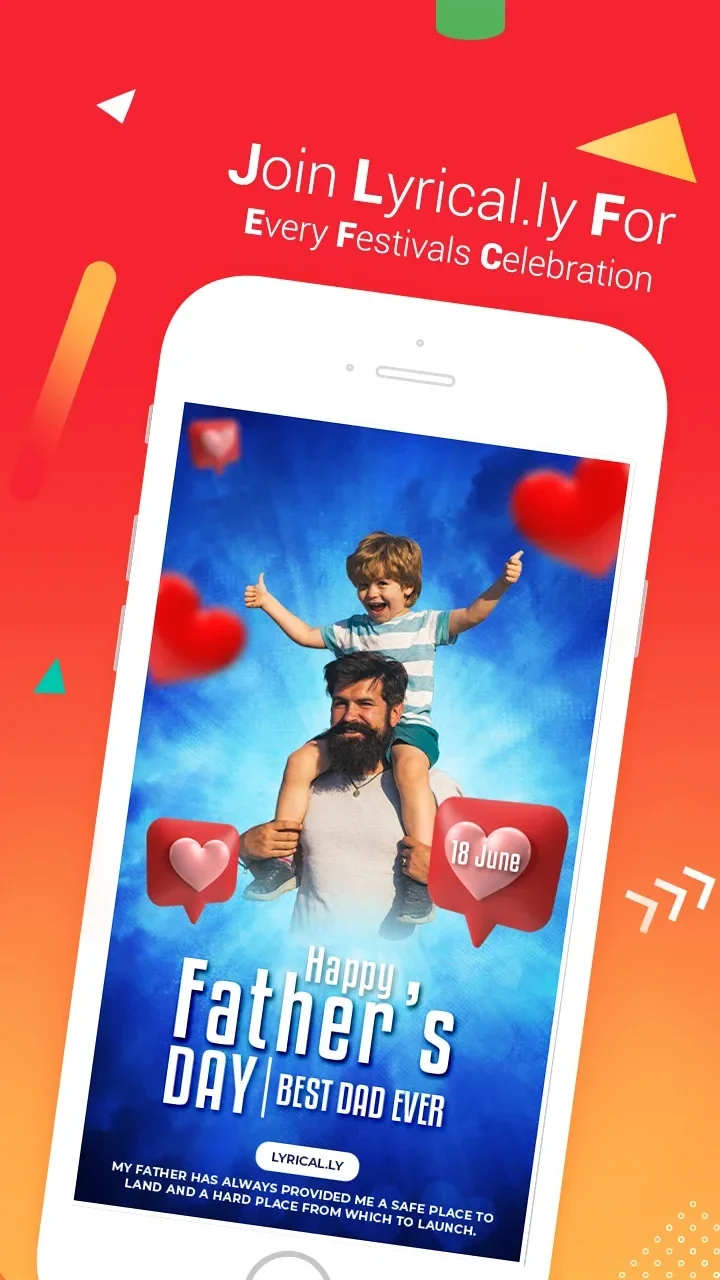
The template collection covers a range of subjects, including lyrics, birthdays, love, friendship, anniversaries, festivals, family, nature, holidays, and other themes. This gives you a starting point suited to the kind of status video you want to make, whether it is for a celebration or a more personal expression. The app also describes templates for name videos and photo-based music statuses, alongside options for magical or particle-style videos.
Templates connect the images and music with a prepared visual style. Rather than serving only as backgrounds, they can include effects and animations that shape how a video appears. The available themes make it possible to select a style for an occasion and then adjust the musical element to suit your preference.
Music choices and track adjustments
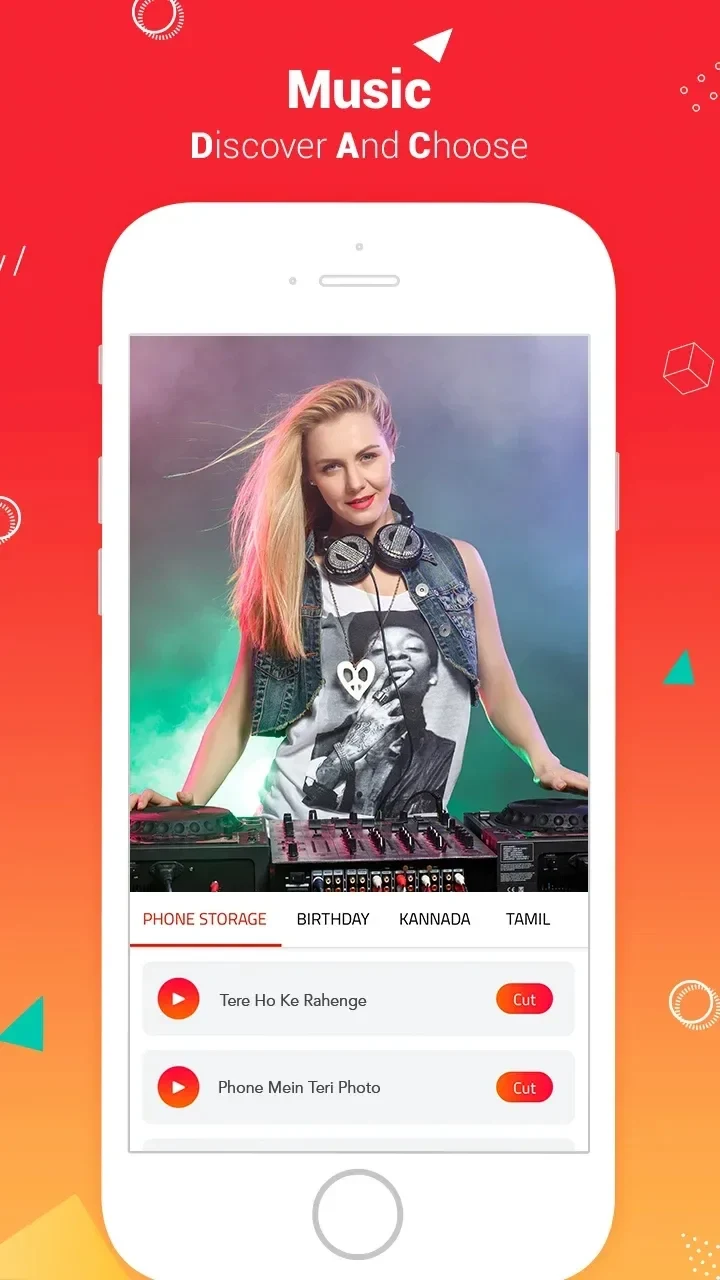
Lyrical.ly includes a library of songs and beats for use as background music. Its description highlights music across themes such as love, birthdays, and friendship. You can use a track associated with a template or change the song to another selection. Music controls also include trimming a track, so you can adjust which part of it accompanies the video.
These options are useful when a template's original music does not match the video you want to create. Selecting another song and trimming it lets you adapt the soundtrack while retaining the template's visual design. The app also describes beat-related effects, linking the audio choices with the animated treatment of a clip.
Lyrics, rhythm, and photo videos
The app is designed for videos that combine photos with music and lyrics. It describes automatically adding or synchronizing lyrics, tempo, and beats with photos. That synchronization is intended to bring the visual sequence and the musical rhythm together, rather than leaving every timing adjustment to the creator. The resulting clip can be used as a lyrical status video or as a photo video set to a song.
Lyrical.ly also presents itself as a particle video status maker, with effects that respond to the music's beat. Particle and wave-beat treatments add movement to the visuals, while the lyric and rhythm functions connect the video to its soundtrack. These tools sit alongside the template and song controls, making the app suited to combining still images, text lyrics, and music in one creation.
Visual effects and sharing
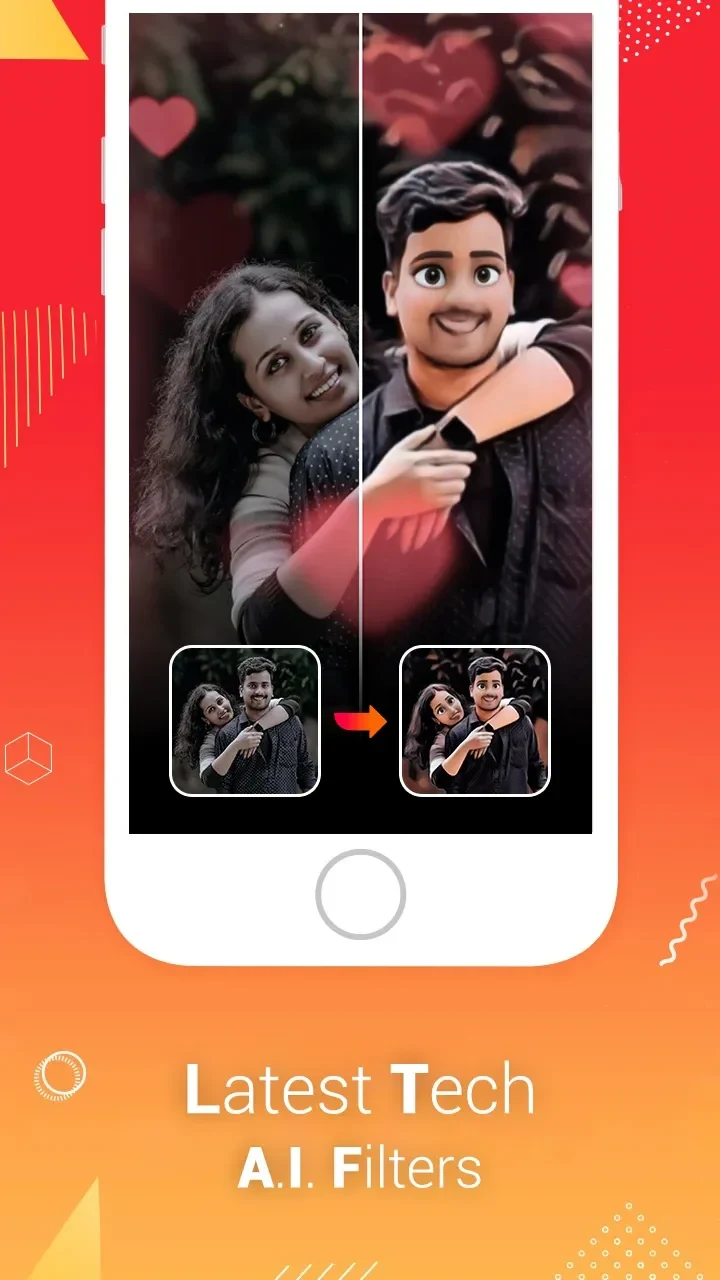
Templates can include several kinds of visual treatment, such as birthday, love, beat, color, glow, and magician effects. The app also describes particle effects and magic filters, as well as animations with distinct visual designs. These options let you choose a look that fits the subject of a video, from an occasion-based style to a more dramatic or animated presentation.
Once a video is put together, Lyrical.ly supports sharing it to major social media platforms. This fits its focus on status clips and other short music videos intended to be shown to friends or followers. The app's core tools—templates, music selection and trimming, lyric and beat synchronization, and visual effects—work together around that creation and sharing purpose.