

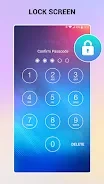
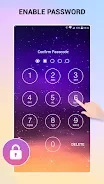
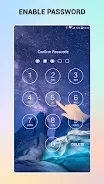
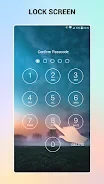
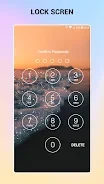
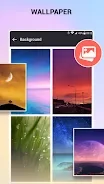
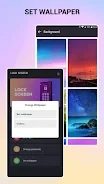

Lock Screen is a Tools app for Android that focuses on protecting access to your phone with a passcode-based keypad lock screen. It also includes options for personalizing the lock screen and a shortcut for locking the screen without pressing the power button. This profile summarizes the functions described in the supplied listing data.
What does the keypad lock screen do?
The app's main purpose is to guard the phone against unauthorized access by other people. According to the listing, you enable the keypad lock feature and set a password. The listing describes setup as a short process, but it does not provide detailed setup steps, so the exact screens and options may differ from what is described here.
Can I customize the lock screen?
The listing says you can create a personalized passcode and pick a background from a range of wallpapers. You can also use a photo from your own gallery as the background image. These options are the main customization features the source mentions. It does not describe additional themes, layouts, or visual settings beyond these.
How does the shortcut work, and when is it useful?
The app can place a shortcut or icon on your home screen that turns off and locks the screen. The listing presents this as useful if the power button is not working properly, and also as a way to reduce wear on that button. Activating the shortcut is described as requiring only a few taps. Whether this suits your device depends on your own needs and hardware.
How do I remove the app?
The listing states that the app can be uninstalled through the menu in the device settings. No other removal method is described.