

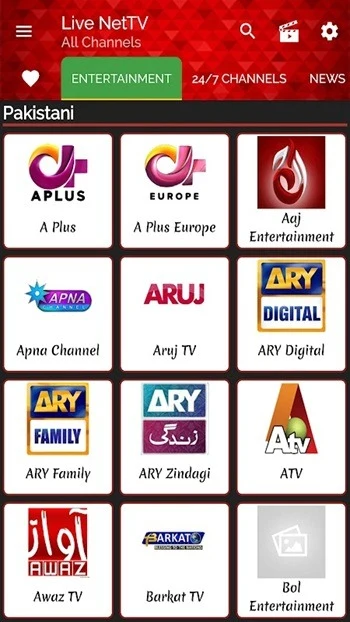
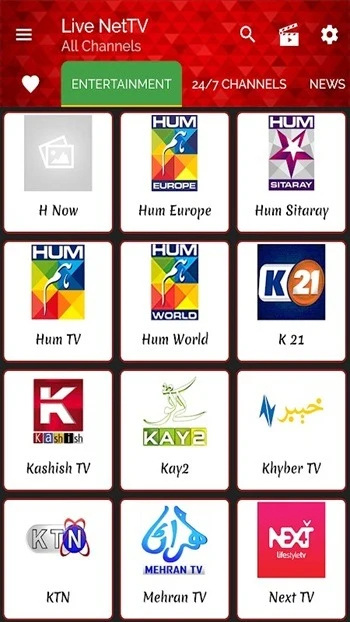
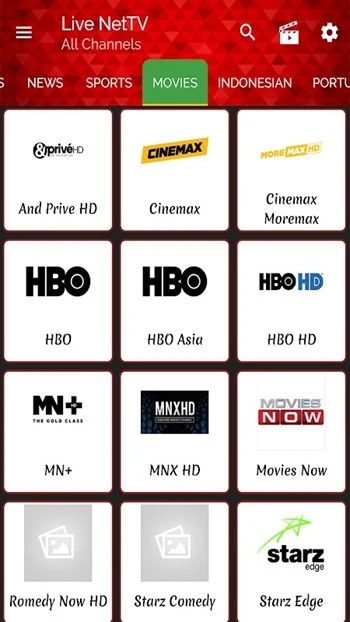
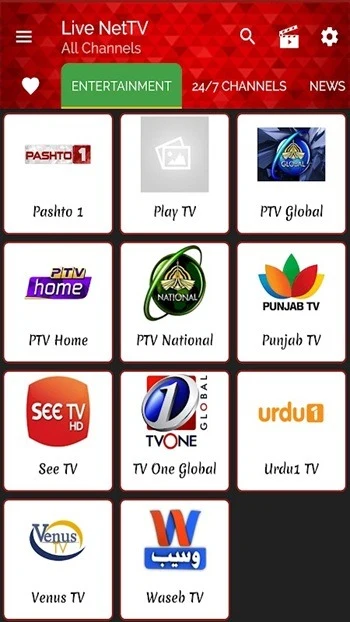
Live Net TV APK is an Android app for watching live television. According to its listing, the app is built for film and television fans and offers a large set of live channels across many genres, including dramas, documentaries, and variety shows from different countries. Live channel streaming is the core function, and the other features described in the listing mostly support it by adding recorded content, playback options, a live events schedule, and display settings.
Live channel streaming
The main purpose of the app is to let users watch live TV channels on an Android device. The description says the app offers hundreds of live channels, and a separate features section mentions more than 2000 worldwide channels. Because these figures do not match, this article does not state a single channel count. Users can search by keyword to find particular shows or channels, which the listing presents as a way to reach personal favorites quickly. The listing also says new channels from other countries are added, so users may find programs that are not available in their local listings.
Shows, movies and catch-up viewing
Beyond live channels, the listing describes a video-on-demand section with TV shows and movies. Shows are described as available for viewing after they have aired, so a user who misses a live broadcast can still watch it later. The movie section is described as covering several genres and languages, including English, Hindi, Spanish, and French. The listing also says movies can be downloaded, but it does not explain how downloads are stored or how long they remain available, so those details are not confirmed here. The source also states that new channels and links are updated daily, although it does not give a specific update schedule.
Playback links and player choice
The listing says each channel or video is supported by several streaming links, so a user can switch to another link if the current one does not work. According to the description, users can also report broken links, which are then updated by the team behind the app. This structure is central to the app's reliability claims, but the listing does not provide independent testing results, so the level of reliability in practice depends on the streams available at the time of use.
Playback can also be adjusted. The listing names MX Player, XMTV Player, and Lua Player as external players that can be used instead of the built-in player. Users can select a default player or choose one before each video starts. The app is also described as supporting Chromecast for users who want to send a stream to a larger screen. The listing offers a stream quality option as well, though it does not specify the quality levels available.
Live events calendar
The live events tab is a separate feature for people who follow sports or cultural programs. The listing says the schedule is aligned with Greenwich Mean Time and lists global events, with examples including daily cricket matches and major tennis tournaments. The events tab shows current and upcoming events. Users can enable notifications for live events, which the listing presents as a way to avoid missing a broadcast. The listing does not say which sports or events are covered in every region or how the schedule is compiled.
Personalization options
Most of the personalization settings in the listing relate to how the home screen and content tabs are arranged. The home screen includes tabs for VOD, live events, and 24/7 live channels, and users can set a favorite tab as the priority. The live events tab and the video-on-demand tab can each be ordered by preference, so a user who prefers sports can move that category forward. Users can also hide or unhide VOD or live event categories and reorder a list of categories, including Indian, English, and Pakistani options, by long-pressing a category and dragging it to a new position.
The listing also mentions a few display and behavior settings. Users can change the font style, adjust subtitles, clarity, and brightness, and choose whether the app launches automatically when Android starts. The auto-launch option is labeled as experimental in the listing, so users should expect it to behave differently from standard settings. The listing says hiding video content from particular countries is possible but does not describe the full filtering options.
Access settings and parental controls
The listing describes settings for families who want to control how the app is used. According to the description, settings can be protected with a password, which can be used to limit changes and set access rules. Content can also be hidden by region or category, so that only selected material appears. The listing presents these controls as suitable for both adults and children. These are documented controls, but the description does not state how thoroughly the app filters content or whether any particular content will always be blocked.
Listing details and limits to note
The listing describes the app as free, with no subscription fee, no sign-up, and no monthly payment. These statements come from the promotional description and have not been independently checked for this profile. The listing also contains a few inconsistent details, including the channel count mentioned above. The minimum Android version is not stated in the supplied information, and the listing version is 1.2 in the Tools category. Users who want to confirm compatibility, pricing, or content availability should check the details available for their own device and region before relying on them.