
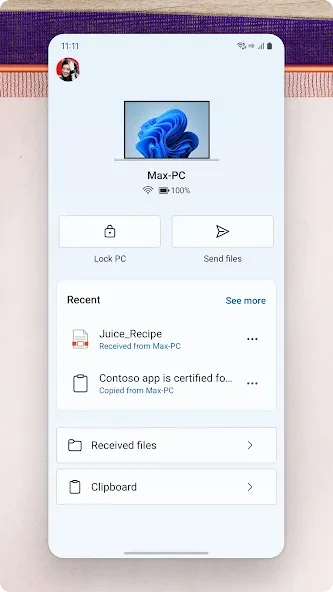
Link to Windows connects your Android phone with a Windows PC so you can handle selected phone tasks from the desktop. It addresses the interruption of moving repeatedly between devices by bringing text messages, calls, notifications, recent photos, and some mobile apps into one connected workflow. You can reply to SMS and MMS messages, make or receive calls, manage alerts, and move photos without emailing them to yourself or using cables. On selected Samsung, HONOR, and Surface Duo devices, the connection can also provide Phone screen, Apps, cross-device copy and paste, and file drag and drop.
Can you manage text messages from a Windows PC?
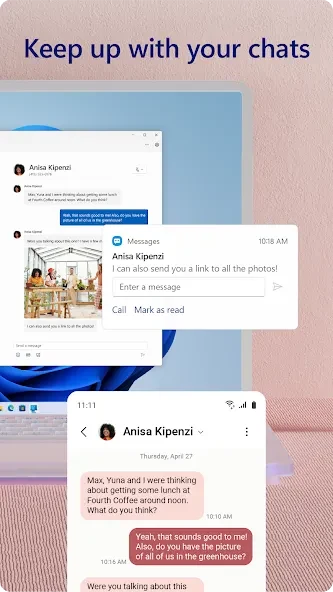
Yes. Link to Windows lets you view and reply to SMS and MMS messages from the computer. Messages remain synchronized between the phone and PC as conversations update, so you can continue chats without unlocking the phone each time.
When replying, you can use emojis, GIFs, and media files. This makes the messaging function useful when you are already working at the computer and want to reduce interruptions caused by picking up your phone.
How does calling from the computer work?
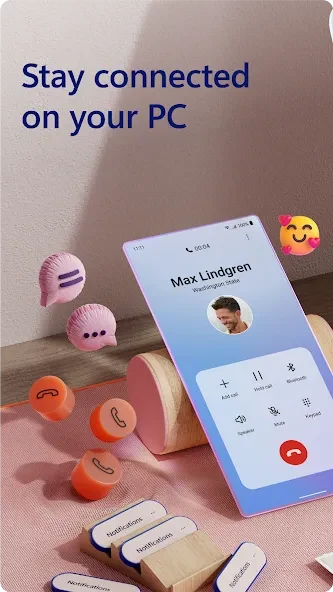
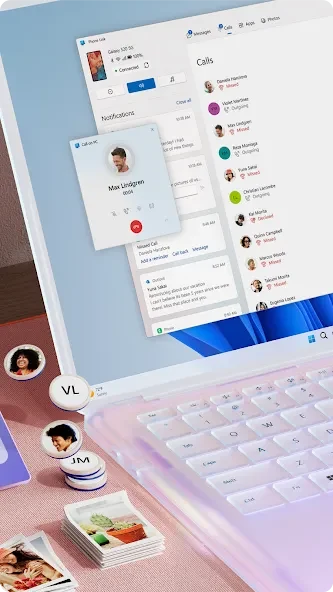
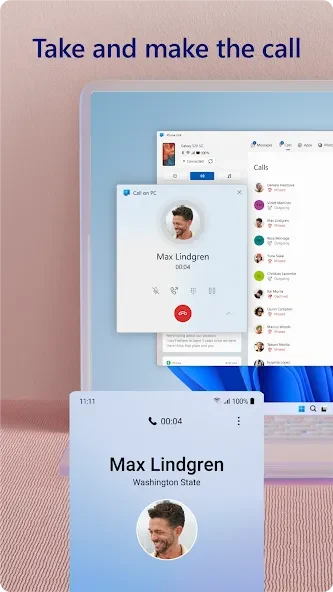
The app allows you to place and answer phone calls from the PC. Call history is also shown on the computer, making recent numbers easier to find when you need to call someone again.
Calls require Bluetooth to be enabled and connected on both the Android device and the computer. The source also specifies a Windows 10 PC with Bluetooth capability for calling, so this feature depends on the required connection and setup rather than being available in every configuration.
Which phone notifications can you control?
From the PC, you can view, pin, and dismiss Android notifications. You can also choose which apps are allowed to send alerts and enable Do Not Disturb to pause nonessential messages. This gives you a way to review important notices while muting less urgent interruptions.
Notification settings can be adjusted to keep attention on the alerts that matter during work or other activities on the computer. The available controls focus on viewing, prioritizing, and dismissing notifications rather than replacing the notification settings on the phone.
Can you move photos and use phone apps on the PC?
Link to Windows provides access to recent photos from the Android device. You can drag and drop images into emails, documents, or other applications, or copy and paste them when needed. Transfers can take place directly between the connected devices without cables, which can help when preparing a slide deck or sending an update.
You can also open and interact with favorite mobile apps from the computer using a keyboard, mouse, or touch input. On select Samsung, HONOR, and Surface Duo devices, deeper integration may include Phone screen, Apps, cross-device copy and paste, and file drag and drop. These capabilities are not described as universal, and the source directs readers to the device compatibility list for the complete breakdown of supported phones and functions.
What should you know before using Link to Windows?
The app is integrated with select devices, where it can be found through the Quick Access tray on an Android phone, and the source says additional Play Store apps are not required for those devices. Compatibility is not universal across Android phones. The supported experience varies by device, so checking the listed capabilities for a specific Microsoft Duo, Samsung, or HONOR model is important before relying on features such as Phone screen, Apps, or file transfer.
For day-to-day use, exploring the app's navigation can help you move between messaging, calls, notifications, photos, and app access. You can organize frequently used mobile apps on the PC, including creating shortcuts or pinning them to the taskbar where that setup is available. The app information also notes a newer user experience, wording changes intended to make it easier to understand, and bug fixes.
Link to Windows may suit Android users with a compatible phone who want to keep conversations, calls, alerts, recent photos, and selected mobile-app activities close to their Windows workflow. Its usefulness depends on the Android model and the particular feature being used, with Bluetooth and a Windows 10 PC required for the documented calling setup.