

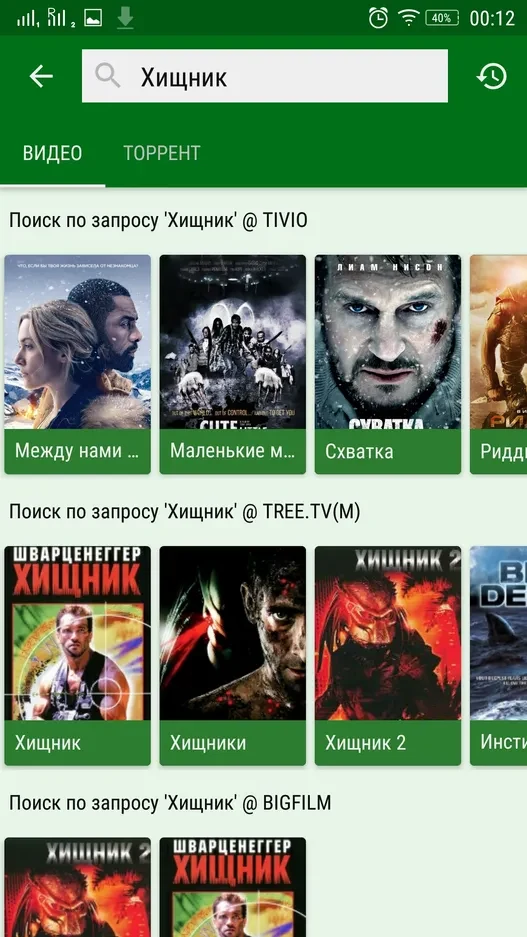
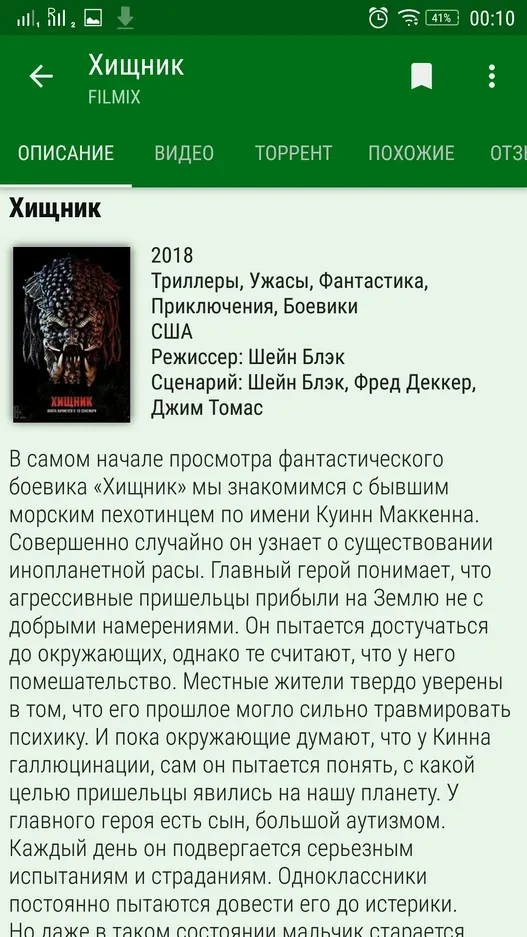
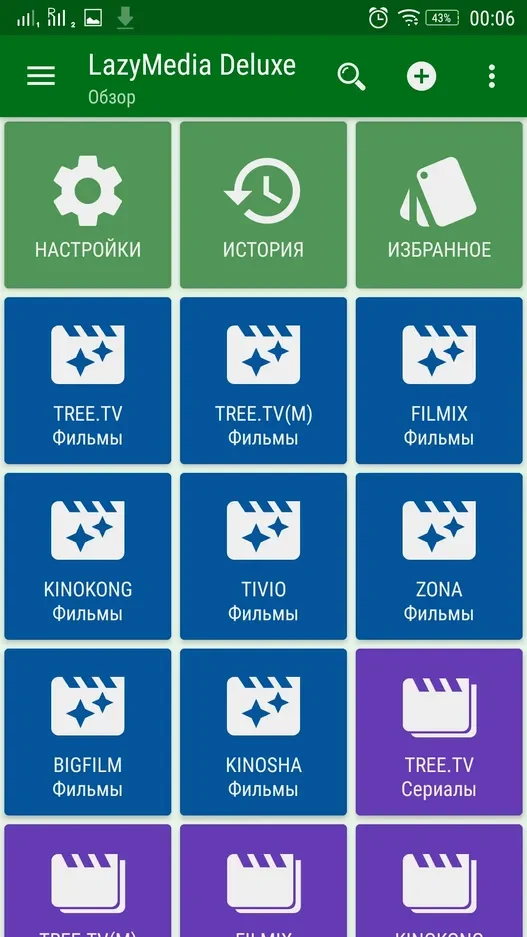
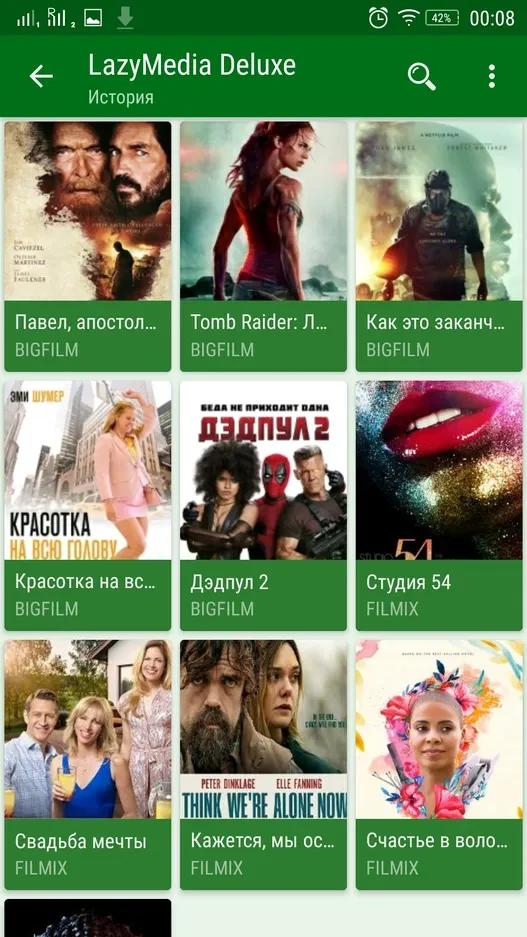
LazyMedia Deluxe is an Android app for finding and watching movies, series, sports events, variety shows, cartoons, and other video content gathered from third-party resources. It also supports torrent-file searches and downloads, playback customization, screen sharing to a TV, and interfaces adapted for mobile, tablet, and TV use.
What kind of content can be found?
The app searches across multiple publicly available sources rather than hosting its own video library or operating its own content servers. This gives users one catalog for looking up movies, television series, cartoons, and other listed programming without moving between separate source sites. Availability and playback speed depend on the third-party resource supplying a particular item, so a missing or slow result may reflect the source rather than the app itself.
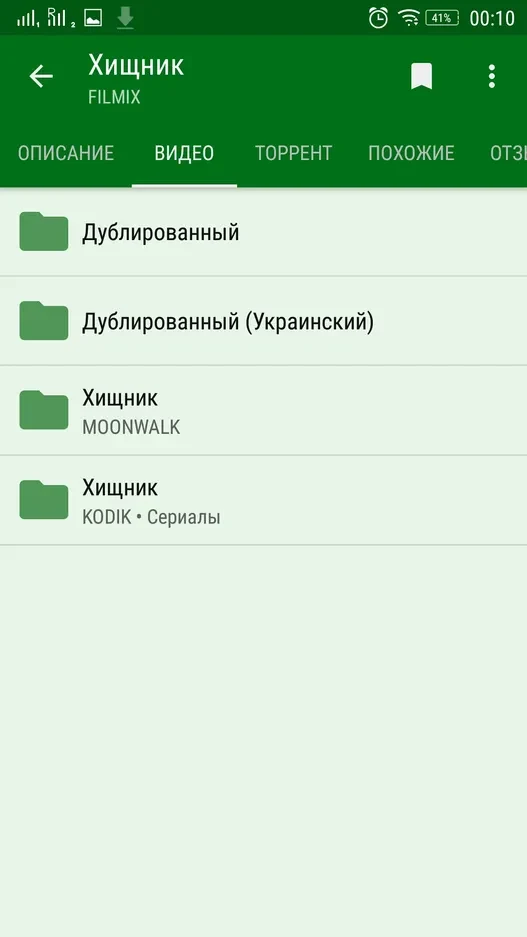
How does the built-in player handle series and playback?
LazyMedia Deluxe integrates with LazyPlayer (Exo), an internal player designed for episodic viewing. It can retain the viewing position when moving between episodes and automatically transition to the next episode. Episode selection is available while the main screen continues to show the episode currently being watched, allowing users to change episodes without losing the active viewing context.
Which playback controls are available?
The player provides controls for subtitles, video quality, aspect ratio, and soundtracks. These options let viewers adjust the presentation of a supported movie or episode according to the choices available for that content. The app also includes playback and subtitle management within its viewing controls rather than limiting users to a single fixed presentation.
Can content be downloaded?
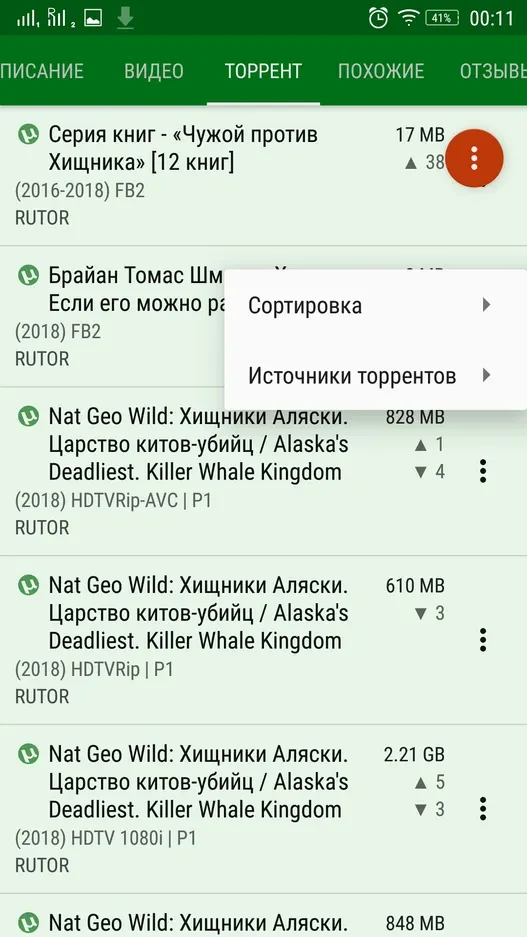
The app supports searching for torrent files by keyword and downloading videos in different resolutions to the device. Torrent playback can involve an external torrent player: after the selected torrent is requested, the external torrent application may determine which player handles it. This means the available player choice can depend on the torrent client settings rather than LazyMedia Deluxe alone.
Does it work with a television?
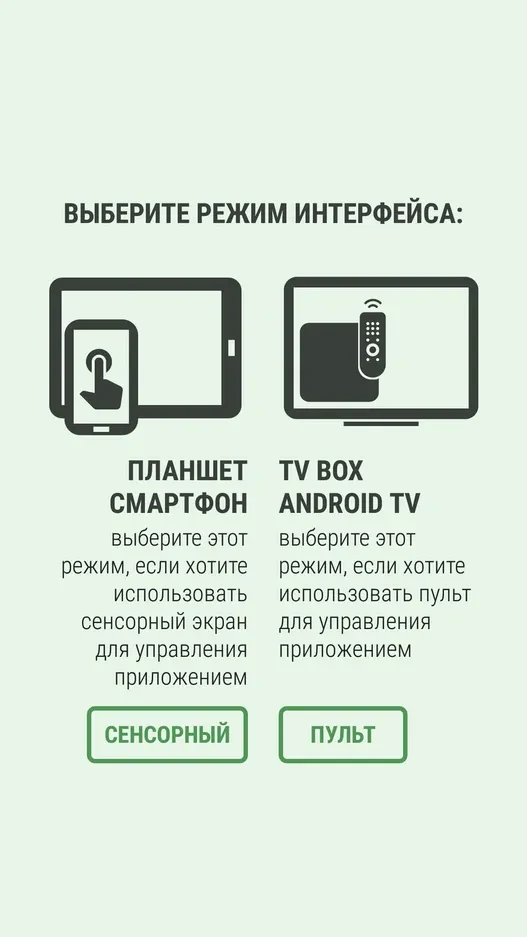
LazyMedia Deluxe supports screen sharing after pairing, allowing the phone display to be projected onto a TV. It also includes a TV-oriented interface alongside mobile and tablet versions in the same APK. The interface remains consistent in its general operation across touch and TV modes while presenting controls suited to the connected device.
Can the interface fit different screens?
A density-control feature allows the app interface to be scaled up or down for different Android screen sizes and resolutions. This is useful for adjusting the amount and size of interface content on supported phones, tablets, and television displays. Users can switch between the available mobile, tablet, and TV presentation modes as appropriate for their device.
What can be synchronized between devices?
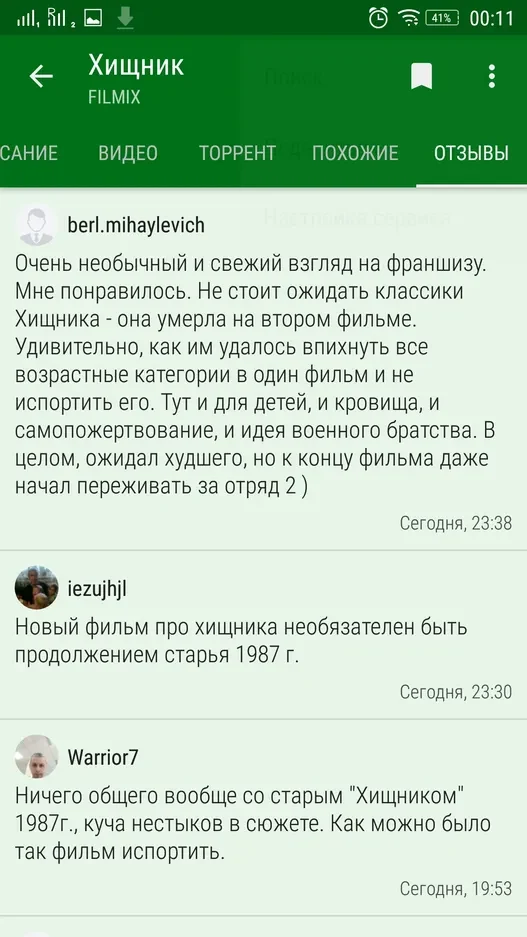
The app is described as synchronizing bookmarks, bookmark revisions, search terms, and content bookmarks across devices. This allows those data items to be updated without manually backing them up or restoring them. The source describes this as cross-device synchronization, while the actual video material remains supplied by third-party resources.
Are proxy and tracker settings available?
LazyMedia Deluxe includes service and tracker configuration areas. Its service settings can use a proxy server when an internet service provider limits access to a source, and tracker settings provide status information for individual trackers. These tools are intended for configuring access and monitoring tracker-related details; they do not change the availability or performance of the external resources themselves.