

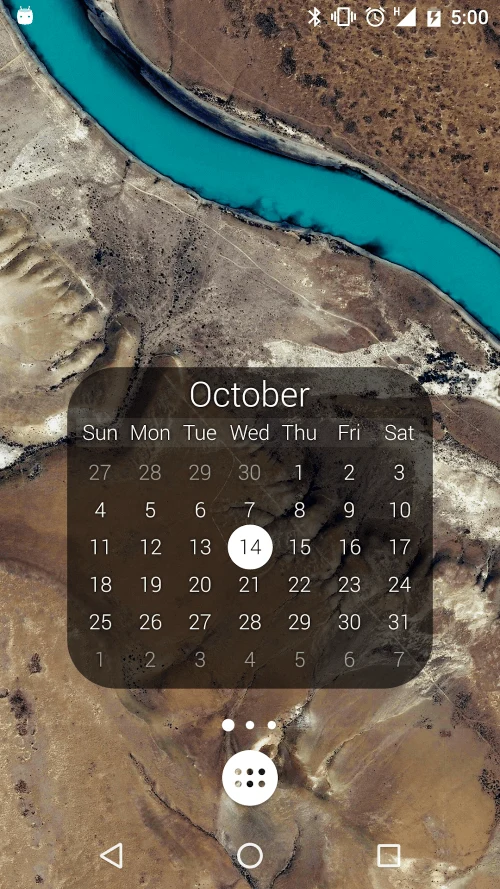
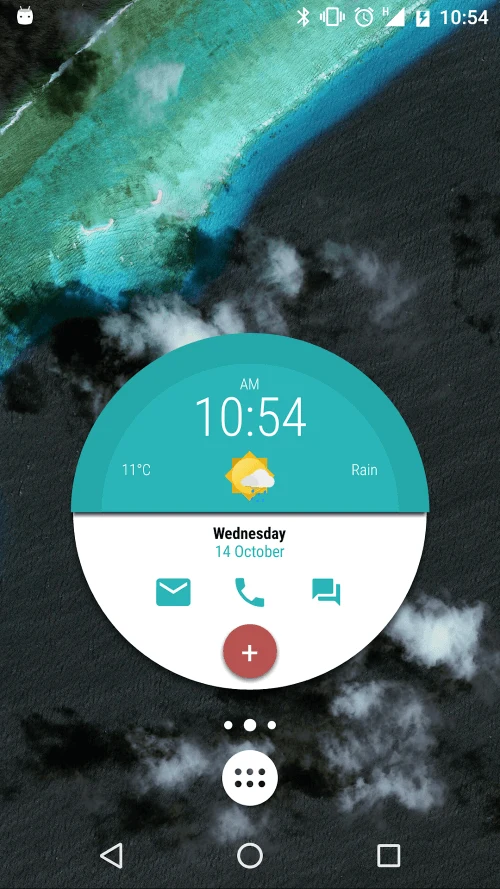
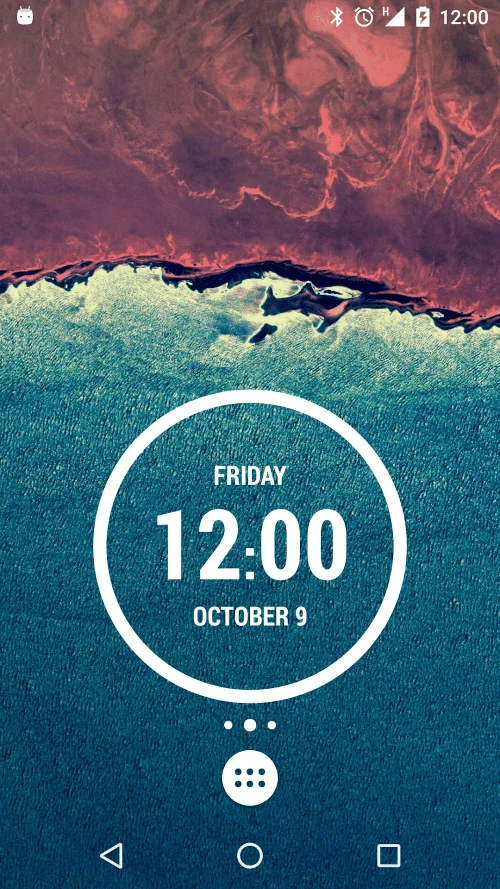
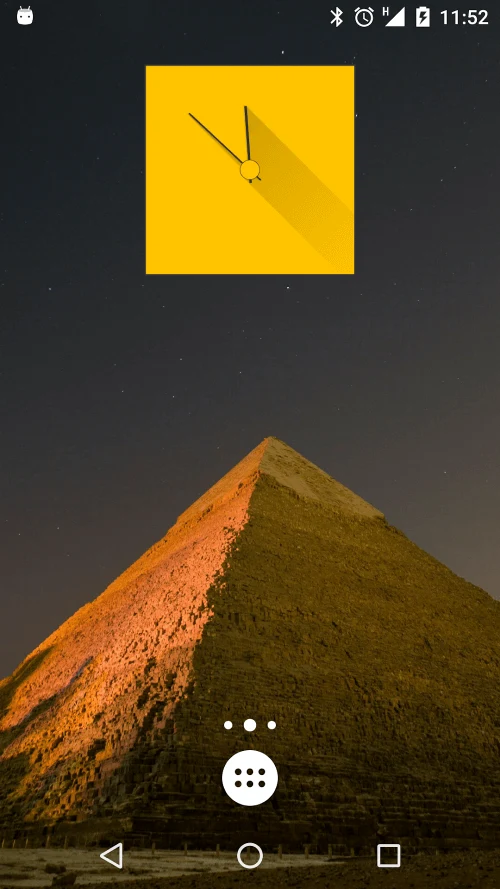
KWGT Kustom Widget Pro Key is a companion to the Kustom Widget app, which is used to create customized widgets for an Android launcher or lock screen. The companion key enables additional options, while widget design and editing take place in Kustom Widget. Its WYSIWYG editor lets users arrange widget elements and display different kinds of information.
Widget design and appearance
Kustom Widget supports creating designs from scratch or choosing from presets and templates. Users can adjust a widget’s appearance to suit a device theme, adding images, text layers, shapes, and backgrounds. Fonts, colours, and shadows can be configured individually, and scaling options include 9-patch image support to help elements fit different screen sizes without distortion.
The available widget designs include digital and analog clocks, world clocks, weather displays, live maps, text, battery and memory meters, dynamic images, music players, and astronomy information. These options allow different types of content to be arranged within customized widgets rather than relying on a single fixed layout.
Data sources and triggers
Widgets can display dynamic content, including weather information through the eWeather HD forecast provider. The source also describes Tasker integration support for setting up triggers based on location or time and date. These options can be used to make a widget’s displayed content or behavior depend on changing information or conditions.
Options enabled by the Pro Key
The key provides extras for the companion widget app: removing ads, importing content from SD storage and external skins, recovering presets, and supporting Buzz Launcher import. These functions concern access to content and saved designs alongside the widget customization tools. The source also describes the key as a way to support the developer.
Preset recovery is intended for retrieving saved widget presets, while external-skin and SD imports provide additional ways to bring designs into the app. Buzz Launcher import support is specifically listed for integrating KWGT widgets with that launcher. These are distinct from creating or styling a widget in the editor.
Working with widgets
A typical design process can begin with a preset or a blank layout, then use text, images, shapes, and backgrounds to assemble the widget. Users can refine its appearance with individual style controls and scaling options, and select supported data such as weather information for display. Tasker integration provides another option when a location- or time-based trigger is needed.
The source distinguishes the Pro Key from Kustom Widget itself: the key supplies the listed companion-app extras, while the widget app contains the editor and design capabilities. The supported widget types and integrations therefore describe the Kustom Widget experience rather than a separate editor built into the key.